Skip to content

The IT ticketing system for small businesses with in-house IT

404desk gathers every IT issue in your company in one place. Employees report issues in the portal, by email or by scanning the QR label on a device. IT sees each ticket with its history and deadline and works through it in the console. If a device is linked, it appears in the ticket.

Launch infoTry free for 14 daysSign-up and sign-in are not open yetno payment details required

One plan from €29 per month. AI is an optional paid add-on. Hosted in Germany. Sign in with Microsoft 365.

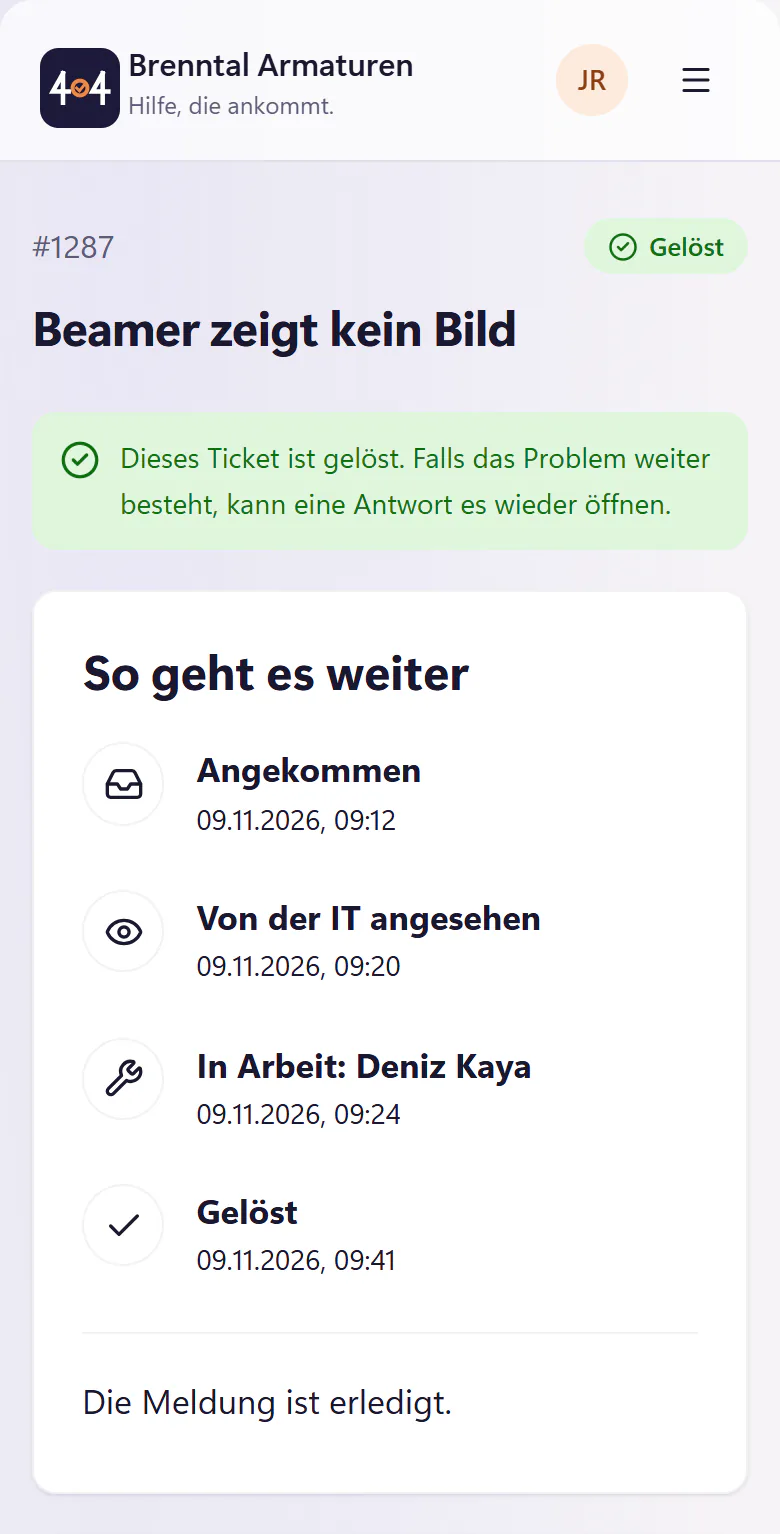
Resolved ticket 1287 in the portal timeline: received, seen by IT, in progress and resolvedResolved ticket 1287 in the portal timeline: received, seen by IT, in progress and resolved
Portal timeline for ticket #1287, with every stage from "Angekommen" (received) to "Gelöst" (resolved).

An IT ticket from the first scan to the final thank you

Monday, 09:10, the Elbe meeting room at Brenntal Armaturen. Visitors arrive at half past nine, and the projector only says "No signal". Here is the whole journey of ticket #1287. Every image shows the real 404desk interface.

Brenntal Armaturen is a fictional company of around 140 people. Jana and Deniz are fictional too.

  1. 09:10

    Scan the label instead of typing the device or room

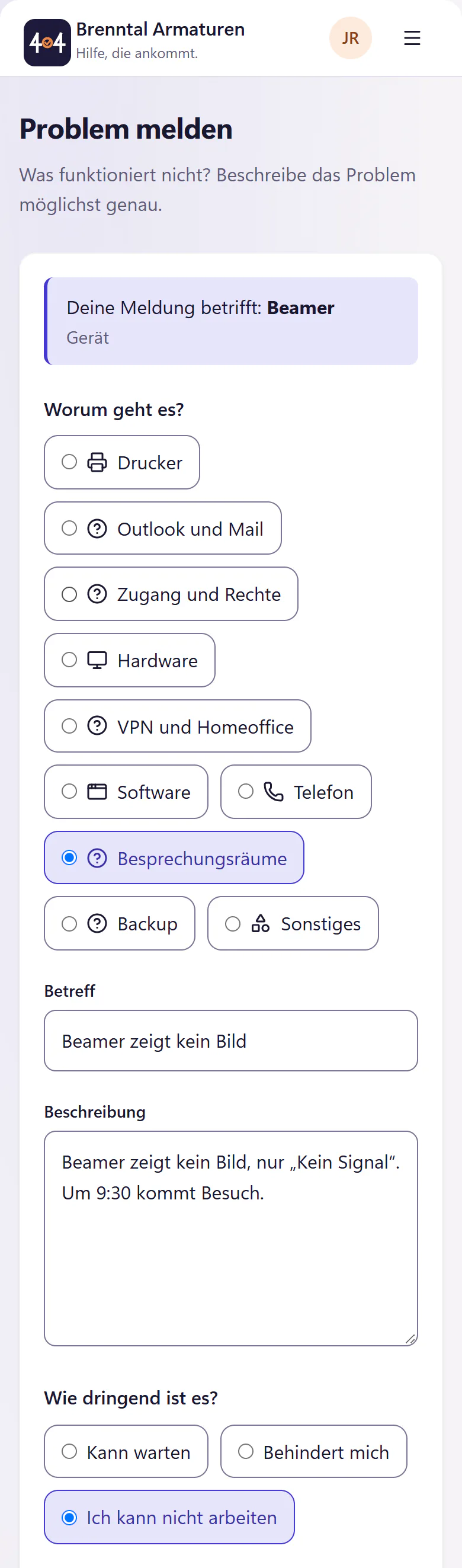
    The projector has a QR label with asset tag BE-0112. Jana scans it with her phone. The portal opens with the projector already selected. She writes a sentence, chooses the urgency and attaches a photo of the screen.

    QR labels for devices and rooms

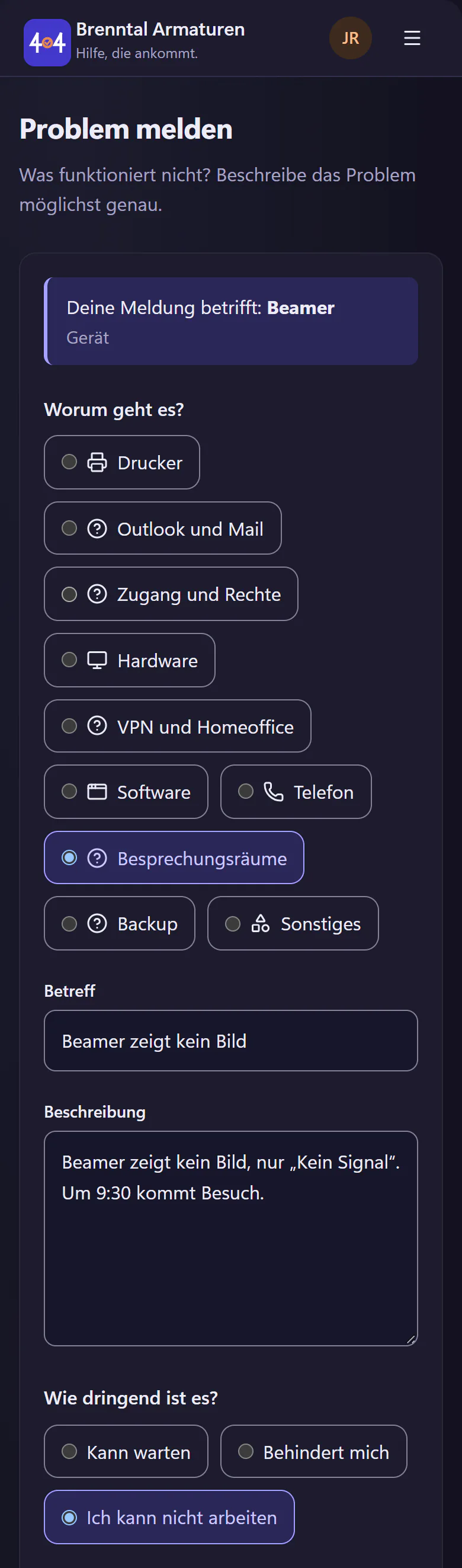
    Portal issue form after scanning, with the projector already filled in as the devicePortal issue form after scanning, with the projector already filled in as the device
    The issue form after scanning. The projector is already selected.
  2. 09:11

    Help before submitting, before there is a ticket

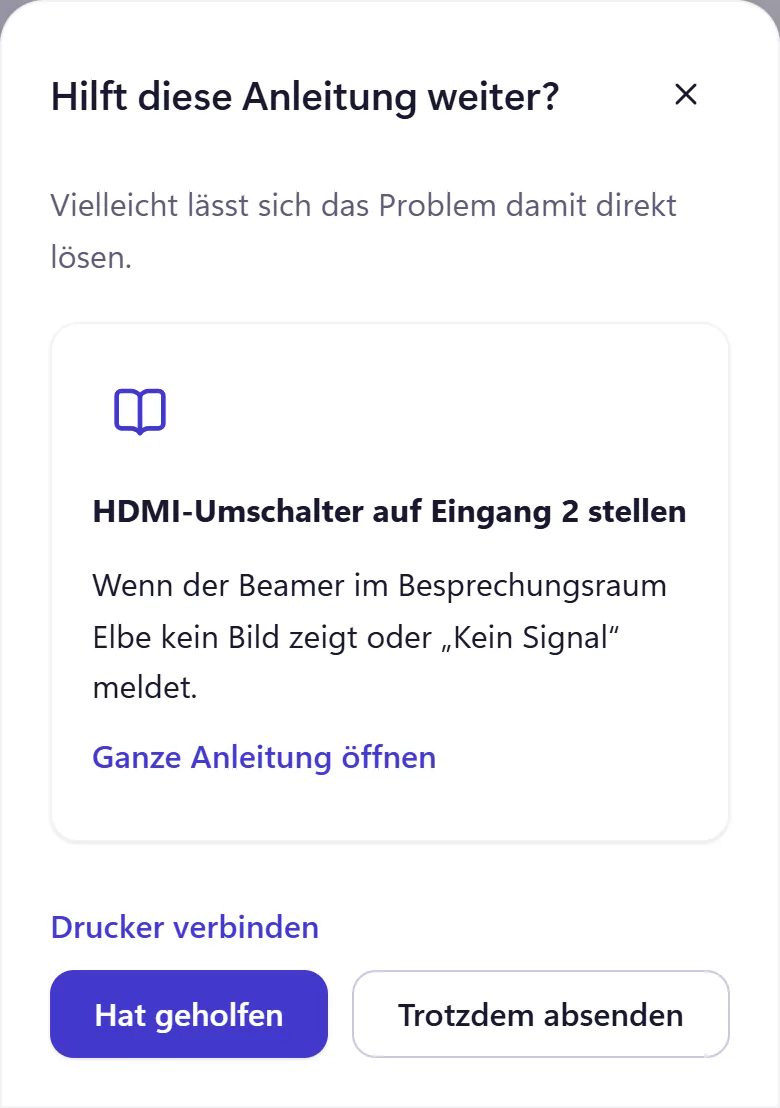
    Before the report is sent, 404desk searches your IT knowledge base for a relevant article. There is one for the Elbe room: set the HDMI switch to input 2. Jana tries it. This time it does not help, so she submits the ticket.

    Without the AI add-on, full-text search finds the suggestion. With AI, the suggestions are right more often.

    Knowledge base for IT

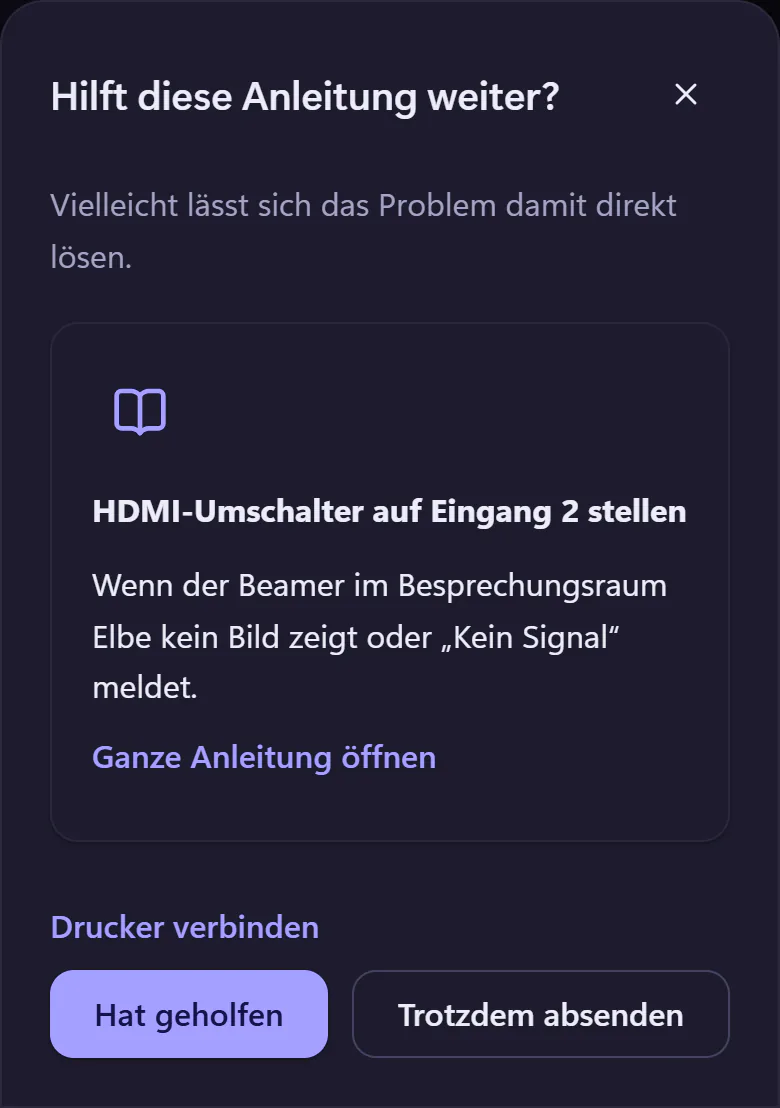
    Knowledge base suggestion before submitting: set the HDMI switch to input 2Knowledge base suggestion before submitting: set the HDMI switch to input 2
    A knowledge base suggestion, just before submitting.
  3. 09:12

    Ticket #1287 is in, with an honest wait estimate

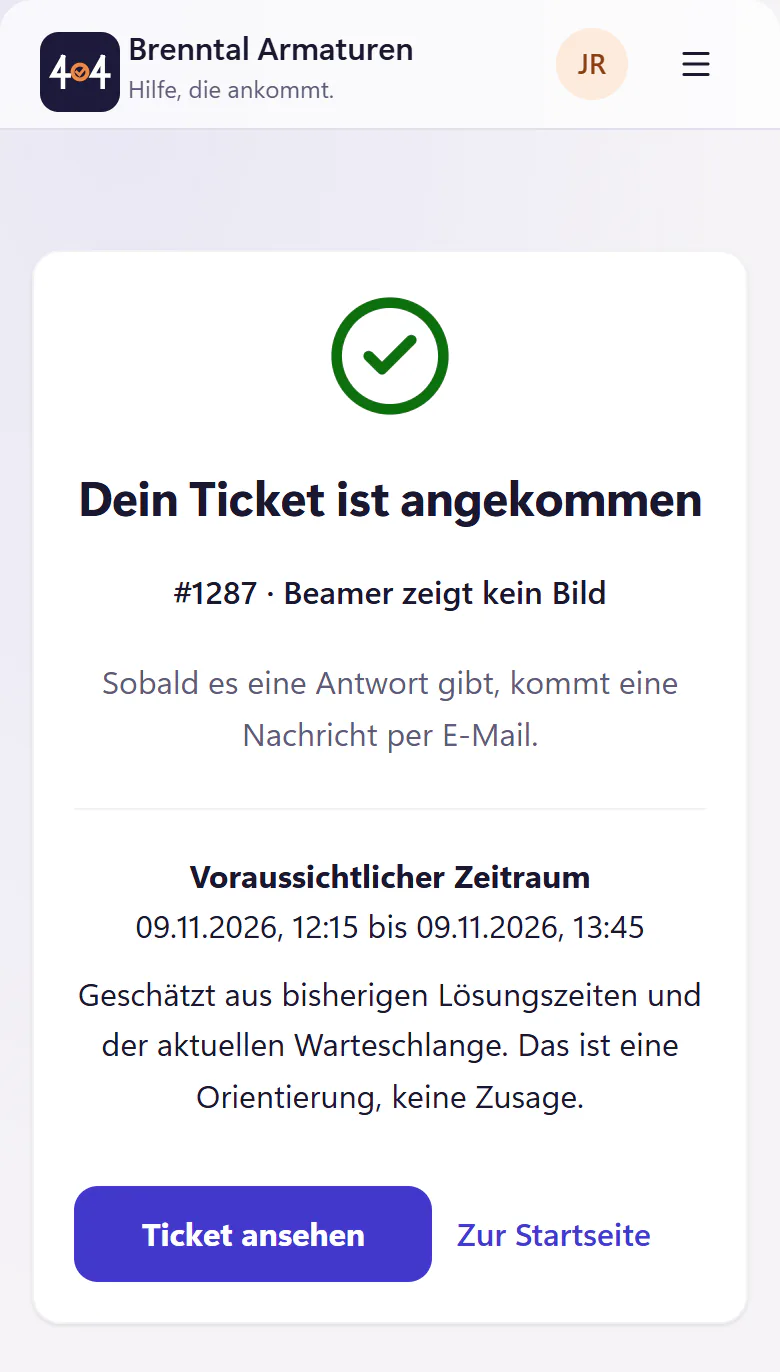
    Jana receives a ticket number. Once there is enough history, she also sees an estimated time window based on past resolution times and the current queue: today between 12:15 and 13:45. An email arrives as soon as there is a reply. Anyone who reports by email gets a personal link that shows the same progress without an account, and they can reply from there.

    The employee portal in detail

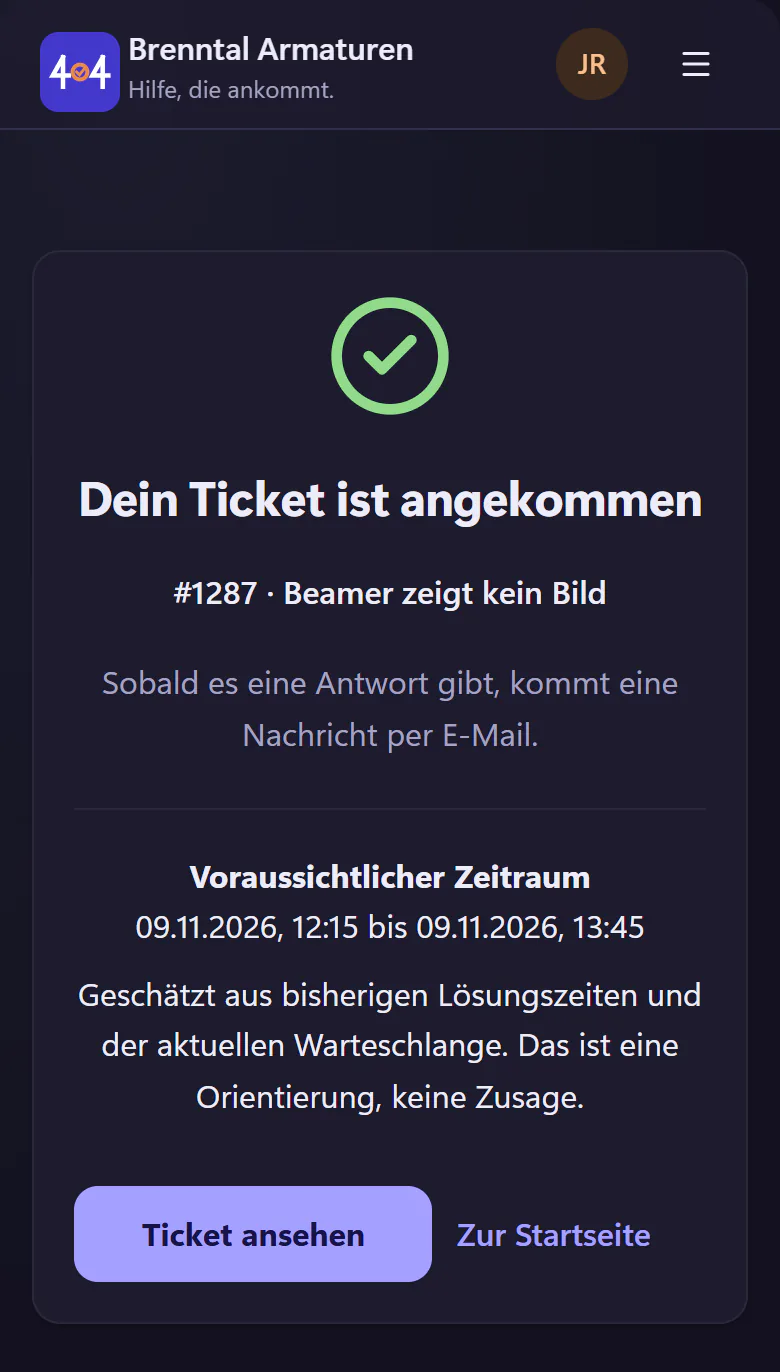
    Employee portal confirmation that ticket 1287 has been received, with an estimated resolution window belowEmployee portal confirmation that ticket 1287 has been received, with an estimated resolution window below
    Confirmation after submitting, with the ticket number and estimated resolution window.
09:20

Deniz sees the subject, status and deadline in one row

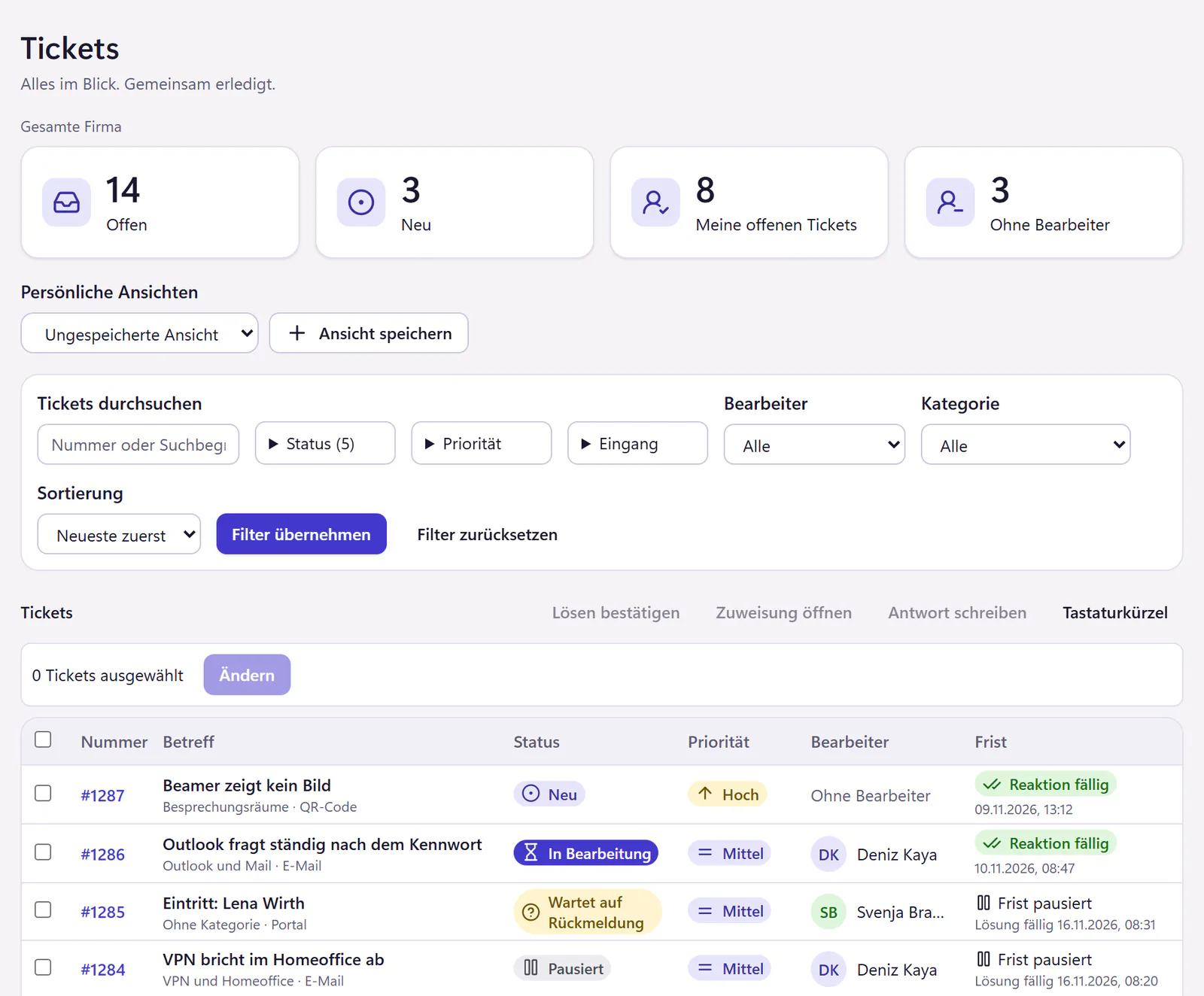
Ticket #1287 is at the top of the console, with its subject, status, priority and deadline, calculated in business hours. Device BE-0112 is shown in the ticket. Deniz moves through the list with j and k, presses a to open the assignment and assigns the ticket to himself, and presses r to reply, without touching the mouse.

brenntal.404desk.de/it/tickets
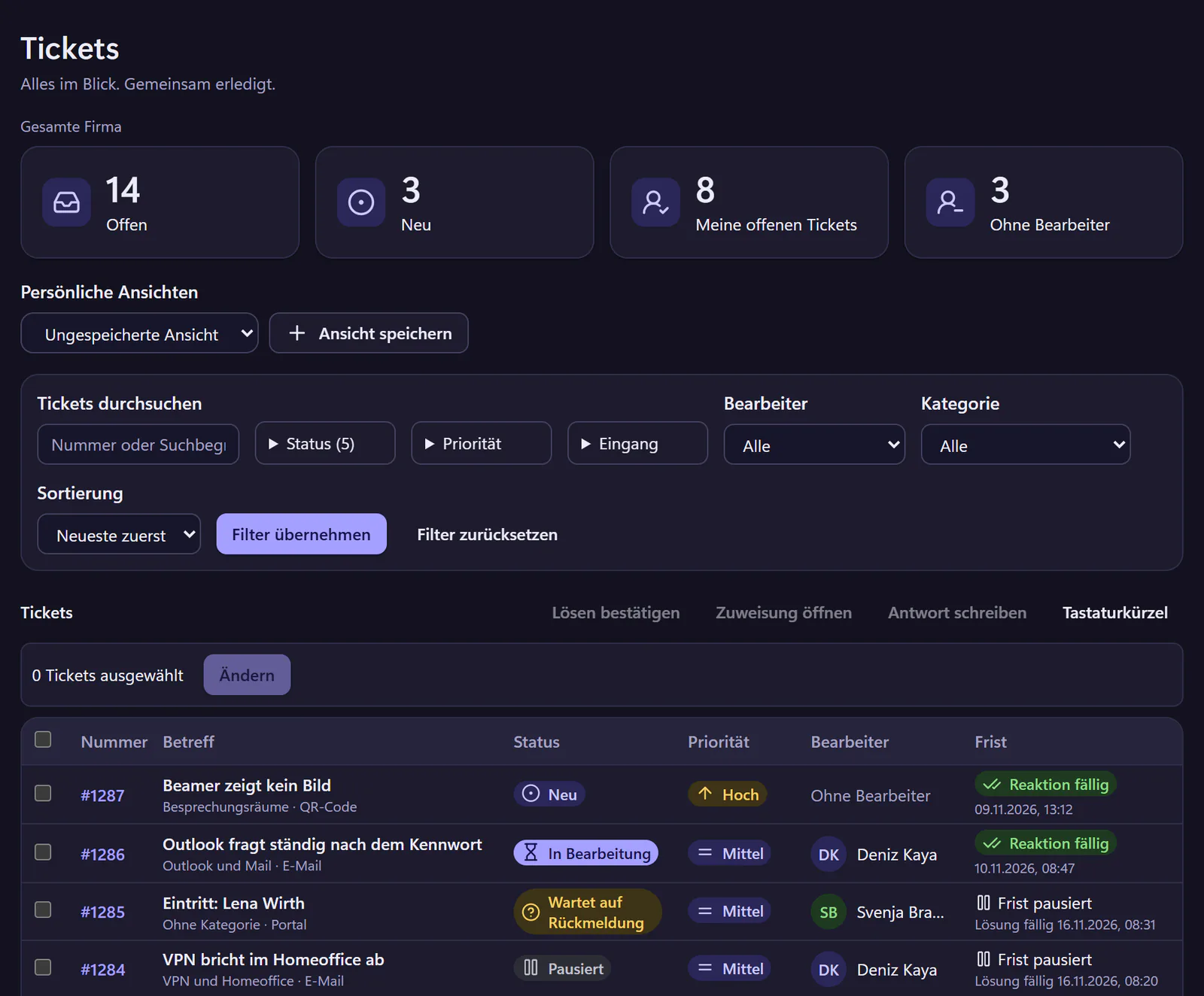
IT console ticket list with metrics, status, priority, assignee and deadline. Ticket 1287 about a projector with no picture is at the top.IT console ticket list with metrics, status, priority, assignee and deadline. Ticket 1287 about a projector with no picture is at the top.
The IT console ticket list, with metrics, filters, status badges and deadlines. All names are fictional.

Explore the IT console · SLA deadlines based on business hours

09:41

Resolved. Jana taps thank you

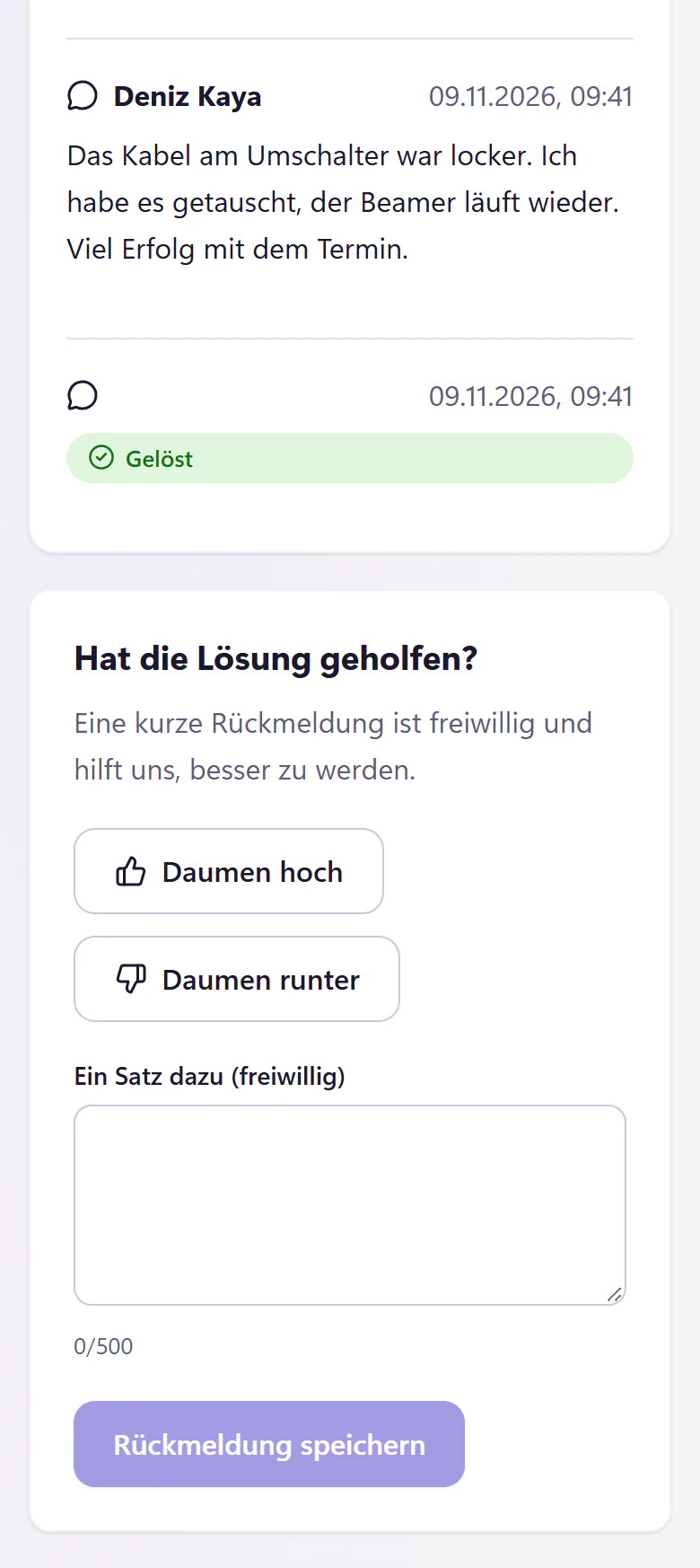
Deniz replaces the HDMI cable at the switch and marks #1287 as resolved. He saves the solution as a draft in the knowledge base and publishes the article. Next time, help before submitting finds two articles.

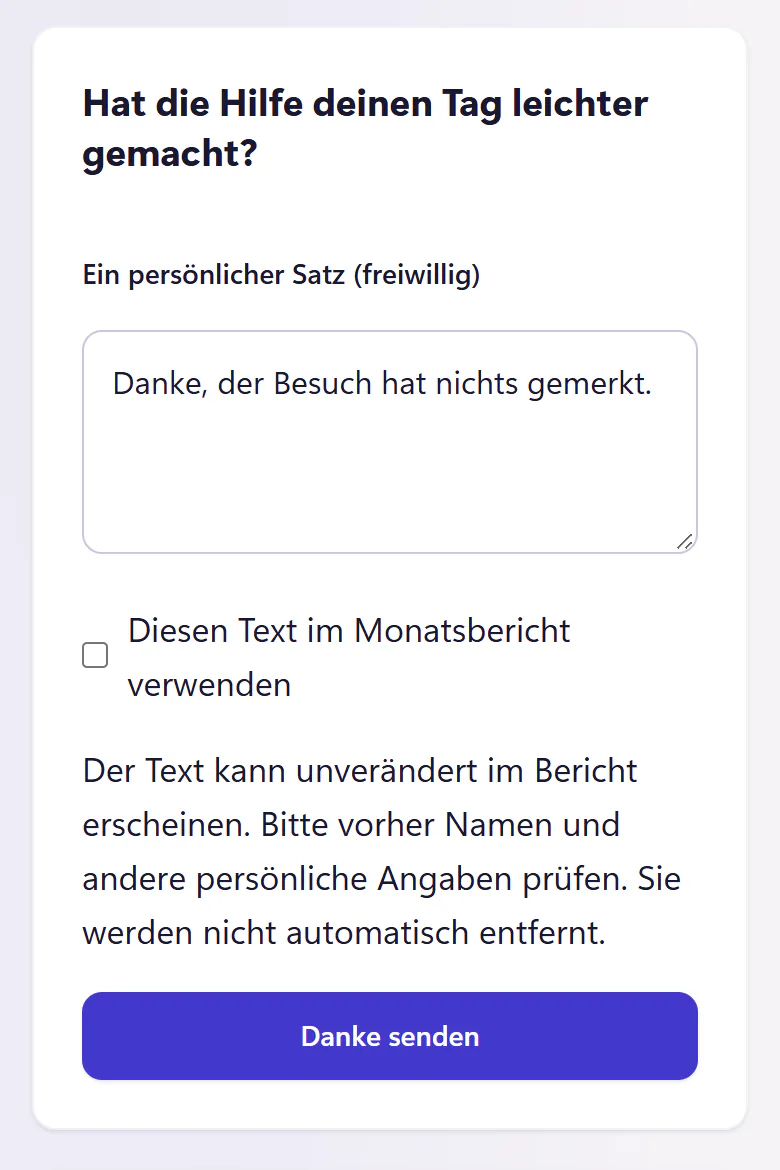
Jana sees the tick in the timeline and taps "Danke" (thank you). The thank-you goes to IT. If Jana approves her message for sharing and IT reviews it, it appears without her name in the monthly IT service report for management.

IT service report for management

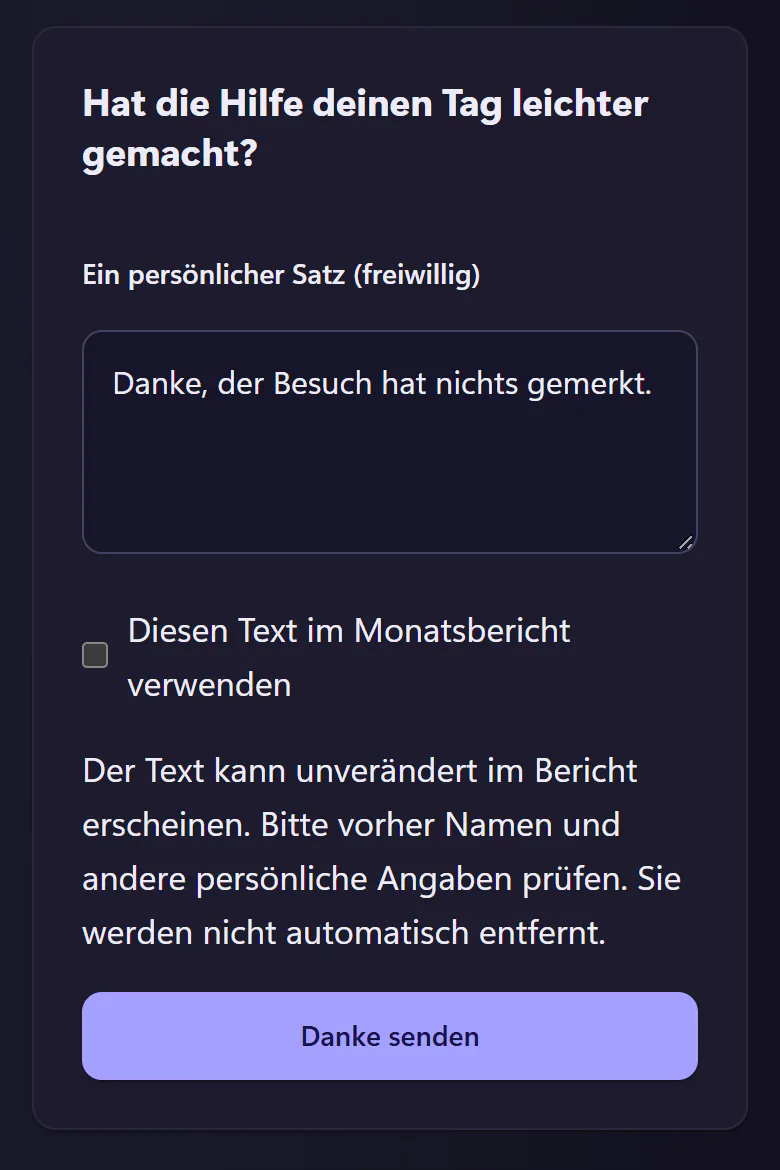
Card "Hat die Hilfe deinen Tag leichter gemacht?" (Did the help make your day easier?) with an optional message and the button "Danke senden" (send thank-you)Card "Hat die Hilfe deinen Tag leichter gemacht?" (Did the help make your day easier?) with an optional message and the button "Danke senden" (send thank-you)
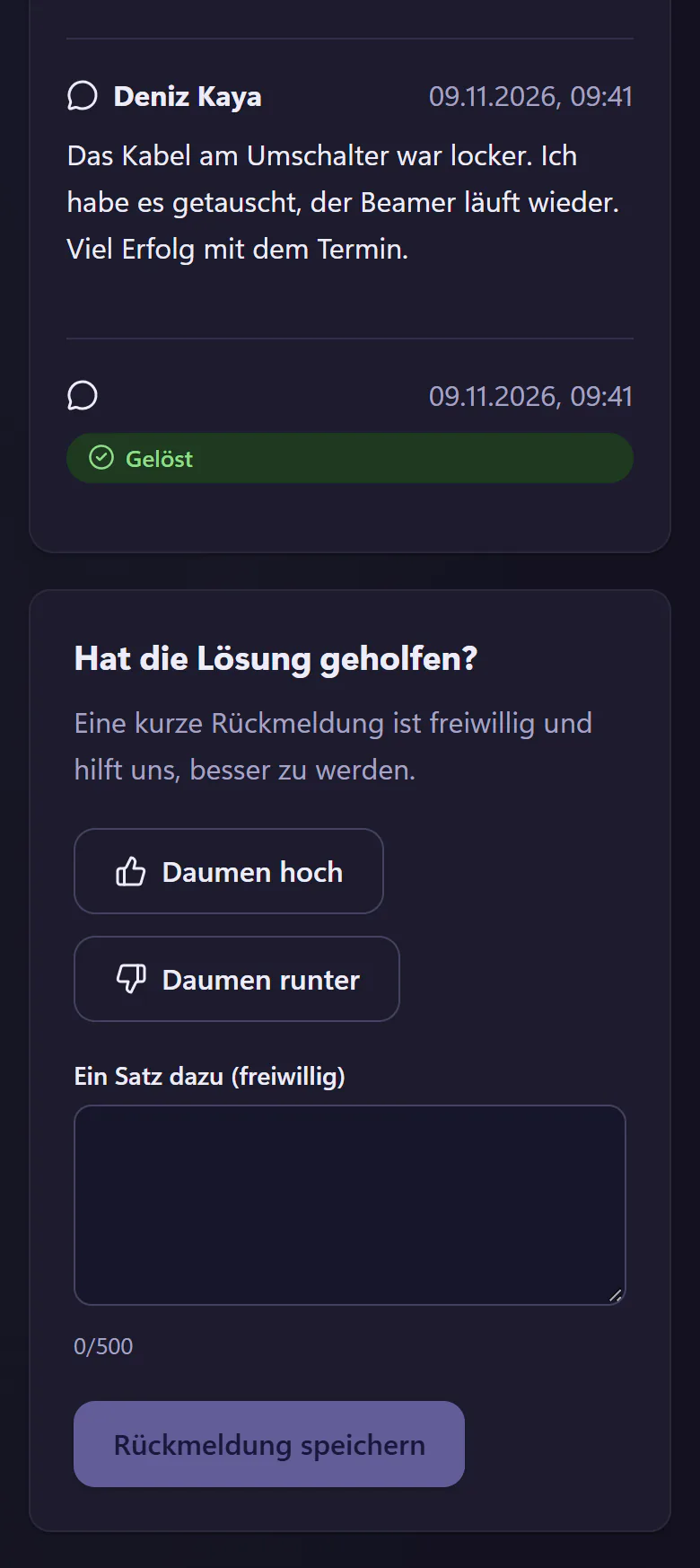
IT reply in the ticket timeline and thumbs-up or thumbs-down feedbackIT reply in the ticket timeline and thumbs-up or thumbs-down feedback
A resolved ticket in the portal, with a thank-you button and a thumbs-up for satisfaction.

One portal for everyone, one console for IT

Most employees visit the portal a few times a year. IT works in the console every day. Each interface is built around that difference.

Employee portal

Large text, plenty of space and few steps. It works as well on a phone as on a desktop and needs no training.

  • "Problem melden": report an issue
  • "Meine Tickets": my tickets
  • "Meine Geräte": my devices
  • "Wissen": knowledge base
  • IT help chat, if you book the AI add-on

Built so that employees can report an issue in under 30 seconds without instructions. You choose whether your company says "du" or "Sie".

IT console

Compact, fast and built for desktop work. Metrics, filters, saved views, search and bulk actions in one list.

IT console keyboard shortcuts
j k next and previous ticket
e resolve
a assign
r reply
? all shortcuts

Seven statuses keep deadlines honest:

NewIn progressWaitingPaused, the deadline stands stillScheduledResolvedClosed

Six features from everyday admin work

Each solves a familiar problem in internal IT. All are included in the core plan.

Record the screen in the browser

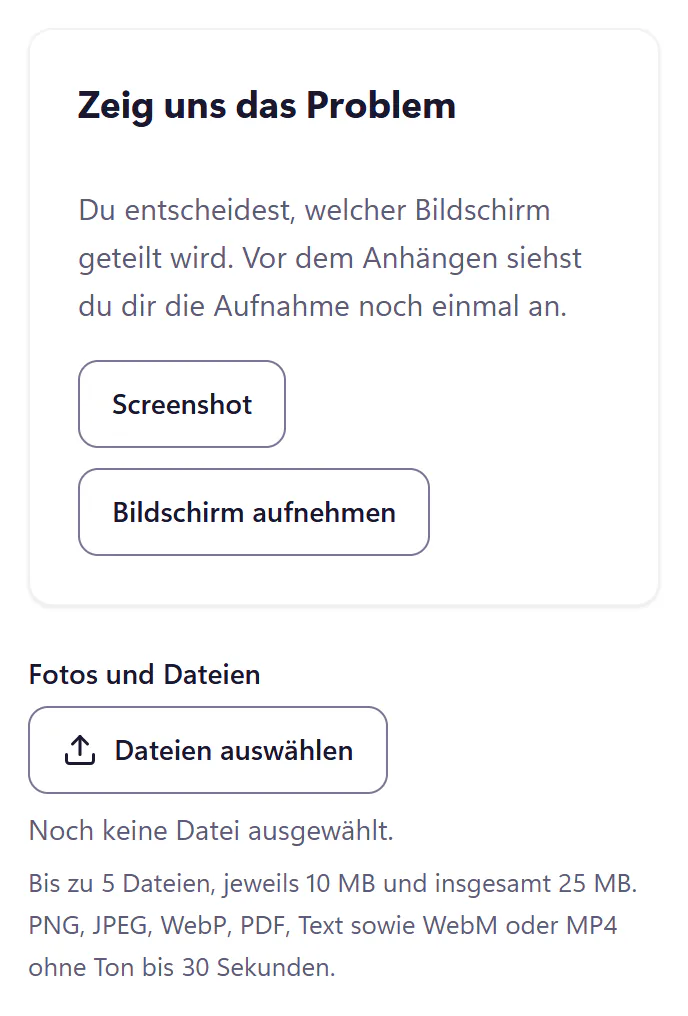
"Screenshot" sends a single image to IT, "Bildschirm aufnehmen" (record screen) a short video of up to 30 seconds. Nobody needs to install anything. If they want, a tick box also sends their browser, operating system, image size and recording time.
Send a screenshot to IT

Portal issue form: screenshot or screen recording straight from the browser, plus photos and filesPortal issue form: screenshot or screen recording straight from the browser, plus photos and files
The portal issue form with "Screenshot" and "Bildschirm aufnehmen" (record screen).

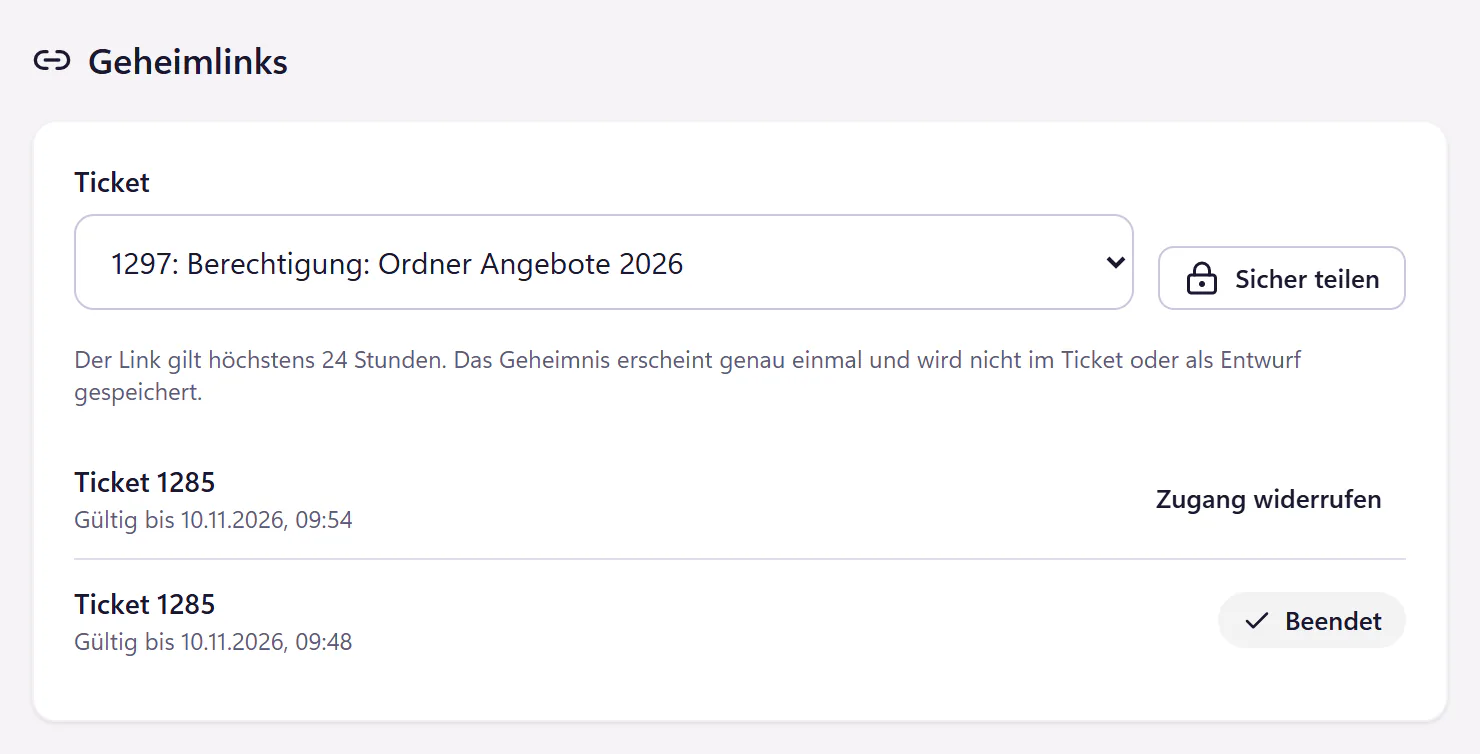
One-time links for passwords

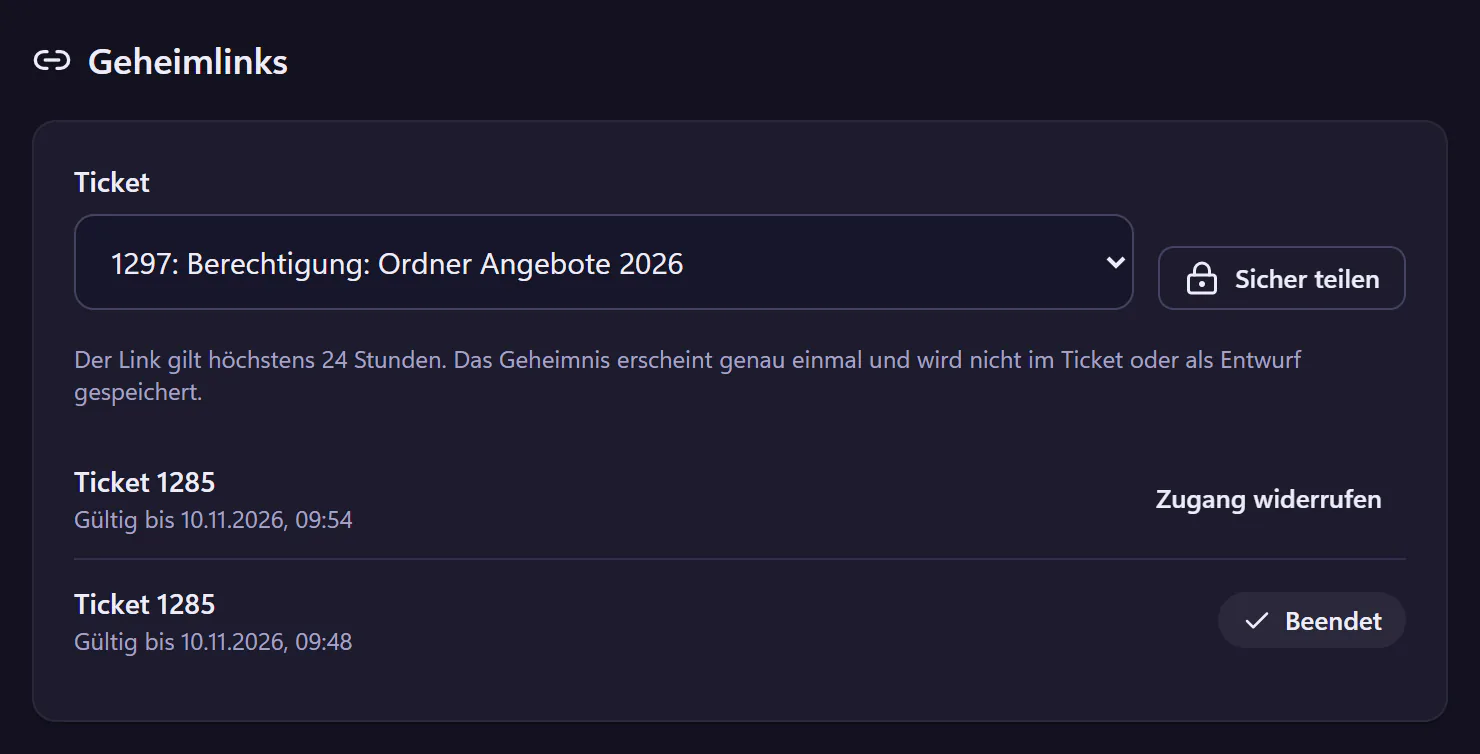
Share an initial password or Wi-Fi key as a link that works exactly once and is valid for 24 hours at most. The password never appears in the ticket history or in plain text in an email. In the product, this is called "Sicher teilen" (Share securely).

One-time password links

brenntal.404desk.de/it/freigaben
One-time links in the console: one still valid, one endedOne-time links in the console: one still valid, one ended
One-time links in the console. One is still valid, one has already ended.

The incident Radar groups similar tickets

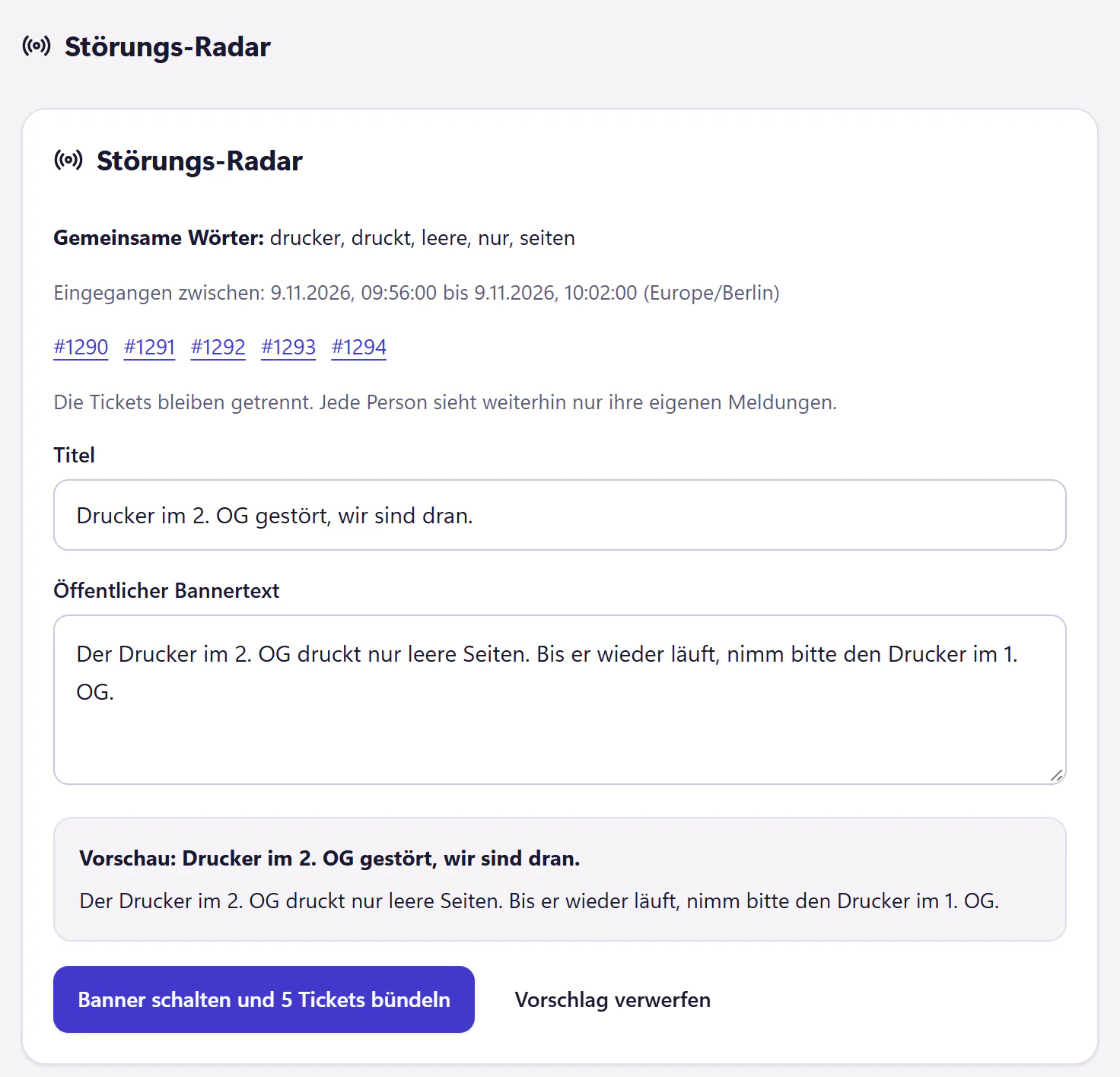
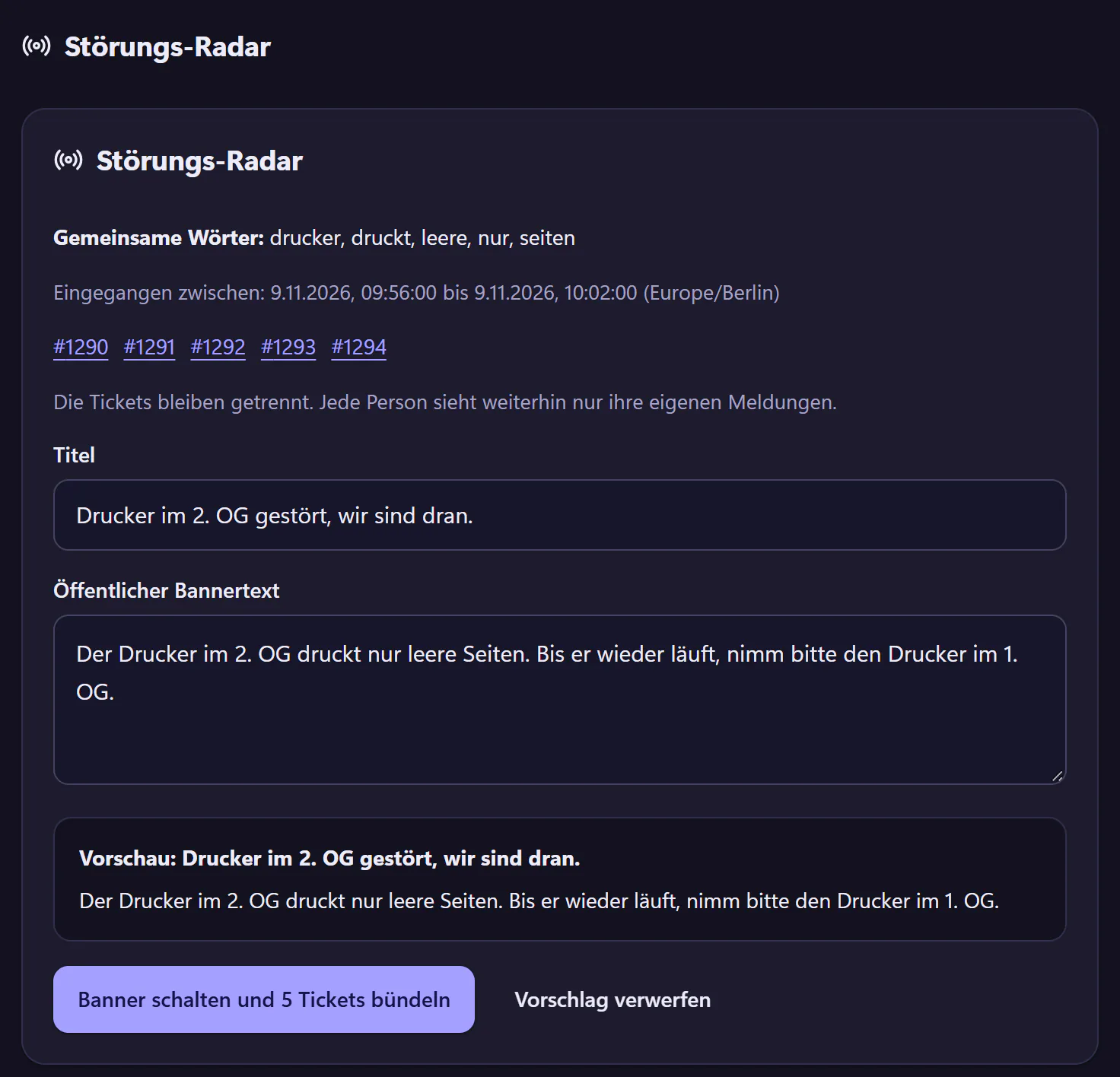
When several similar tickets arrive in a short time, 404desk suggests publishing an incident banner and grouping the tickets. You write the banner text and publish it, and everyone in the portal sees, for example, "Printer on the second floor is down, we are on it". Affected employees join the banner instead of reporting again.

Incident banners and maintenance notices

brenntal.404desk.de/it/lage
The Radar suggests grouping five similar printer tickets and publishing a bannerThe Radar suggests grouping five similar printer tickets and publishing a banner
A Radar suggestion in the console: five similar tickets, banner text and a preview.

A wallboard for the screen in the IT office

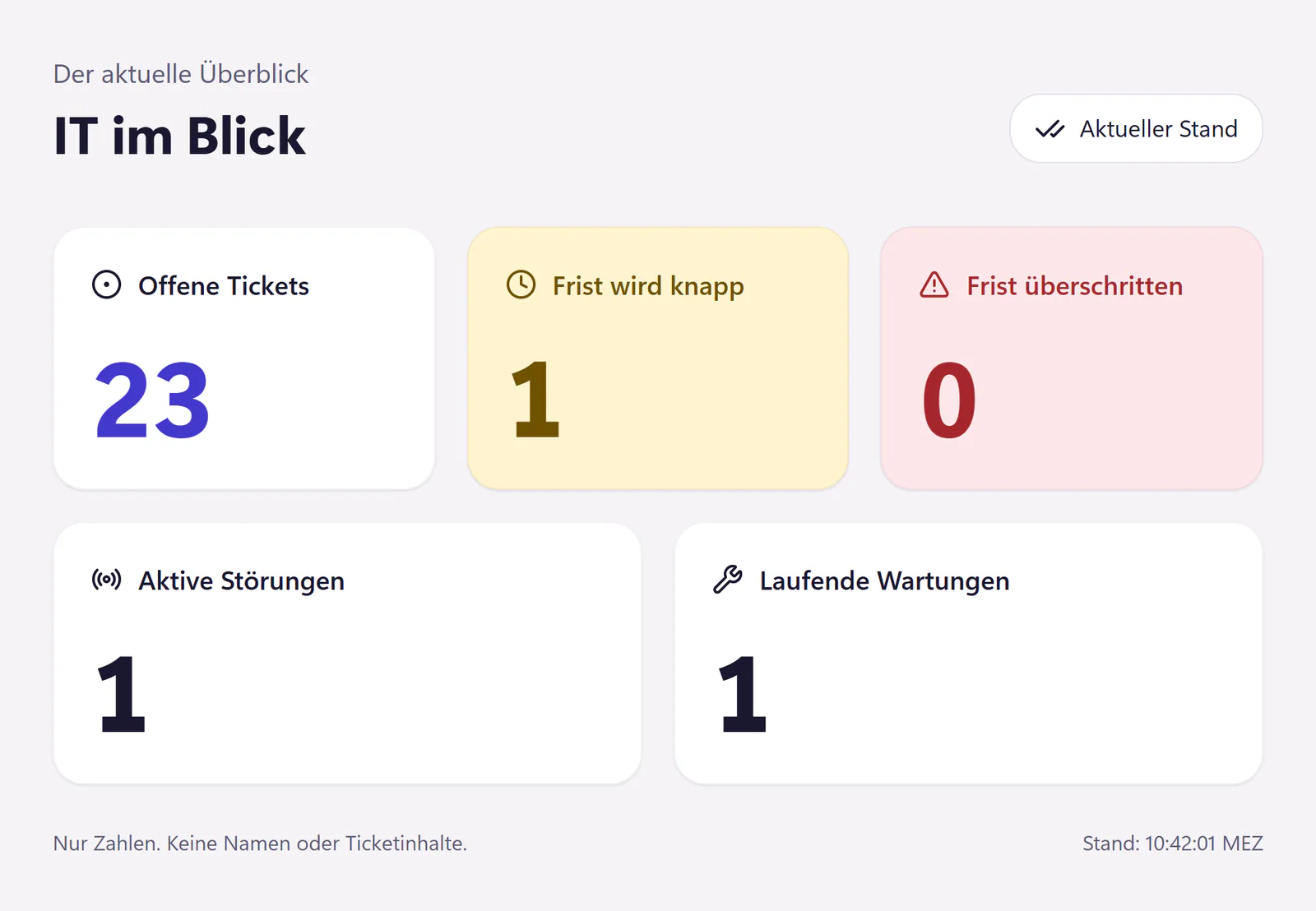
Open tickets, approaching deadlines, active incidents and ongoing maintenance as numbers on a screen on the wall. It runs from a secret wallboard link without sign-in, which is valid for 90 days and can be revoked at any time. A simple data endpoint is available for an LED display.

A help desk dashboard for your screen

IT wallboard with counts of open tickets, approaching and overdue deadlines, active incidents and ongoing maintenanceIT wallboard with counts of open tickets, approaching and overdue deadlines, active incidents and ongoing maintenance
The wallboard shows numbers only.

An MCP server for AI assistants

AI assistants can read and create tickets through the MCP server. It is part of the integration interface, alongside the REST API and webhooks, and is included in the core plan.

Ticketing API and MCP server

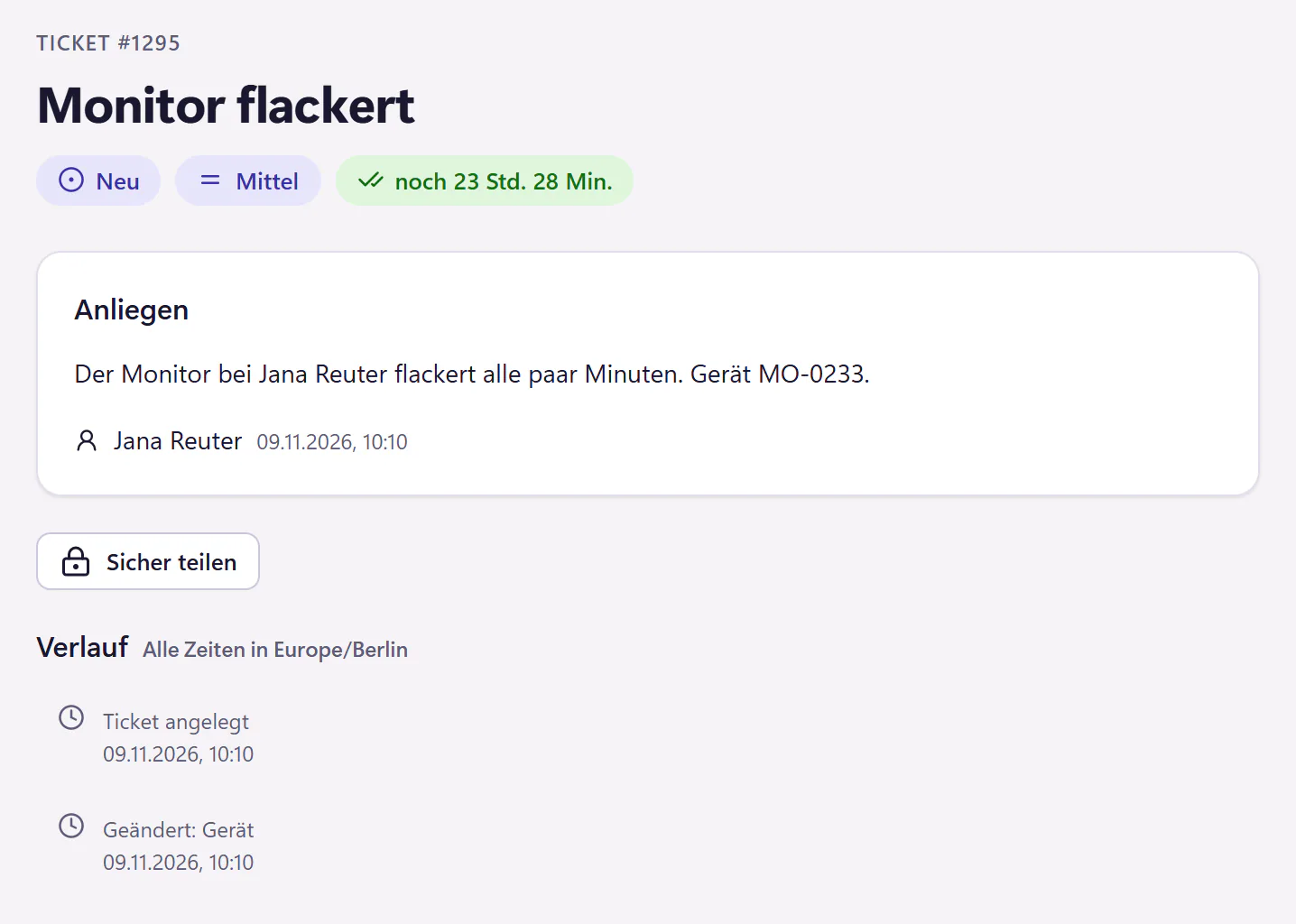
brenntal.404desk.de/it/tickets/1295
A ticket about a flickering monitor in the console, created through the APIA ticket about a flickering monitor in the console, created through the API
Ticket #1295 in the console, created through the API.

Backup and monitoring alert emails become tickets

A rule reads emails from backup and monitoring tools. A "backup failed" email opens a ticket, and the next matching "succeeded" email closes it again, as long as it is still New or In progress. You only see what is still open.

Email and Outlook ticketing

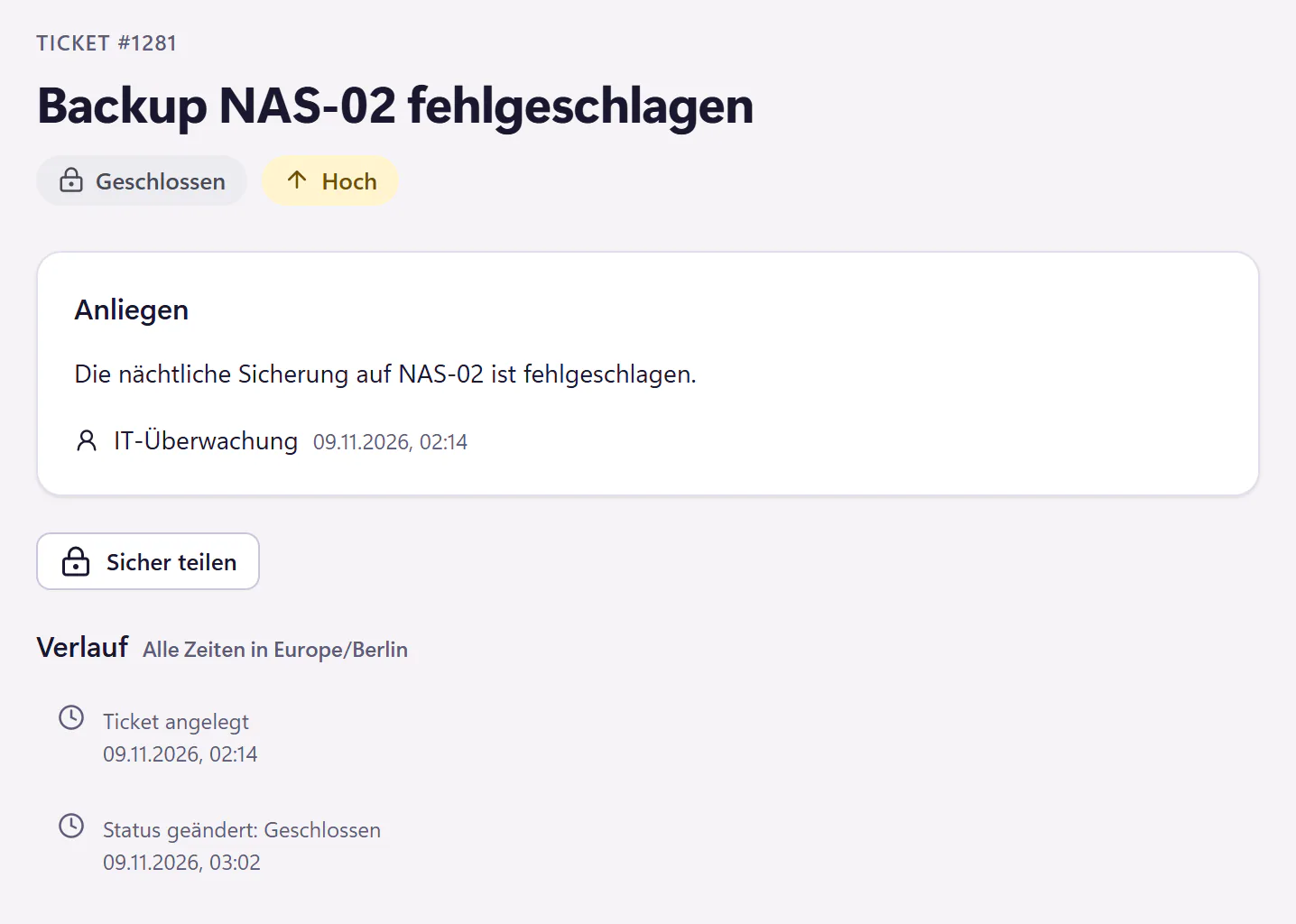
brenntal.404desk.de/it/tickets/1281
Alert ticket "Backup NAS-02 failed", opened by a rule at 02:14 and closed again at 03:02Alert ticket "Backup NAS-02 failed", opened by a rule at 02:14 and closed again at 03:02
An alert ticket in the console, opened at 02:14 and closed at 03:02.

All 404desk features

Microsoft 365, pricing and security

Microsoft 365

Everyone signs in with their Microsoft account. The user sync pulls employees and their account status from Entra ID. 404desk applies a block in Microsoft 365 at the next sync, which runs every 15 minutes. Emails to your IT mailbox become tickets as soon as you forward it to your inbound address at 404desk.

Sending and receiving directly through a mailbox in your own Microsoft 365, such as it@brenntal.example, is in development. Coming soon

Ticketing for Microsoft 365

Pricing

The core plan includes every feature except AI. The tier rate applies to all accounts, with a minimum of €29 per month. You can add AI as a paid extra when you need it.

All prices per month, as of 11 November 2026
Accountsper account
1 to 50€2.00
51 to 200€1.50
201 or more€1.00
Minimum price€29.00
Monthly examples without AI
AccountsMonth
30€60
100€150
400€400

No VAT is charged under the small business scheme (§ 19 UStG).

Pricing and calculator

Security

  • Hosted in Germany by Hetzner
  • Two-factor authentication for IT and admins, which can be enforced for admins
  • Our support cannot read ticket contents unless you grant temporary access
  • Audit log, ZIP export, deletion in the product and a downloadable data processing agreement

Ticketing security in detail

What 404desk is not built for

We would rather say it here than after the trial. If one of these is a must-have for you, another system will suit you better.

Compare ticketing systems

  • Customer service for your end customers. No WhatsApp, social media or telephony.
  • Full ITIL service management. No change management, problem management or CMDB.
  • Remote management or monitoring. Alert emails from your monitoring tools can still become tickets.
  • Self-hosting. 404desk is available as a hosted service only.
  • IT providers serving many client companies. An external partner can cover for your IT team through guest access.
  • An English interface. For now, 404desk is only available in German.

Questions about 404desk

How much does 404desk cost per month?

The price per account per month: up to 50 accounts: €2.00, 51 to 200 accounts: €1.50, 201 accounts or more: €1.00, with a minimum of €29. Billing is based on the peak number of accounts activated at the same time before the next invoice is prepared, IT staff and admins included. Every feature except AI is included. The AI add-on costs an extra €0.50 per account.

Do we need Microsoft 365?

Microsoft 365 is the main way to sign in and sync users. Without it, everyone signs in with an email sign-in link, optionally with a password. Email ticketing works through an inbound address: forward your IT mailbox to it. Google accounts are not supported.

Where is our data hosted?

On servers in Germany, run by Hetzner. All service providers are listed on the Security page.

Can your support team read our tickets?

No, unless you explicitly grant temporary support access. That access is read-only, and the grant is recorded in your company’s audit log. More on the Security page.

How long does setup take?

Setup guides you step by step, with template packs for categories, snippets, requests and automations. You can skip any step. How long it takes depends on how much you set up straight away.

What happens after the 14-day trial?

You can subscribe by card or SEPA direct debit, or simply let it end. Without a subscription, 404desk stays readable for 30 days. We message you before anything is deleted.

All questions and answers

404desk is launching soon. At launch, you can try it free for 14 days.The next “Got a minute?” could already be a ticket.

Launch infoTry free for 14 daysSign-up and sign-in are not open yetno payment details, no sales call