

An employee IT self-service portal
In the 404desk portal, employees report IT issues, follow their tickets and find help articles from your own IT team, in a browser on a computer or phone, without installing anything. It is built for people who open it a few times a year. The aim is to let someone report an issue in under 30 seconds without instructions.
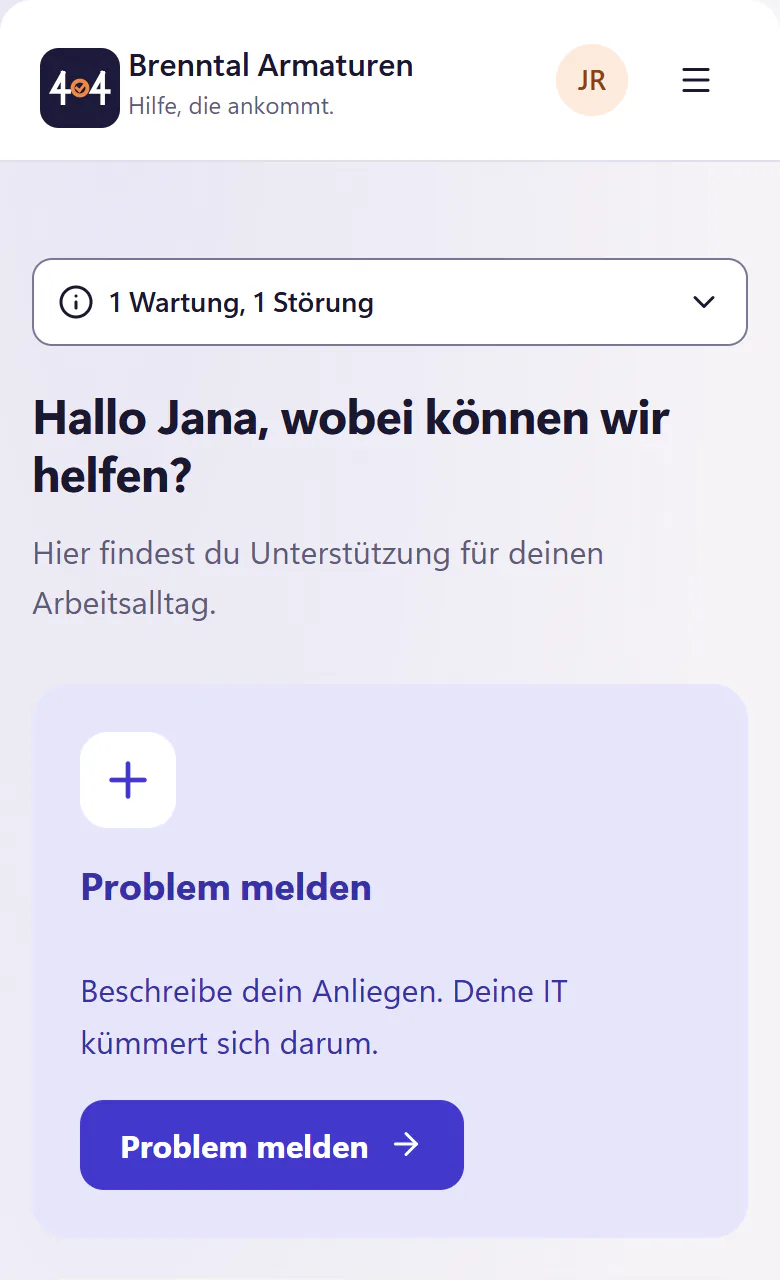
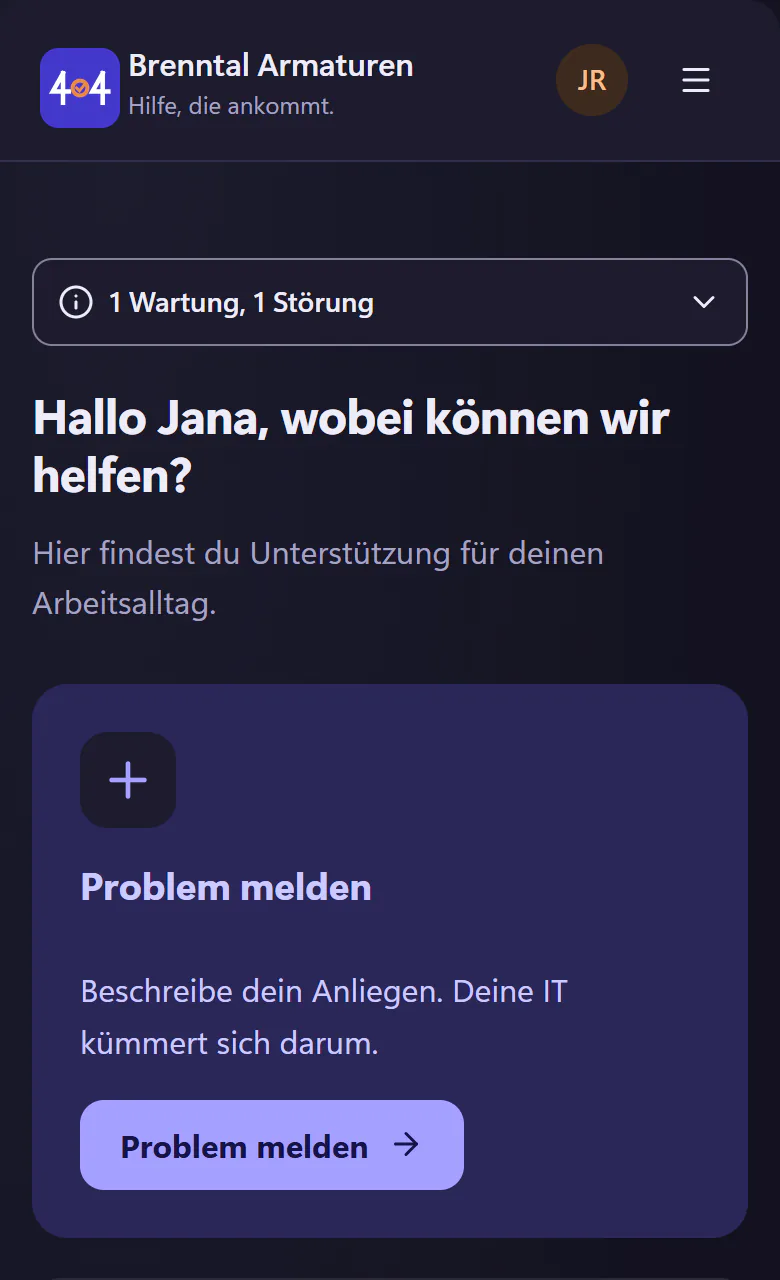
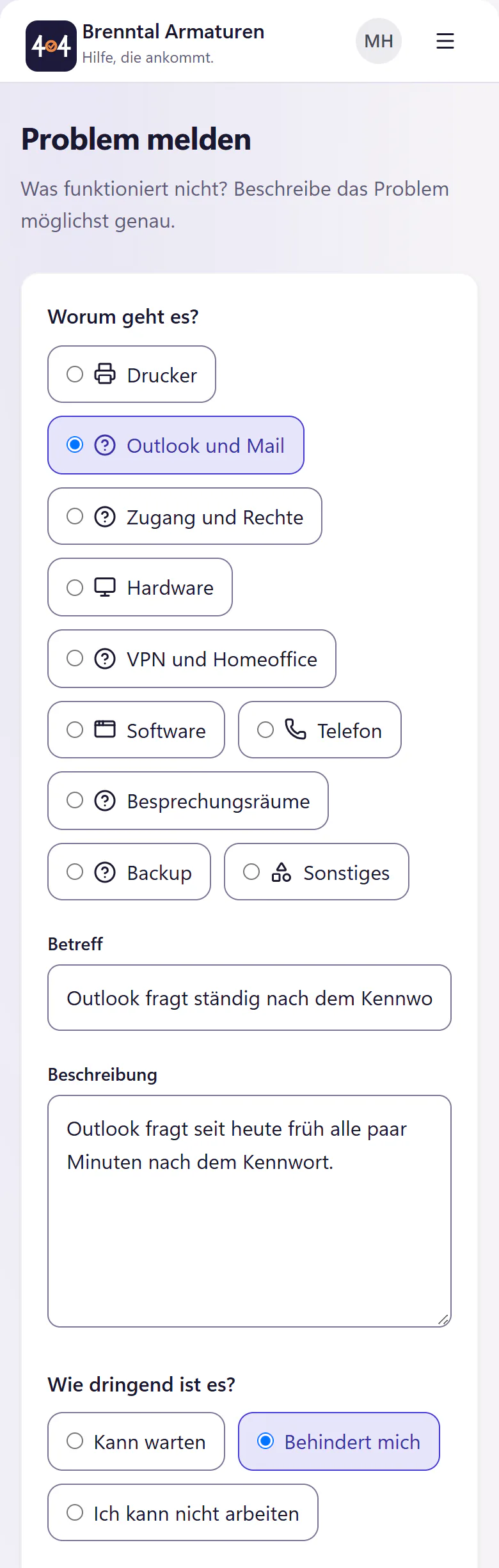
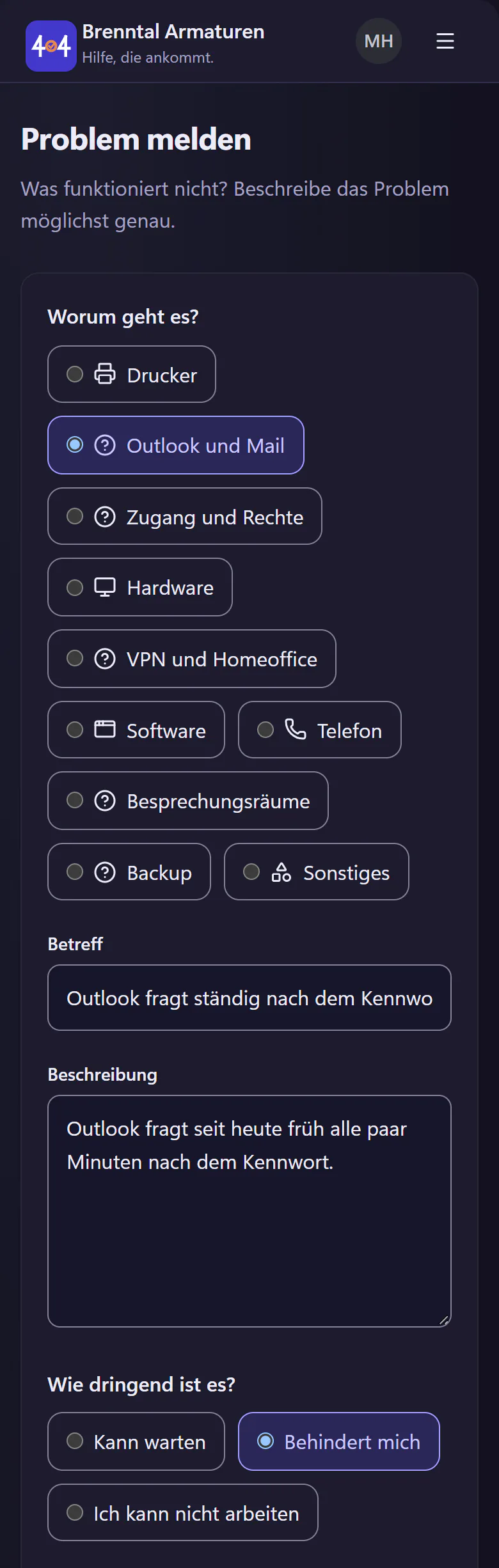
How someone reports an IT issue in the portal
Open the portal
Through a bookmark, the link in the signature of IT emails or a QR label on the device. Sign in with a Microsoft account or with a sign-in link by email. The portal lives at your own address, such as brenntal.404desk.de.
Describe the issue
Tap a category, write a sentence and choose the urgency. Pick the device from "Meine Geräte" (my devices) and attach photos or files. To show what is happening, record the screen directly in the browser with "Bildschirm aufnehmen" (record screen).
Read the help before submitting
Before the ticket goes out, the portal shows matching guides from your IT’s knowledge base. If one helps, no ticket is created at all. Without the AI add-on, full-text search finds them; with it, the suggestions hit the mark more often.
Follow progress and reply
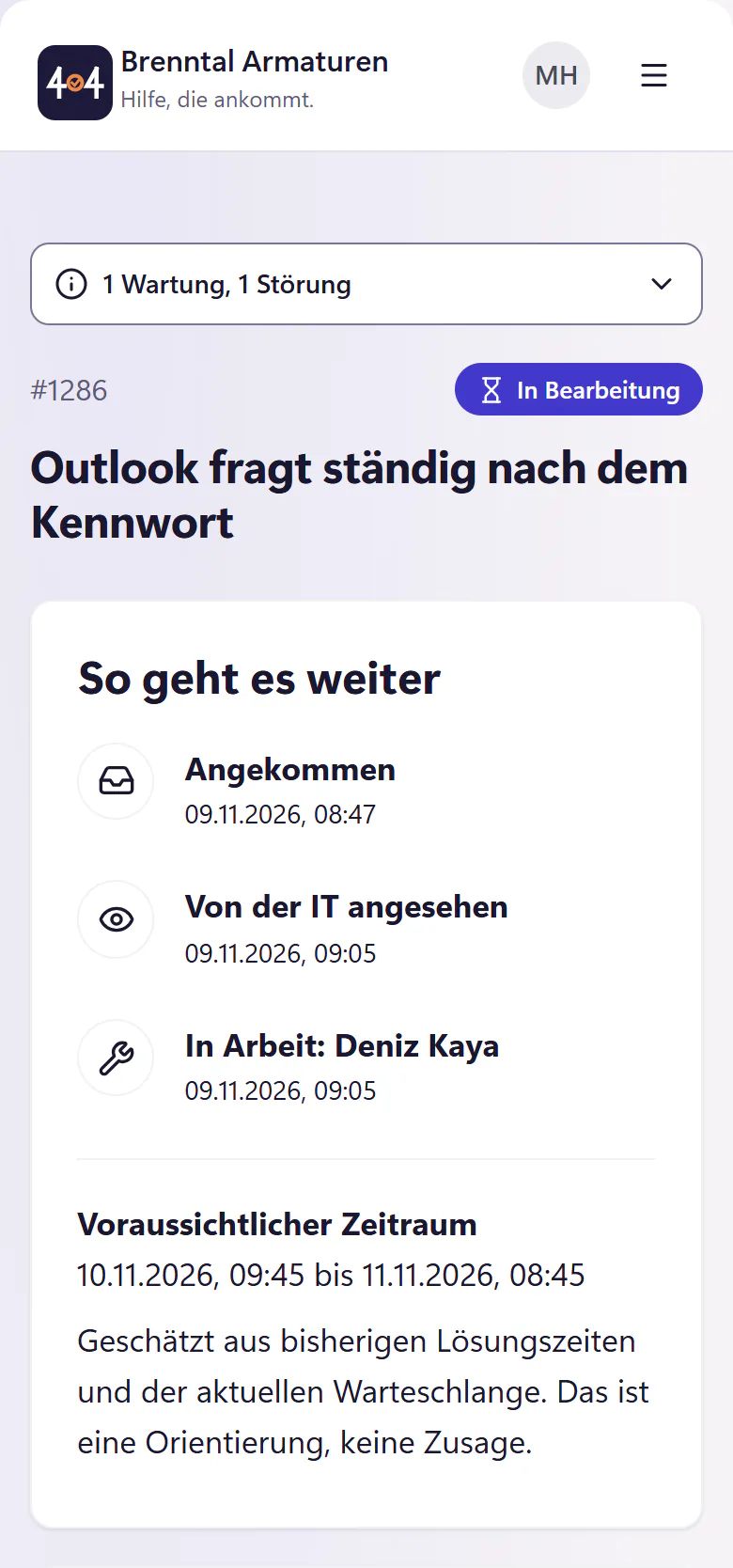
The timeline shows received, seen by IT, in progress and resolved. Once there is enough past data, an expected time frame is added as a guide. The person answers questions from IT in the ticket or by email.
Say thank you
After resolution there is a "Danke" (thank you) button and a thumbs up or down, optionally with a sentence. Approved thank-you messages go into the monthly IT service report after IT has reviewed them.
What the portal can do
Everything here is in the core plan except the IT help chat, which needs the AI add-on.
- Home
- A greeting, "Hallo Jana, wobei können wir helfen?" (Hello Jana, how can we help?), with report an issue, my tickets, my devices, knowledge base and, with the AI add-on, the IT help chat.
- Known incidents
- A banner such as "Printer on floor 2 is down, we are on it". Affected employees join with one click instead of writing a new ticket, and get an email when it is fixed.
- Without an account
- Anyone who reports by email gets a personal link, where they can see the status and reply. Handy for people without their own computer, for example in a warehouse.
- My devices
- What has been issued to the person, with asset tags. When reporting, the device is one tap away.
- Requests
- Templates for new starters, leavers, hardware requests and permissions. Approvals are requested from the manager by email.
- Book an appointment
- Choose a free time with IT, and the invitation arrives as a calendar file by email.
- Your company
- Your logo and colour in the portal. You choose "du" (informal) or "Sie" (formal) for the portal and emails.
What the portal cannot do
- There is no app to install. The portal runs in the browser, and notifications arrive by email.
- The IT help chat answers with AI, not as a live chat with a person. Without the AI add-on, it is not available.
- The employee portal, IT console and emails are currently in German.
- The portal is for your employees, not for your company’s end customers.
Who the portal is most worthwhile for
The portal pays off most in companies where IT issues currently arrive through someone calling over, Teams messages and the question “Got a minute?”. If one person runs IT alone, the portal replaces the paper notepad beside the keyboard. If many people work without a fixed desk, in production, warehouses or field service, the personal link without an account and the QR labels help, because nobody has to type an asset tag.
To see what a working day looks like when you run IT alone, read ticketing system for one-person IT.
Questions about the self-service portal
Do employees need to install anything?
No. The portal runs in the browser, on a computer and on a phone. Screen recording needs no software either.
Does everyone who reports an issue need an account?
No. Anyone who reports by email gets a personal link, where they can see the status and reply. With an account, they also get their own ticket list, their assigned devices and requests.
Can the portal use the formal “Sie” instead of “du”?
Yes. Each company chooses "du" (informal) or "Sie" (formal) for the portal and emails. The company’s logo and colour appear in the portal as well.
What does the portal cost?
The portal is included in the core plan. You pay for activated accounts, with a minimum of €29 per month. Anyone who reports only by email and personal link needs no account. The rates are on the pricing page.
Related features
- QR labelsPrint QR labels for devices and rooms on A4 sheets. Scan with a phone to open the employee portal with the device or room already selected.
- Screen recordingCapture a screenshot or a short screen recording in the employee portal. Optionally attach browser, operating system, image size and recording time.
- Knowledge baseCreate help articles from ticket resolutions, paste screenshots, attach files and import Markdown. Suggest relevant articles before employees submit tickets.