

IT support appointment booking without the back and forth
Some problems need half an hour at someone’s desk, such as setting up a new laptop or moving a phone. In 404desk, employees pick a free time with IT themselves. The invitation arrives by email as a calendar file, and the ticket moves to "Terminiert" (scheduled).
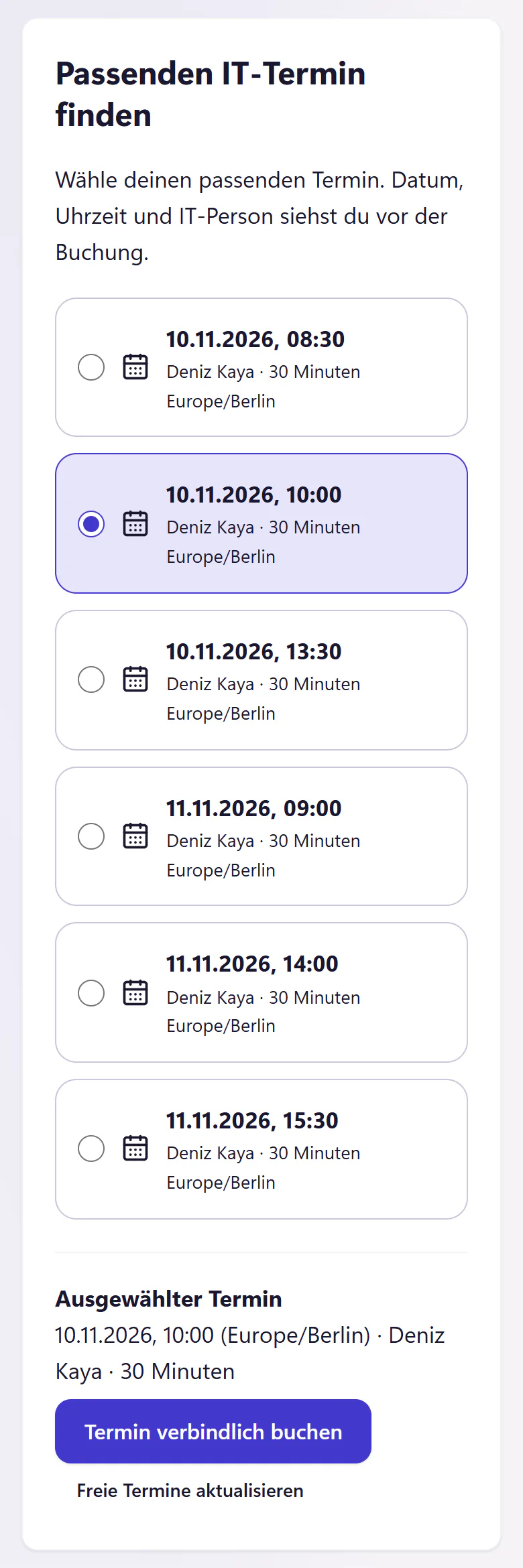
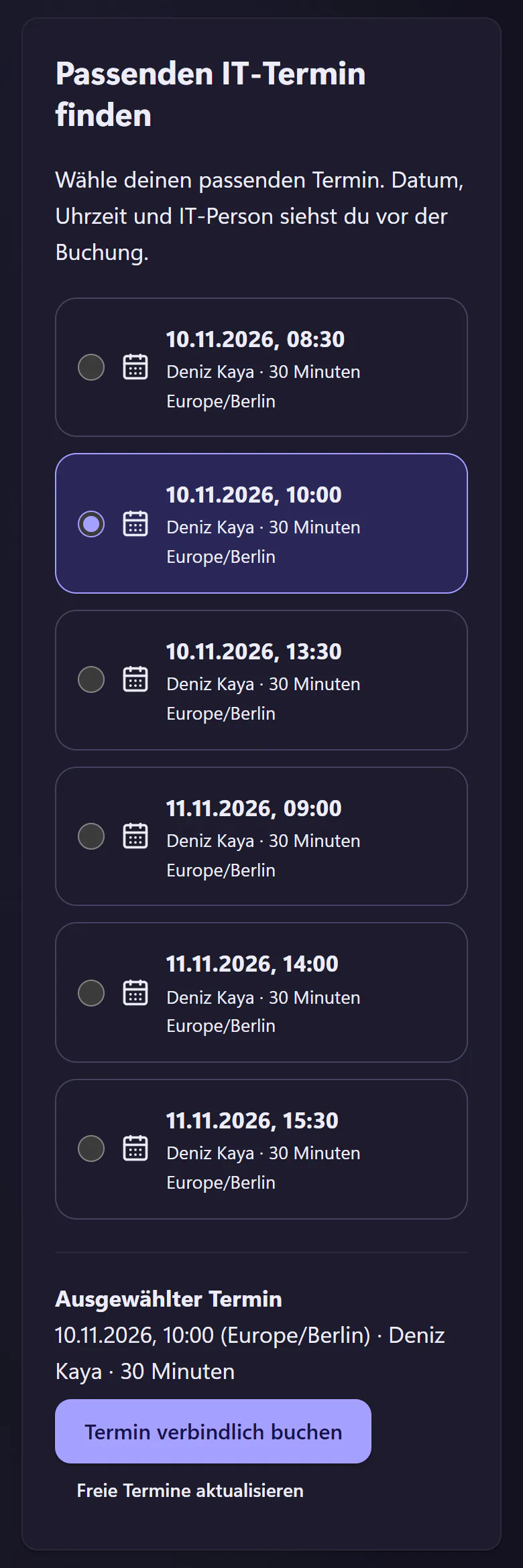
How an employee books an appointment with IT
Set available times
Add individual appointments or a weekly pattern for each IT person, for example Tuesday to Thursday mornings. Nobody can book a time that has not been made available.
Allow self-booking on a ticket
When a ticket needs an appointment, you allow self-booking for that ticket. The requester then sees the free times in the portal, not your calendar.
Choose and book a time
The employee picks a time and books it. An appointment lasts 30 minutes. They receive an email with a calendar file, so the appointment is one click away from Outlook or any other calendar.
Ticket becomes scheduled
The ticket moves to "Terminiert" (scheduled) status and shows the date and time. The requester’s timeline says "Termin vereinbart" (appointment arranged).
What you set up and where the limits are
- Bookable times
- IT sets them in 404desk, for each person. Times that are already booked disappear from the list.
- Self-booking
- Allowing it covers one booking. To rebook, allow it again. Employees can cancel their own appointment.
- Invitation
- A calendar file, sent by email to the requester. IT can download the calendar file from the ticket.
- Without booking
- You can also enter an appointment directly in the ticket, for example after a phone call.
- Outlook calendar
- 404desk does not read your Outlook calendar today. If you allocate a time elsewhere, remove that time in 404desk.
- Status
- "Terminiert" (scheduled) is a status of its own. The deadline stops and does not show as overdue just because the appointment is two days away.
Who appointment booking helps most
IT teams that do a lot of work at people’s desks: swapping devices, moving workstations and showing new starters the ropes. Without booking, finding a time often takes longer than the appointment itself, with three emails and a phone call. With booking, the employee picks the time that suits them, and you find the appointment again in the ticket.
For a new starter’s first day, it pairs well with the onboarding request.
Questions about appointment booking
Can employees see my calendar?
No. They see only the times you have made bookable that are still free.
Does the invitation work with Outlook?
Yes. The invitation is an ordinary calendar file that Outlook and other calendars can open. There is no direct connection to the Outlook calendar today.
Does the SLA deadline keep running while an appointment is pending?
No. In "Terminiert" (scheduled) status the deadline stops, and the ticket shows the appointment. For how deadlines are calculated in business hours, see SLAs and business hours.
Related features
- Employee portalReport IT issues, track progress and find help articles on a phone or desktop. No installation. Email reporters can use a personal link without an account.
- Requests and approvalsOnboarding, offboarding, hardware and access request templates with IT checklists. Managers approve through an email link without an account.
- Cover and guest accessRecord absences and hand tickets to a colleague or external IT partner. Employees see who is covering. Guest access expires automatically.