

An IT help desk wallboard for the office screen
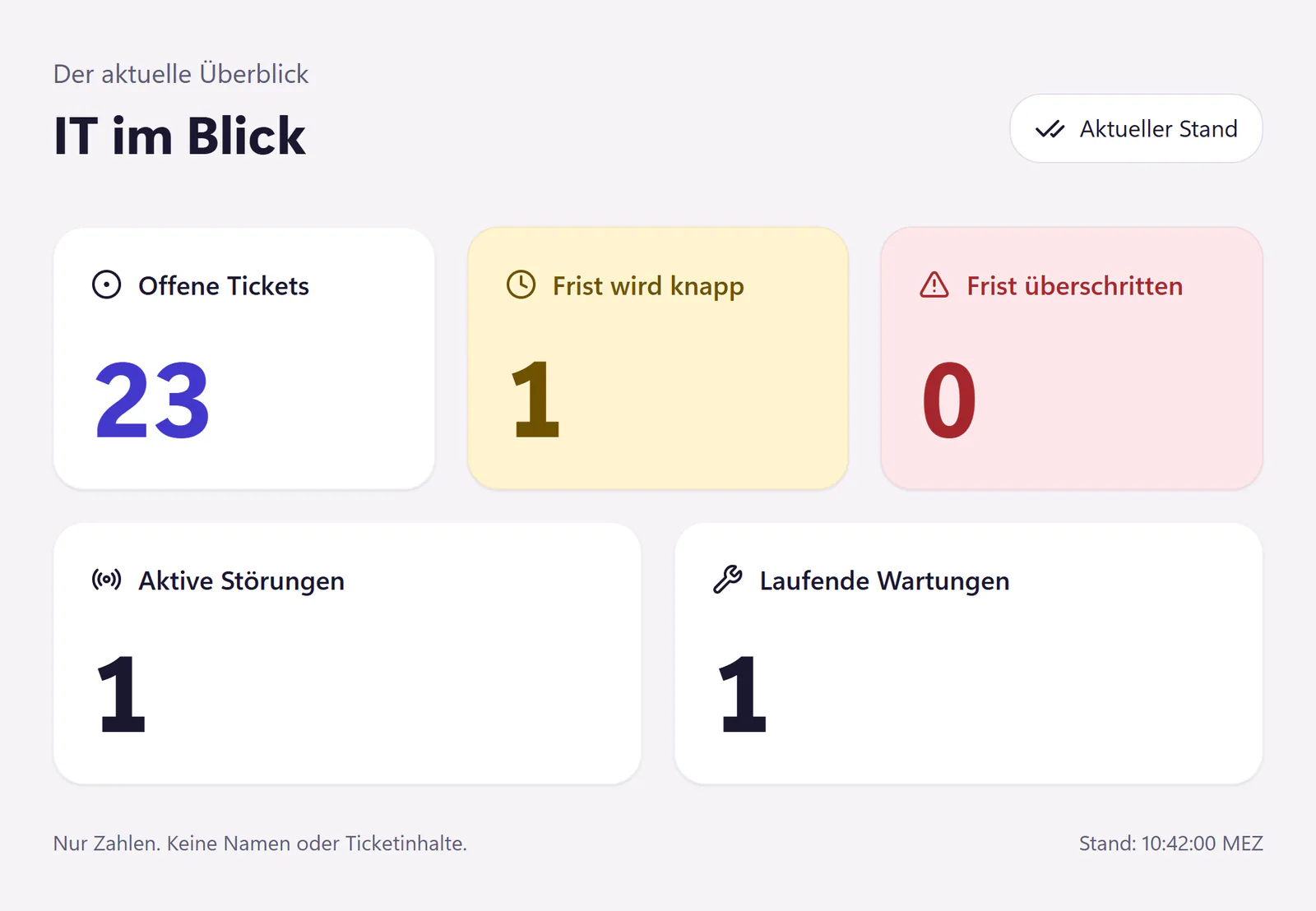
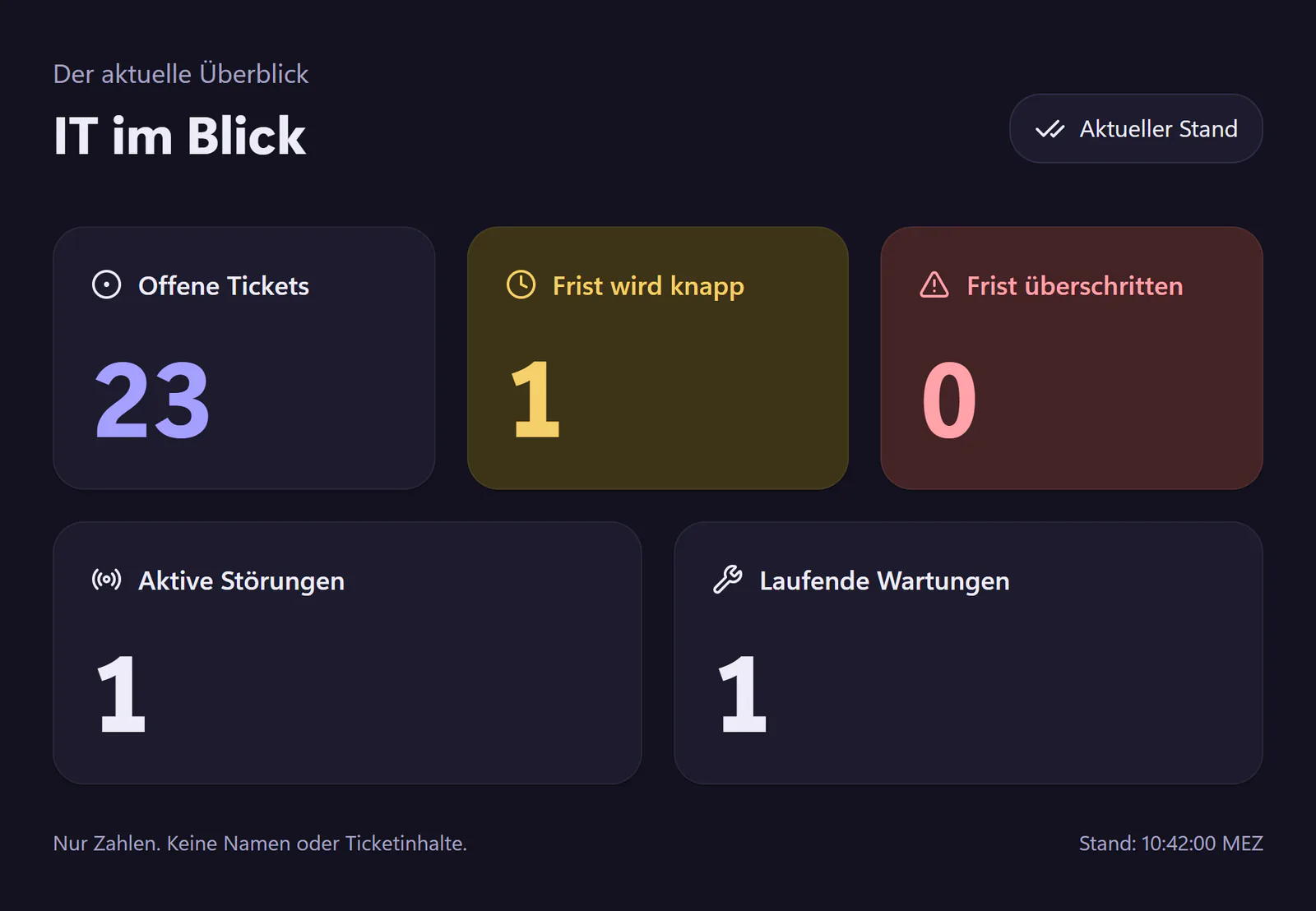
The wallboard shows on a screen in the IT office what is going on right now: open tickets, approaching and missed deadlines, active incidents and maintenance in progress. It runs through a wallboard link without sign-in, so it also works on an old computer or a TV with a browser. For an LED display there is a simple data endpoint.
How to put up the wallboard
Create a wallboard link
In the IT console under "Berichte" (reports). The link is shown only once and works without sign-in.
Open it in the browser
On the device behind the screen, in full-screen mode.
Leave it running
The display refreshes itself every 30 seconds and shows when the figures were last updated.
Renew the link
A link lasts 90 days. Renew it before then, or revoke it when it is no longer needed.
What the wallboard shows
- Open tickets
- How many are open right now.
- Deadlines
- How many deadlines run out in the next half hour and how many have already passed.
- Incidents and maintenance
- The number of active incidents and of maintenance currently in progress.
- LED display
- A simple data endpoint for DIY projects such as a number above the door. It uses the same credential as the wallboard.
- Not included
- No ticket titles, no ticket contents, no names. No freely designed tiles.
Where to hang the screen
Where IT looks. Because the wallboard shows only numbers, nothing confidential is on it, even when someone else walks past. A screen in the IT office or at the desk of the person who sorts new tickets is enough. You should still treat the wallboard link itself like a password.
Why only numbers
A display on the wall is read from three metres away and in passing. Large numbers work for that, lists do not. And a ticket title such as "Mira’s password locked" does not belong on a screen that visitors can see too. Anyone who wants to know which tickets are behind a number looks in the IT console.
Who gets something out of a wallboard
Teams of two or more who sit in one room. Someone who is not looking at the console right now still sees that three deadlines are getting tight. For one-person IT it is more of a gimmick, unless you have a spare screen and like the idea of a number above the door.
What else helps in a team is covered in Help desk for IT teams.
Frequently asked questions
What happens if the wallboard link gets out?
You renew or revoke the link, and the old one stops working. The display shows numbers only: no ticket titles, no names and no contents.
What device do I need?
Anything with a current browser and a screen: a mini PC, an old computer or a TV with a browser.
How does the endpoint for LED displays work?
It returns the same numbers as the wallboard, as JSON. Your device fetches it with the wallboard’s credential, which it sends in the header of the request, ideally every 30 seconds.
Related features
- AnalyticsTrack ticket volume, first reply, resolution time, SLA performance, backlog, categories, satisfaction and workload. Export metrics as CSV.
- Incidents and maintenancePublish portal incident banners employees can join with one click. Detect related tickets and announce maintenance with email updates and reminders.
- API, webhooks and MCPConnect scripts and AI assistants to tickets with a REST API, signed webhooks and an MCP server. Company-specific keys and permissions, no per-call fee.