

An internal IT knowledge base that grows from resolved tickets
The knowledge base brings your IT guides together: screenshots you paste with Ctrl+V, attachments and categories. 404desk suggests replies from resolved tickets as a starting point for new articles. Before a new ticket is created, the portal shows matching articles.
From resolution to article
Resolve a ticket
Write the solution as your normal ticket reply.
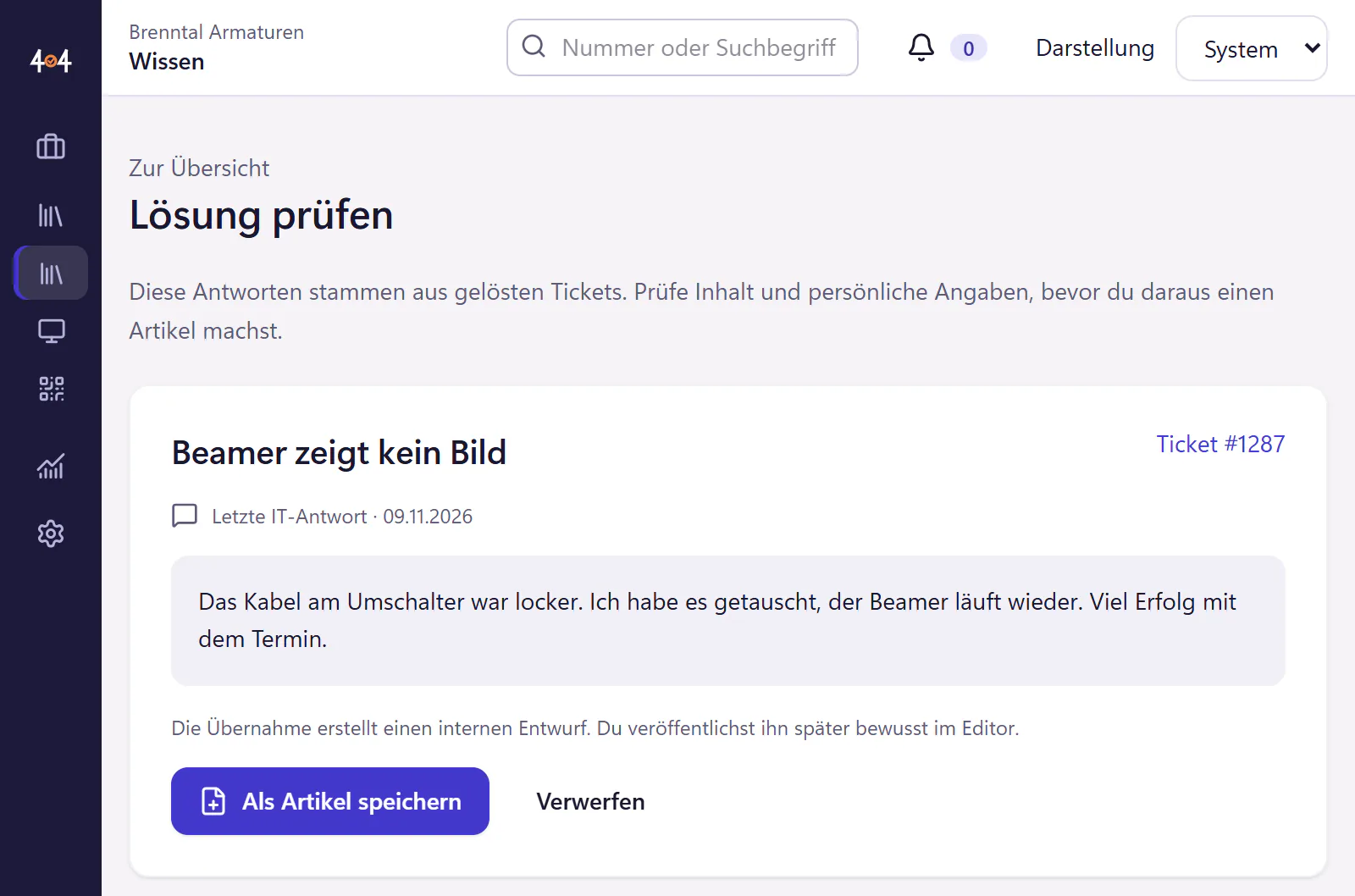
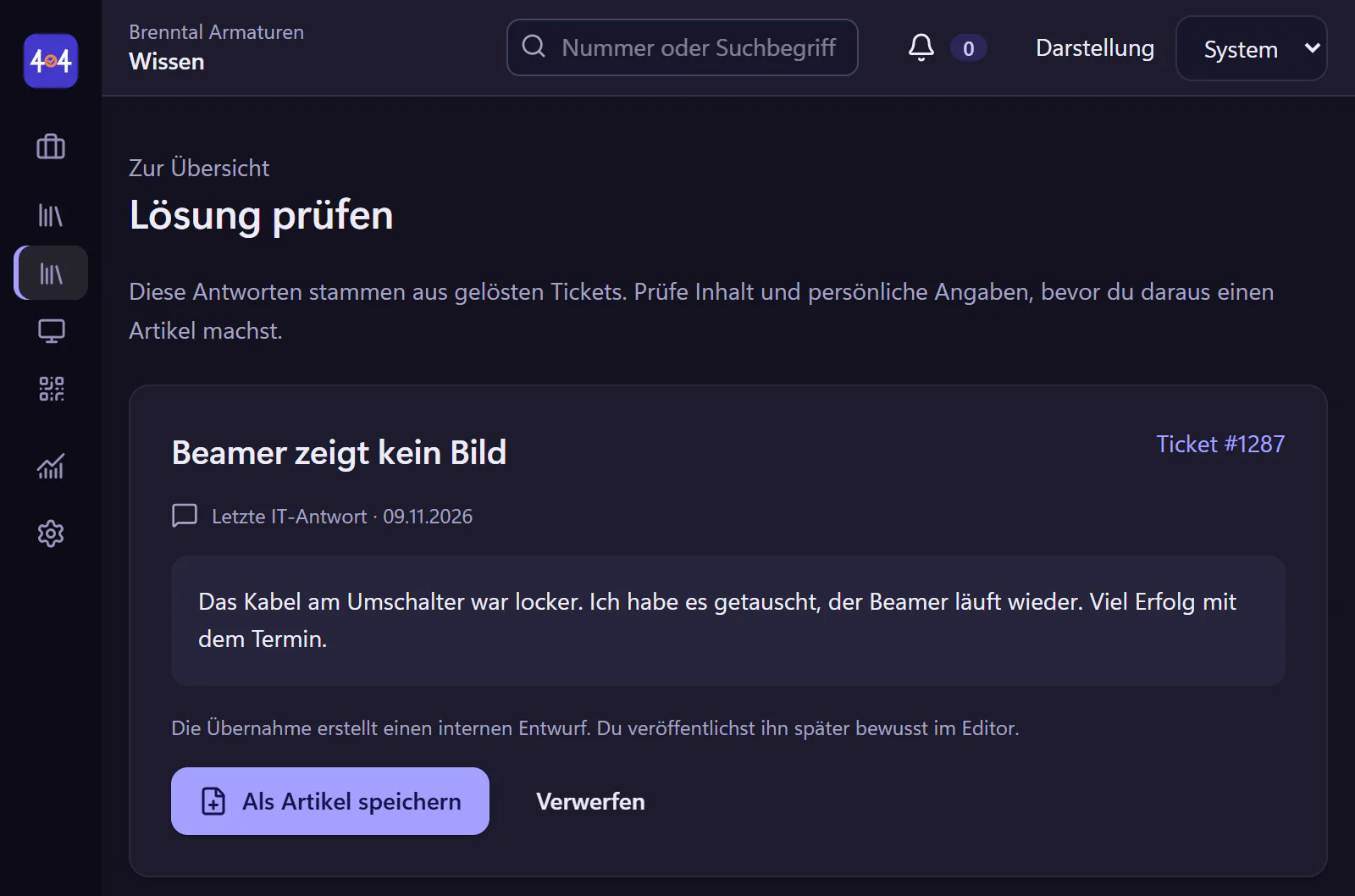
Check suggestions
Under "Vorschläge" (suggestions) you find the latest IT replies from resolved tickets. One click turns a good answer into a draft.
Clean up and add images
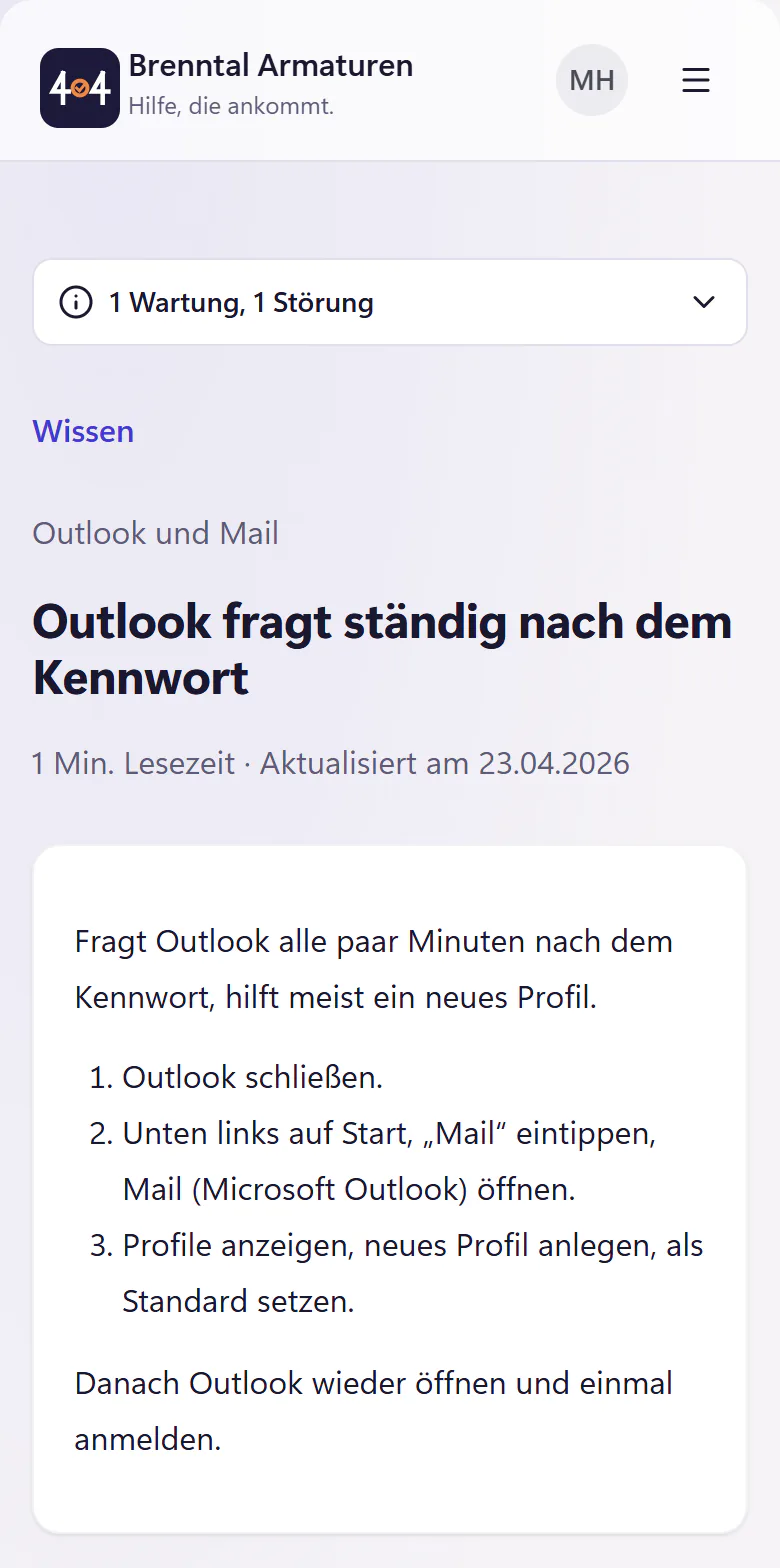
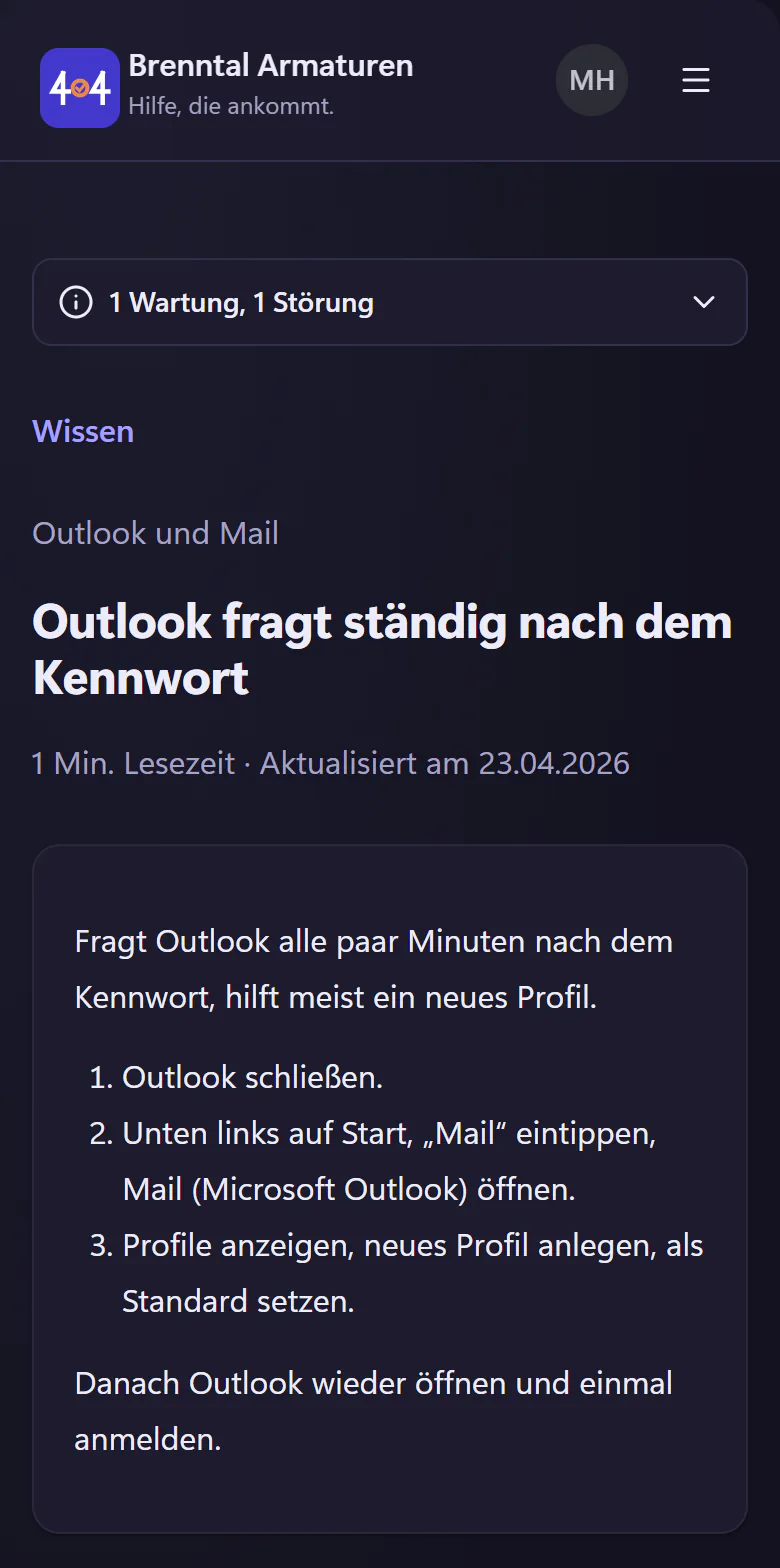
Remove names, number the steps, paste a screenshot with Ctrl+V and choose a category.
Publish
Set the article to public and published. From now on, the help shown before submitting finds it when someone reports the same problem. Frequently read articles are listed under "Oft gelesen" (frequently read).
Knowledge base features
- Images
- Take a screenshot, press Ctrl+V, done. No saving and uploading first.
- Attachments
- PDF guides, text files and common Office documents. You upload up to five files at once, and each article can hold 20 images and files in total.
- Markdown import
- For guides that already exist as text somewhere. You write articles in Markdown too, with a preview.
- Categories and frequently read
- So the portal does not open with one long list.
- Internal or public
- Internal articles are IT notes for IT. Public articles appear in the portal.
- From tickets
- Replies from resolved tickets appear as suggestions for new articles.
- Not included
- No public help centre for customers, no version control with an approval workflow, no wiki for whole departments.
Write useful articles
A good article has a title in your colleagues’ words, numbered steps, a screenshot at the tricky step and, at the end, a way to reach IT if it does not help. That is all it needs. The guide Build a knowledge base has a template and tips for your first five articles.
Who benefits from an IT knowledge base?
Any IT team that answers the same question more than three times a year. That is usually connecting printers, Outlook profiles, VPN when working from home, changing a password and Teams cameras. Five good articles on these topics catch a good share of follow-up questions before they become tickets.
For one-person IT, the knowledge base is also insurance: a colleague covering for you who has IT access can look things up there while you are on holiday. An external guest sees only the tickets handed over to them.
Frequently asked questions
Can we import existing guides?
Yes, with Markdown import of up to 20 files at once. Guides from Word or OneNote need to be saved or copied as Markdown first. Imported articles start as drafts. Paste images with Ctrl+V.
Can employees see every article?
No. Each article is either internal or public. Only IT sees internal articles. Everyone signed in at your company can read published public articles in the portal.
Does search need the AI add-on?
No. Full-text search is included in the core plan. With the AI add-on, the help shown before submitting finds the right article more often.
Related features
- Employee portalReport IT issues, track progress and find help articles on a phone or desktop. No installation. Email reporters can use a personal link without an account.
- AI add-onAI triage, reply drafts, ticket summaries and employee help chat. Individual controls, redaction and prepaid credit. Ticket changes need human confirmation.
- Build an IT knowledge base people will useStart with five useful answers, write clear steps and maintain articles as you resolve tickets. Includes an IT knowledge base article template.