

IT help desk features in one core plan
404desk has 23 features in five groups. All of them except AI are in the same core plan. There are no pricing tiers and no surcharge for Microsoft sign-in, SLA deadlines, the audit log or integrations. You add the AI add-on if you need it, at extra cost. The employee portal, IT console and emails are currently in German. This English website is for teams and decision-makers working in Germany. An English product interface is not promised.
Features for employees
The portal is built for people who open it a few times a year. Large controls, few steps, and it works on a phone.
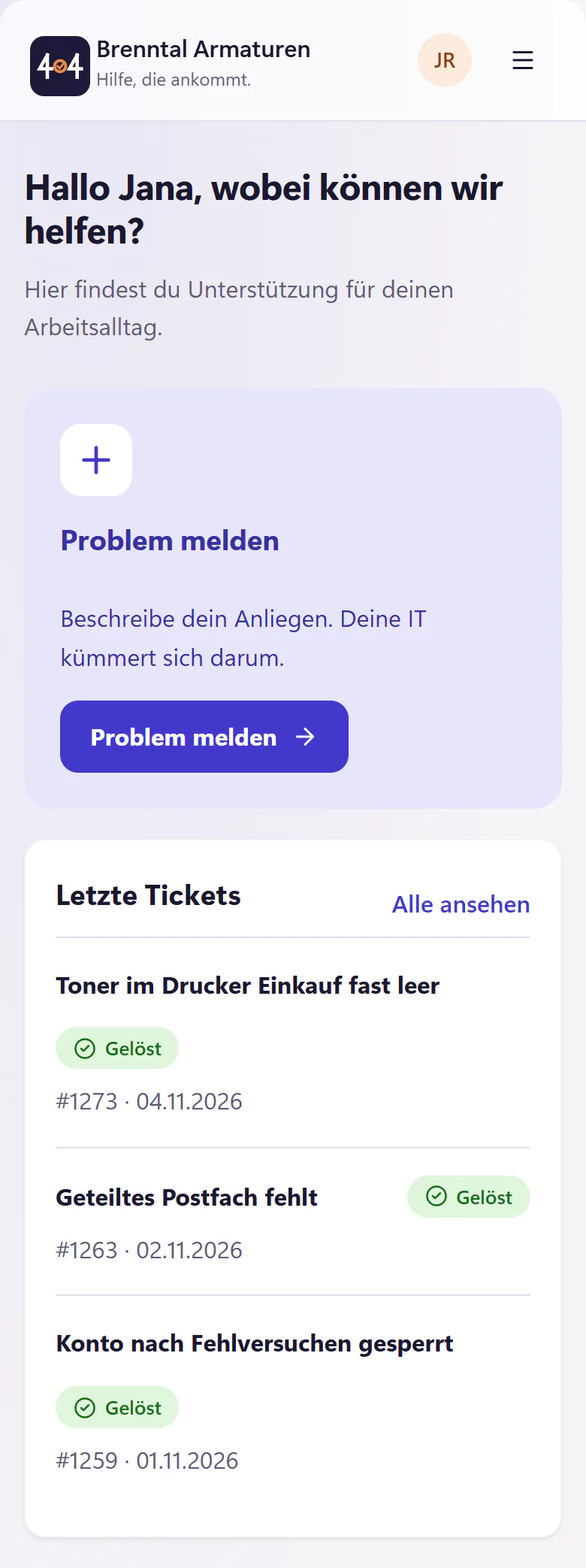
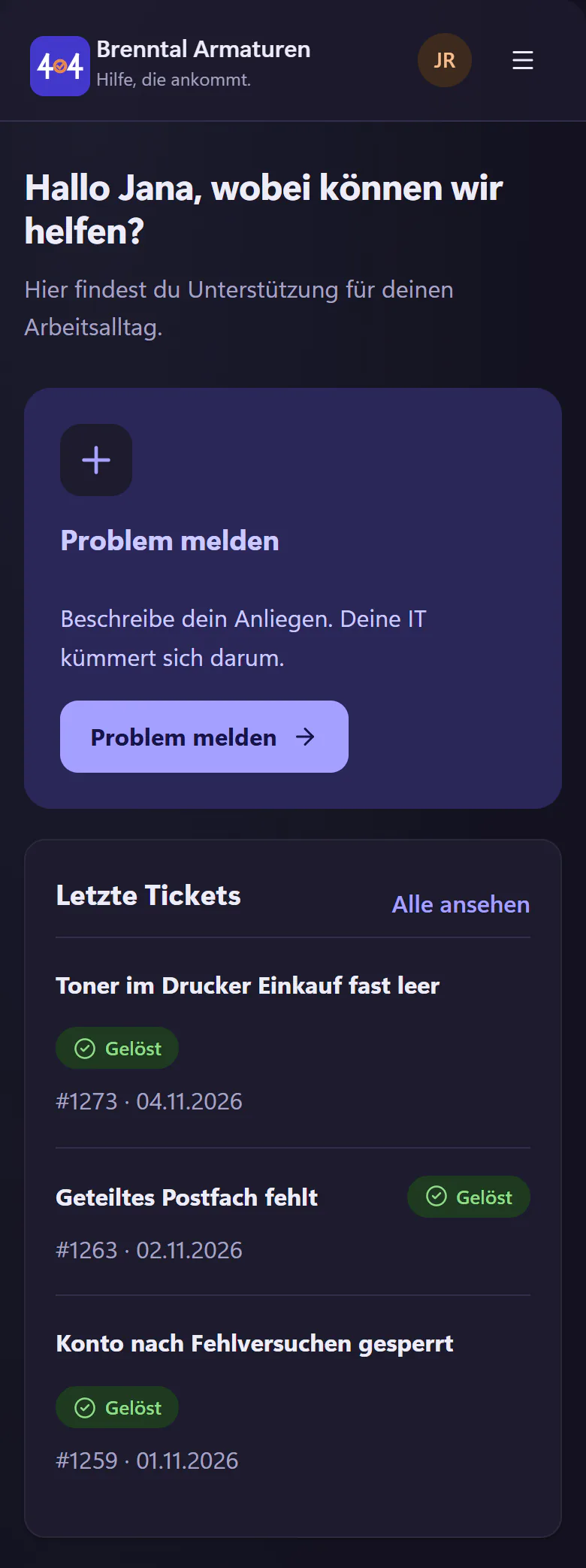
- Employee portal
- Report an issue, My tickets, My devices and Knowledge base. Instead of a bare "In progress", a timeline shows where the ticket stands. Once there is enough history, an estimated time window based on past resolution times is added.
- QR labels
- A label sheet as a PDF for A4 labels. Whoever scans a code reports with the room or device already filled in. For devices, this covers the person's own devices and those not assigned to anyone.
- Screen recording
- Record the screen or take a screenshot straight from the browser, with no software to install. If you wish, you can send the browser, operating system, image size and recording time along.
- Appointment booking
- Employees choose an available IT appointment. The invitation arrives by email as a calendar file.
- Requests and approvals
- Templates for new starters, leavers, hardware requests and permissions, with a task list for IT. Managers approve with one click in the email, without an account.
Features for IT
The console is built for a full working day. A lot fits on one screen, and the common actions are a keystroke away.
- IT console
- A ticket list with metrics, filters, saved views, search and bulk actions. Use j k e a r to work from the keyboard. Includes internal notes, mentions and ticket merging.
- Email to ticket
- Emails to your inbound address become tickets. Images, PDFs and text files come along as attachments, and replies go out by email. Sending and receiving directly through a mailbox in your own Microsoft 365 is in development. Coming soon
- SLAs and business hours
- Response and resolution targets for each priority, counted in business hours only, with public holidays for Germany, Austria and Switzerland. An email warns you before a deadline is missed.
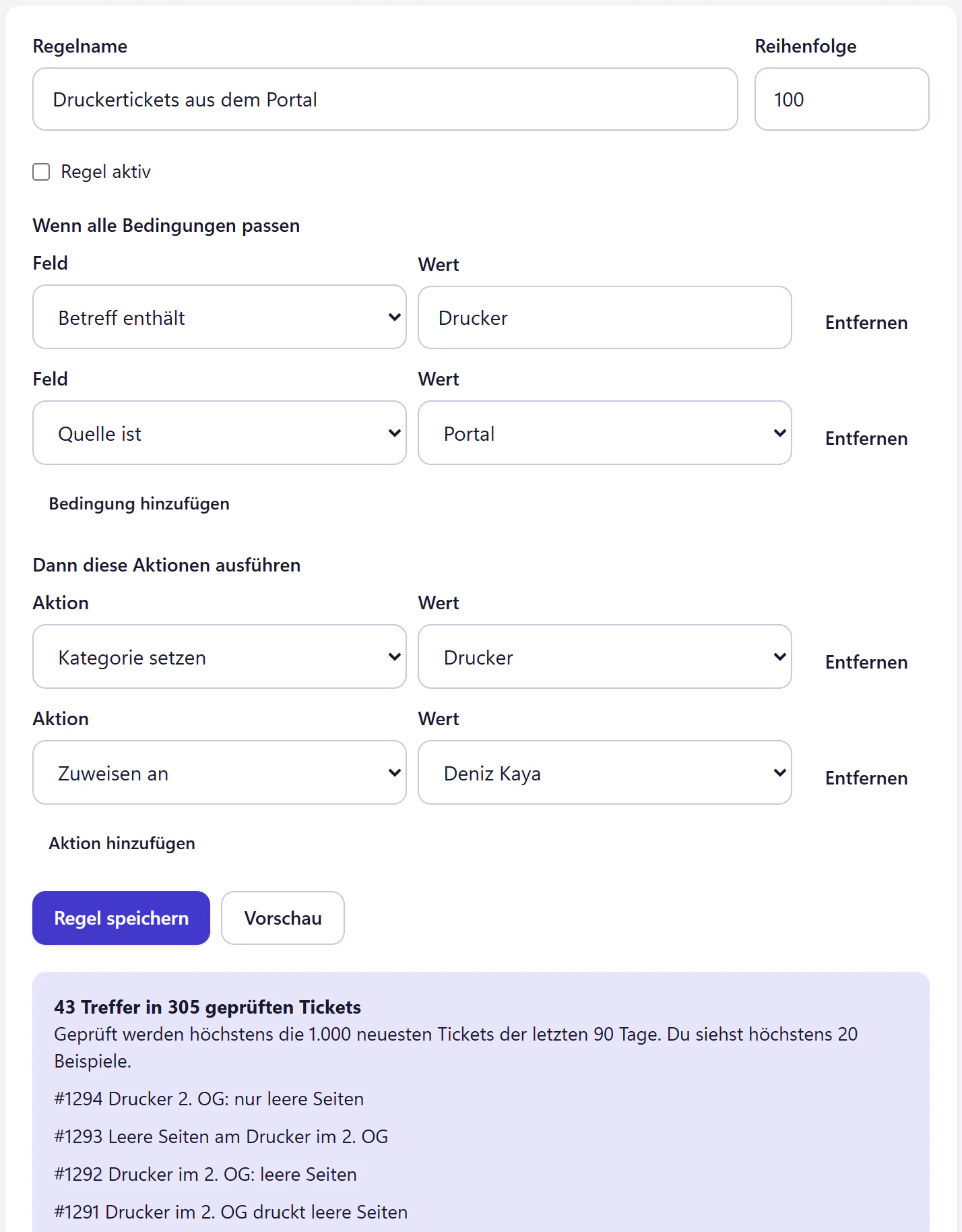
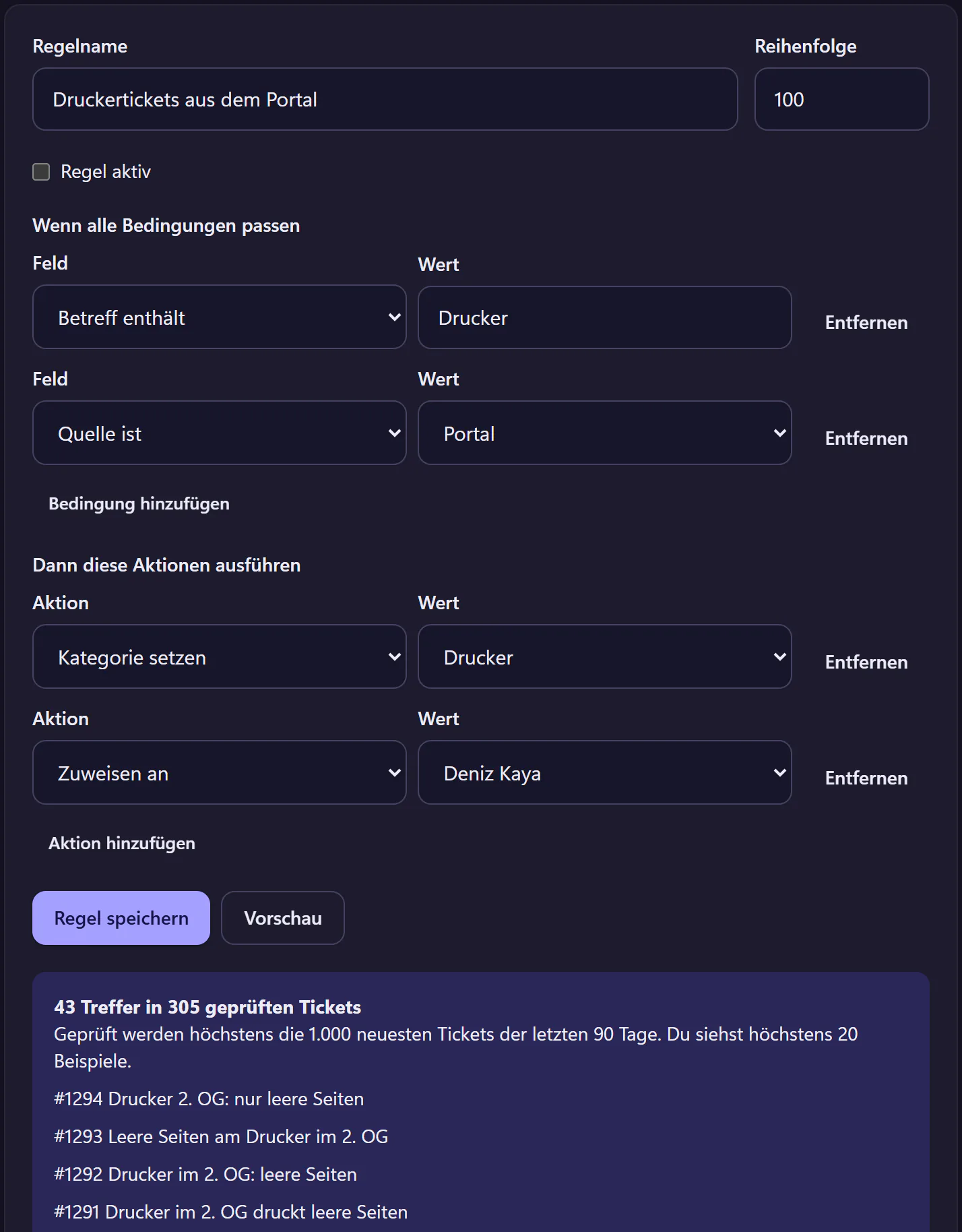
- Automations
- Rules with a preview of how many past tickets they would have matched. Resolved tickets also close automatically after a set number of days without a reply from the requester.
- Incidents and maintenance
- An incident banner in the portal that affected employees join with one click. The incident Radar suggests the banner. Announce scheduled maintenance in good time.
- Cover and guest access
- Enter an absence and open tickets go to whoever is covering. An external IT partner gets guest access for this, which does not count as an account and ends by itself after 31 days at most.
- One-time links
- Share a password or key as a link that works exactly once and is valid for 24 hours at most. It never appears in the ticket history or in plain text in an email.
- Recurring tasks
- "Check backups on the first Monday of every month" becomes a ticket with a task list, without anyone having to remember it.
Knowledge base and device management
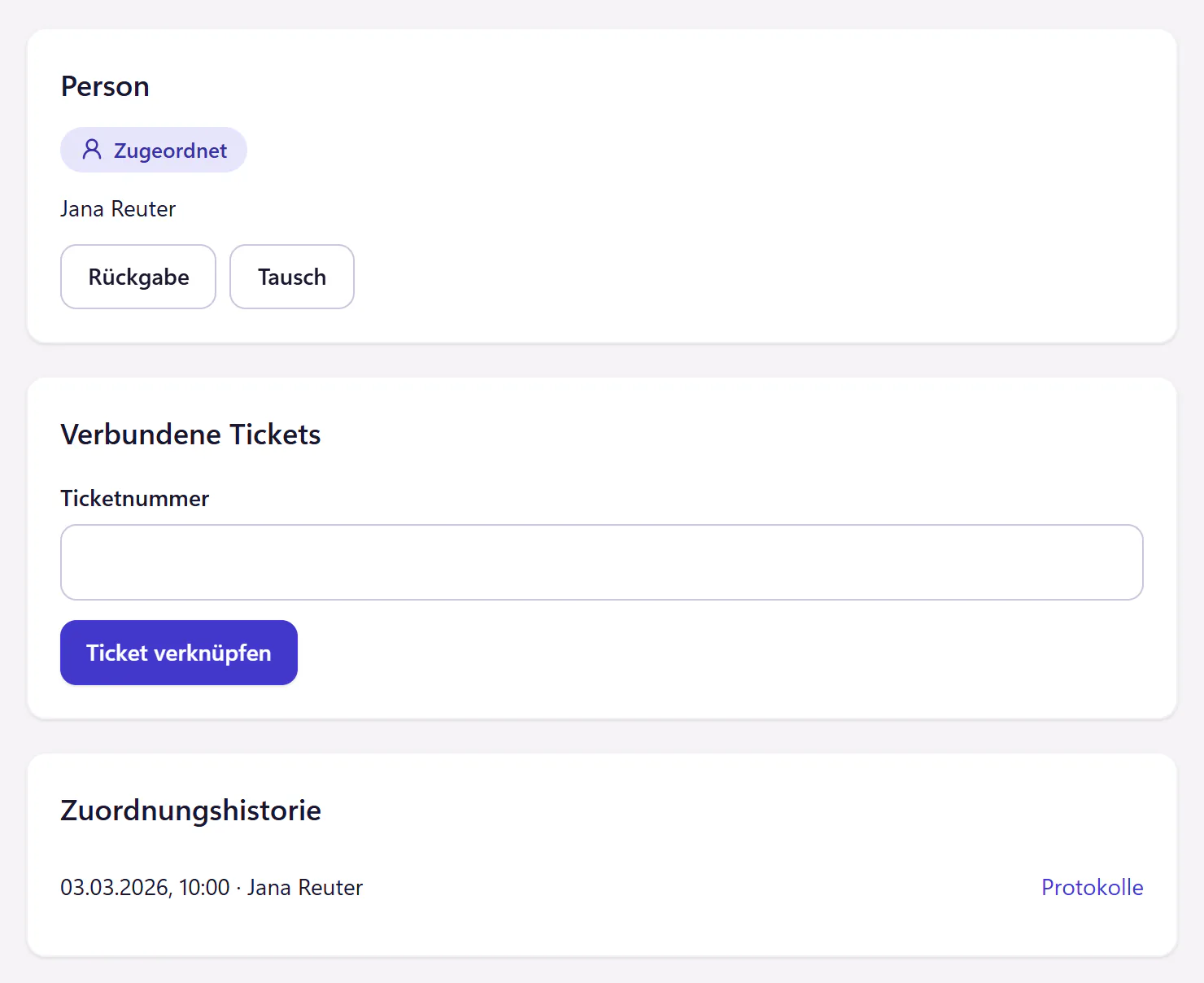
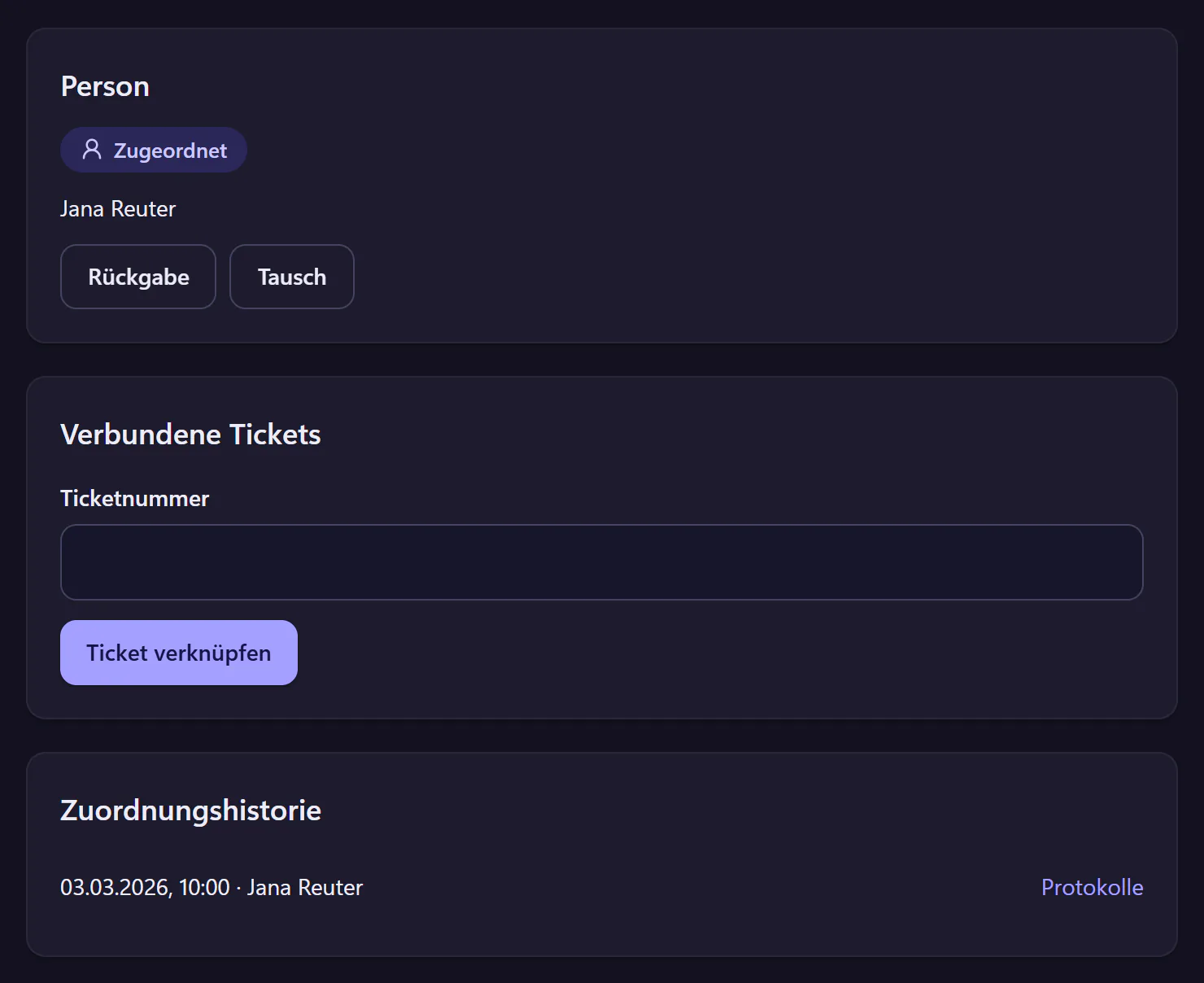
Turn good solutions from tickets into knowledge base articles. Who has which device is shown in the inventory and in the ticket.
- Knowledge base
- Articles with images and attachments, Markdown import and categories. You save the solution to a ticket as an article.
- Asset management
- Inventory with asset tags, import from CSV and Excel, and assignment to people. Handover and return come with a form.
- Expiry reminders
- Licences, warranties, certificates, domains and contracts with an expiry date. A ticket is created in good time, using the lead time you set.
Analytics and reports
The figures an internal IT team needs are set up out of the box. You do not have to build reports yourself.
- Analytics
- Ticket volume, response and resolution times, deadlines met and satisfaction for the period you choose. Export as CSV.
- IT service report
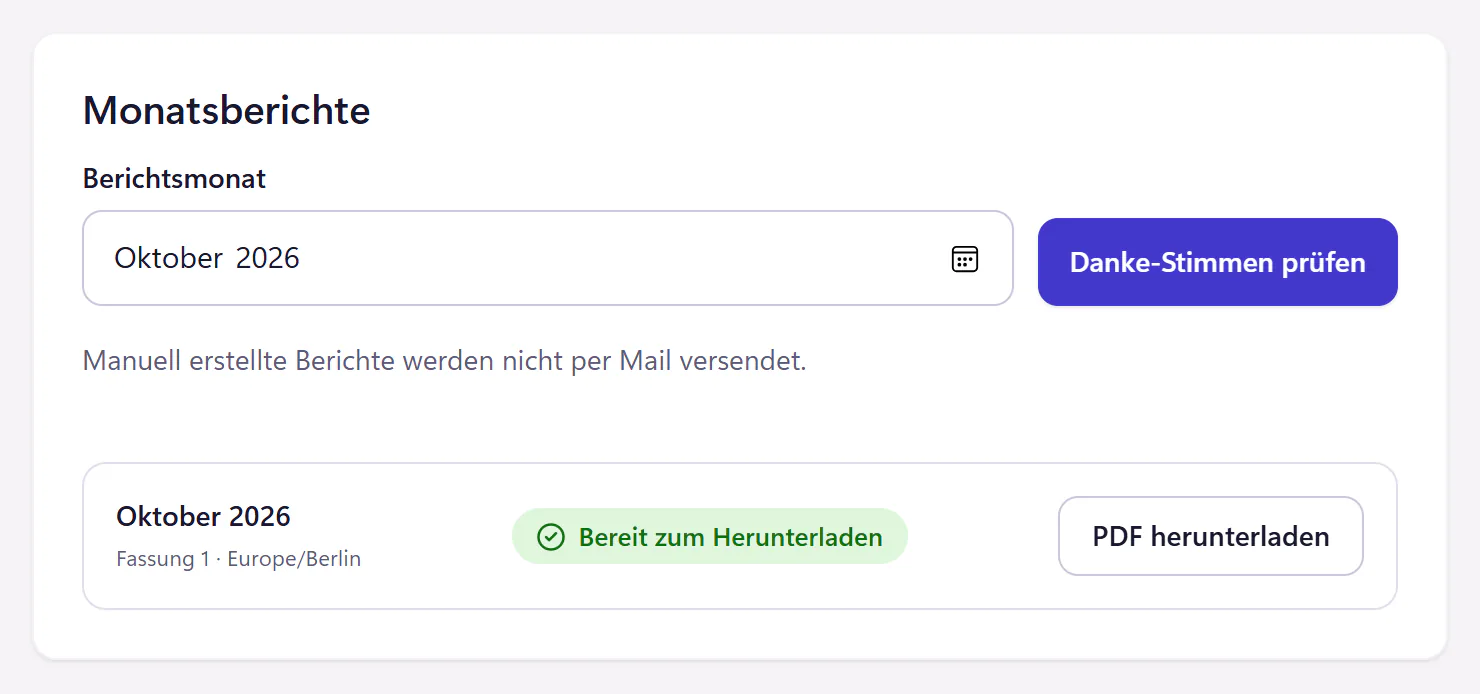
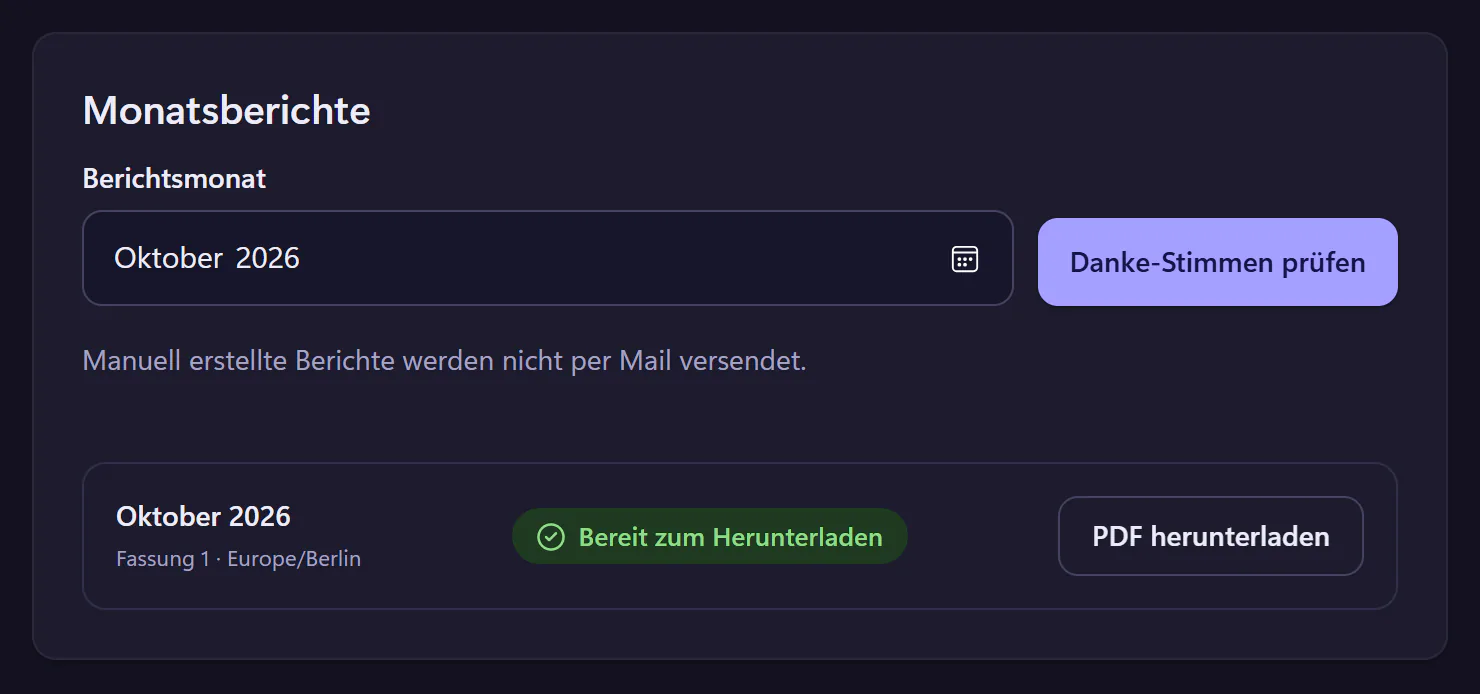
- Every month, a PDF is created automatically that shows what your IT has achieved, including the approved thank-you messages from the team.
- Wallboard
- Open tickets, approaching deadlines and incidents as numbers on a screen in the IT office, through a secret wallboard link without sign-in. A simple data endpoint is available for LED displays.
Microsoft 365, integrations and privacy
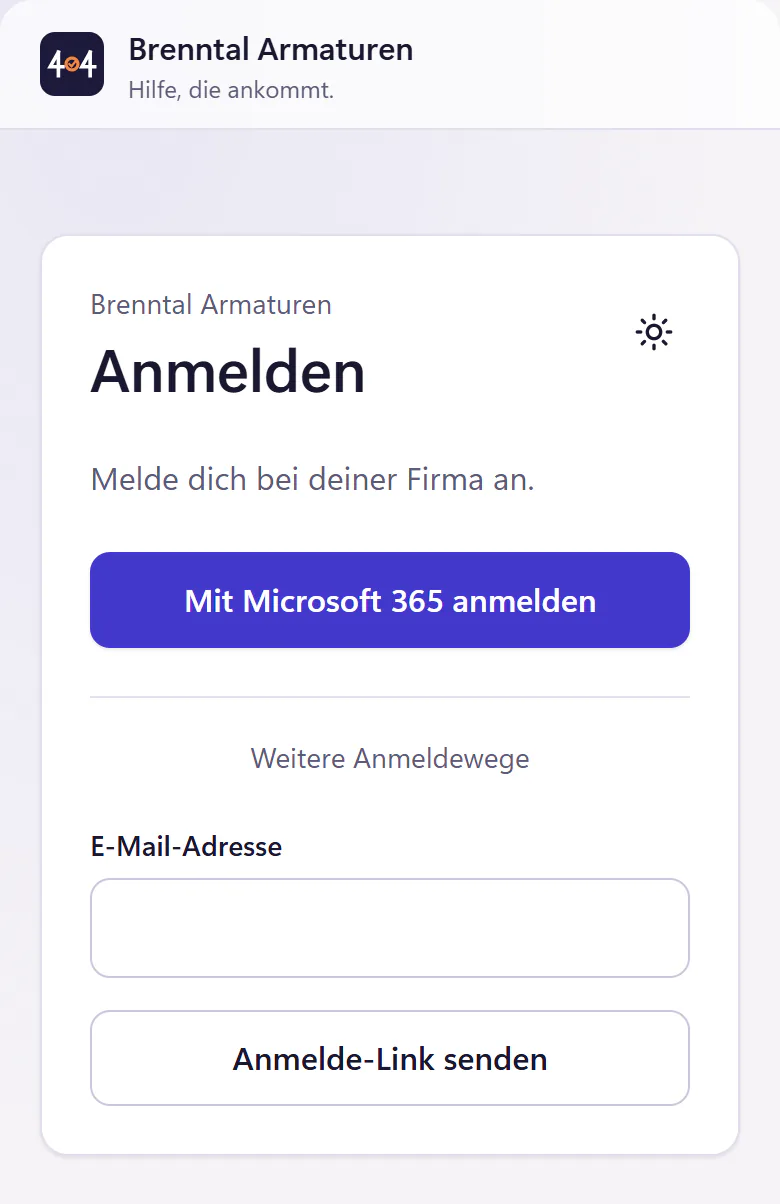
Connect sign-in to your Microsoft 365, or use sign-in links by email. You manage export, deletion and retention periods yourself in the product.
- Microsoft 365
- Sign-in with Microsoft as the main route, and user sync with Entra ID including account status. No Google sign-in.
- API, webhooks and MCP
- REST API and webhooks with company-specific keys. AI assistants can read and create tickets through the MCP server.
- AI add-on
- Optional for €0.50 per account per month, with the same amount in AI credit. Pre-sorting, reply suggestions, summaries, IT help chat and more, each switched on separately.
- Privacy and hosting
- Export company data as a ZIP, delete your company workspace in the product, set retention periods and read the data processing agreement.
Setup with templates
After you sign up, setup guides you step by step, with template packs for categories, snippets, requests and automations. You can skip any step and come back to it later.
What is not finished yet is listed openly on the 404desk roadmap.
Frequently asked questions
Are any features only available in a more expensive plan?
No. There is one core plan, and every feature on this page except AI is in it, including Microsoft sign-in, SLA deadlines, the audit log, API and MCP server. The AI add-on is a paid extra at €0.50 per account per month.
Can I use 404desk without AI?
Yes, fully. Without the AI add-on, the AI buttons are hidden. Help before sending a ticket then runs on full-text search.
Is 404desk an ITIL tool?
No. There is no change management, problem management or CMDB. It is built to receive and work through internal IT requests, with a knowledge base and devices alongside.
Is the product available in English?
The employee portal, IT console and emails are currently in German. This English website is for teams and decision-makers working in Germany. An English product interface is not promised.
Further reading
- HomeIT ticketing system for small businesses of 20 to 500 staff: employee portal, IT console, SLAs, Microsoft 365. From €29 a month.
- Employee portalEmployee IT self-service portal: report issues in a browser or on a phone, follow progress on a timeline and find help articles. No installation needed.
- QR labelsQR code ticketing for devices and rooms: print QR labels on A4 sheets, scan with a phone and the portal opens with the device or room already filled in.