

A Microsoft 365 ticketing system, connected to Entra ID
404desk is built for companies that work with Microsoft 365. Everyone signs in with their Microsoft account, and the user sync brings in employees and their account status from Entra ID. A block in Microsoft 365 is carried over at the next sync, which runs every 15 minutes. Emails to your IT mailbox become tickets as soon as you forward the mailbox to your inbound address.
How to connect Microsoft 365
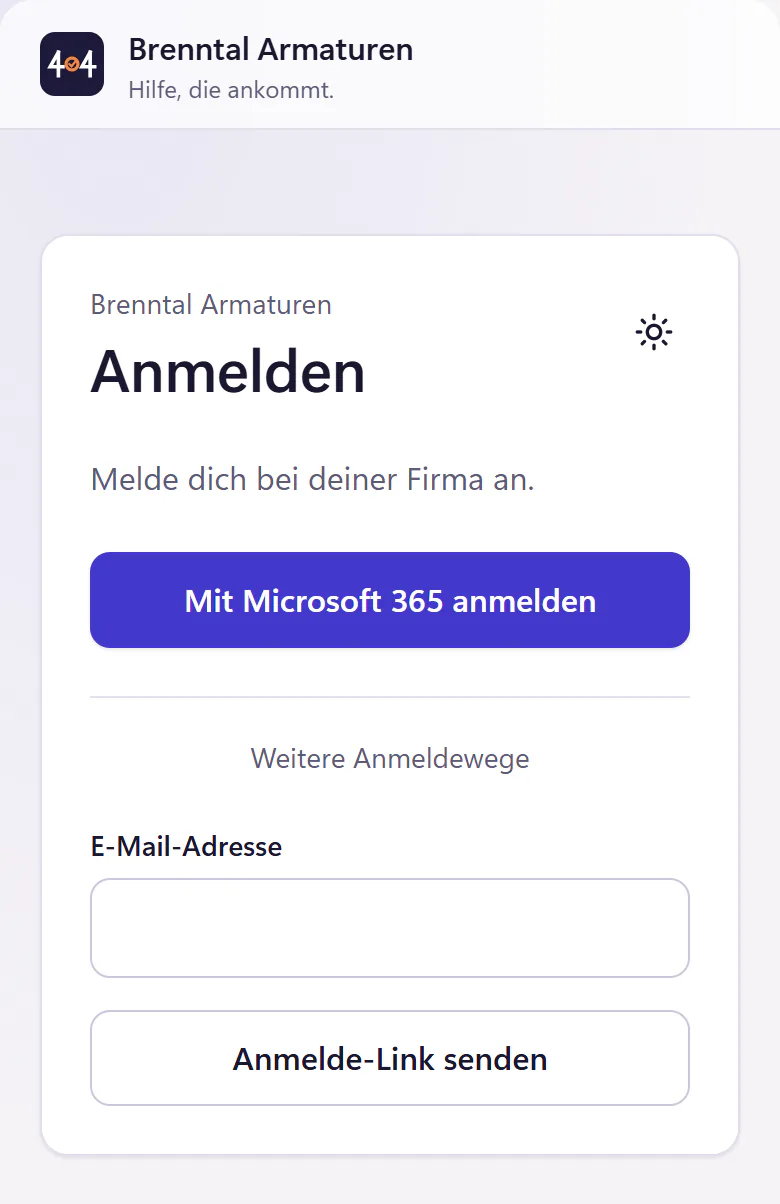
Sign up with Microsoft
The first admin signs up with their Microsoft account. Your company gets its own workspace, for example brenntal.404desk.de.
Grant consent
A global Microsoft admin at your company grants administrator consent. Only then is your directory approved: everyone can sign in with Microsoft, and the sync may run.
Sync users
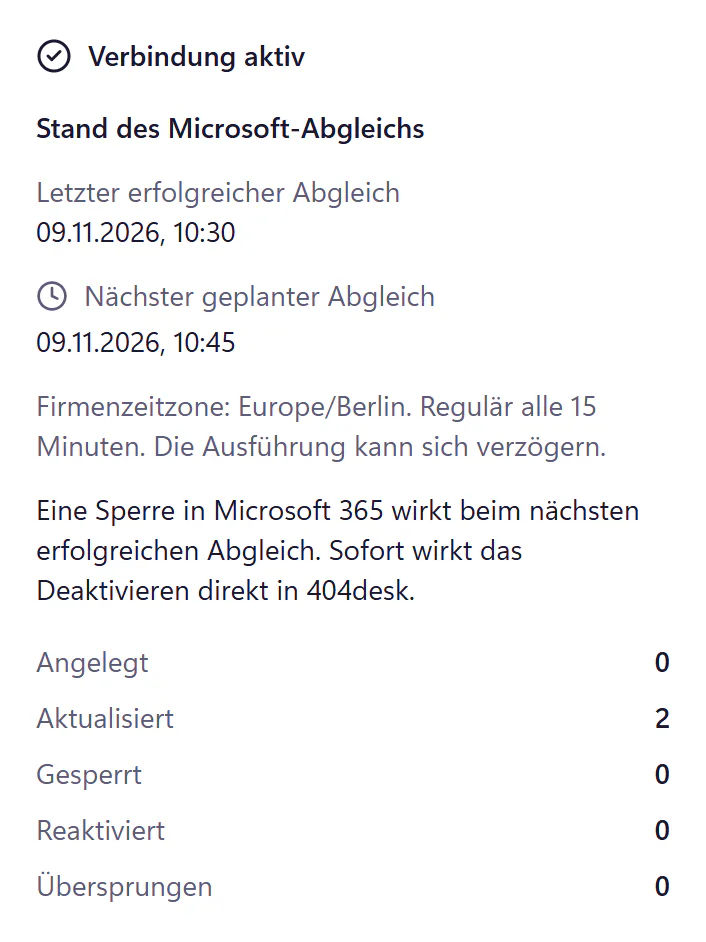
Employees and their account status come from Entra ID. Anyone blocked there is blocked here after the next sync, which runs every 15 minutes. If unusually many people would be blocked at once, the sync stops and asks you first. Under "Microsoft 365" in the IT console you can see when the last sync succeeded and when the next one is due.
Forward the IT mailbox
Forward the mailbox you want tickets created from to your inbound address. See email to ticket.
What is connected today and what is not
- Sign-in
- Microsoft 365 is the main route. Email sign-in links with an optional password are also available. No Google sign-in.
- User sync
- Employees and account status from Entra ID. The sync creates, updates, blocks and reactivates accounts.
- Mailbox
- Emails become tickets through forwarding today. A mailbox in your Microsoft 365 as the direct ticket inbox and sender is planned. Coming soon
- AI assistants
- Through the MCP server, assistants that speak MCP can read, create and reply to tickets.
- Emergency access
- Keep a local admin account protected by two-factor authentication in case your directory is ever disrupted.
- Not included
- No Teams app, no Intune device data, no calendar integration, no automatic provisioning through SCIM.
Who the Microsoft integration is for
It is made for companies with 20 to 500 people where Microsoft 365 is already the source of accounts. You maintain users in one place, and when someone leaves, the block from Entra ID is applied at the next sync and their portal access ends too. If it has to happen immediately, you also deactivate the account directly in 404desk. That saves one offboarding step that is easy to forget.
Microsoft sign-in is included in the core plan, from €29 per month.
Frequently asked questions
Which Entra ID permissions are needed?
Permission to sign users in and to read the users in your directory for the user sync. Microsoft’s consent screen shows the exact list during setup. A global Microsoft admin at your company has to give consent.
Are accounts created automatically?
If you switch it on, the user sync imports employees and their account status from Entra ID. Imported accounts start as prepared. Prepared accounts are not counted: only activated accounts are billed.
Is there a Teams app?
Not today. The roadmap shows what is planned.
Can we use it without Microsoft 365?
Yes, with email sign-in links and an optional password. The user sync does need Microsoft 365, though. Google accounts are not supported.
Related features
- Email to ticketForward your IT mailbox to create tickets with attachments. Replies stay with the open ticket. Monitoring emails can open and resolve alert incidents.
- SecurityTwo-factor authentication, audit log, controlled support access, export and deletion. Review hosting, service providers and the German DPA.
- API, webhooks and MCPConnect scripts and AI assistants to tickets with a REST API, signed webhooks and an MCP server. Company-specific keys and permissions, no per-call fee.