

Help desk software for IT teams, built for the keyboard
The IT console is where you and your team work all day: the ticket list with metrics, filters and personal views, plus the ticket view with history, replies and an internal note. Everything frequent works from the keyboard in the list, from j to r.
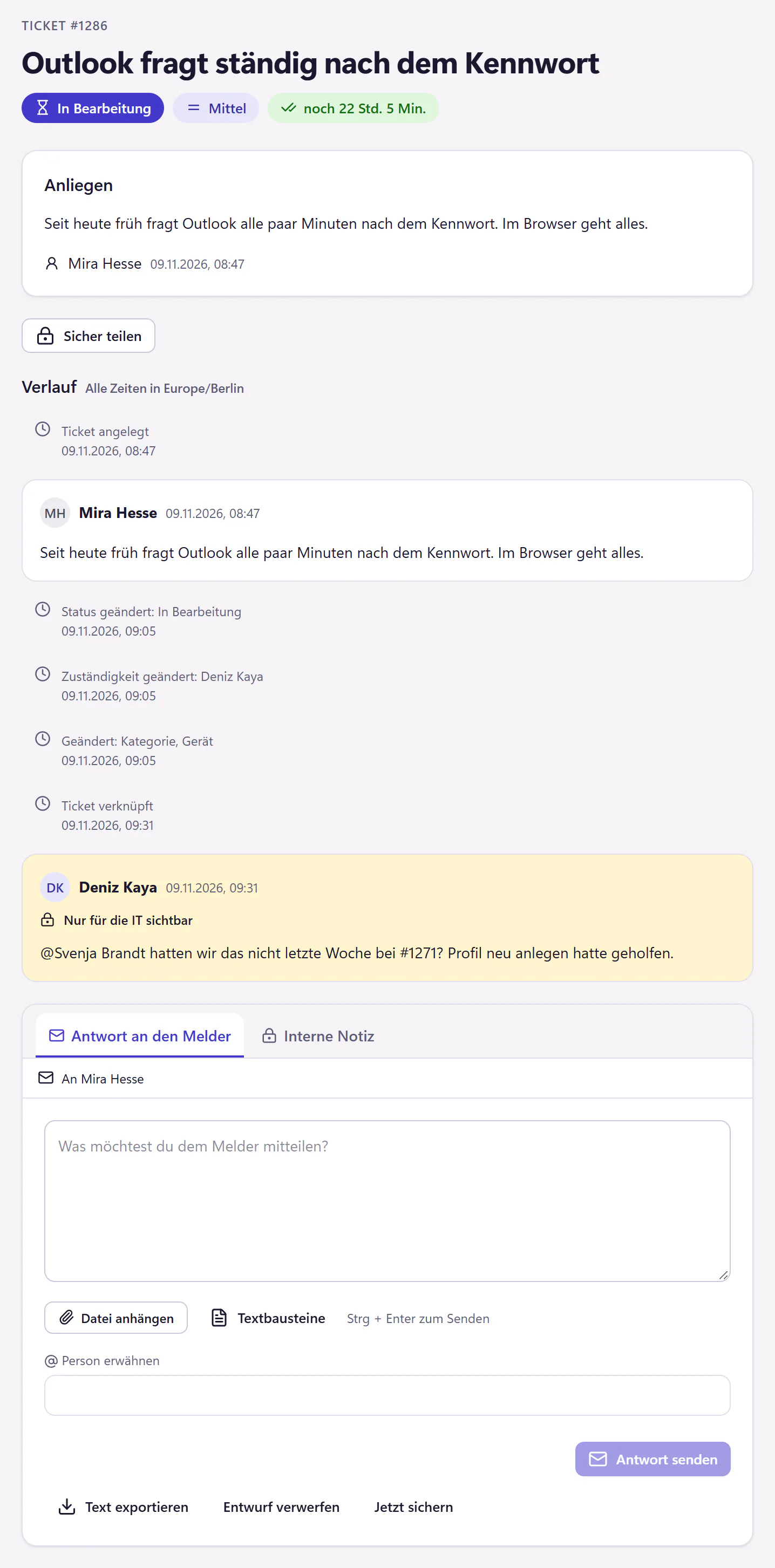
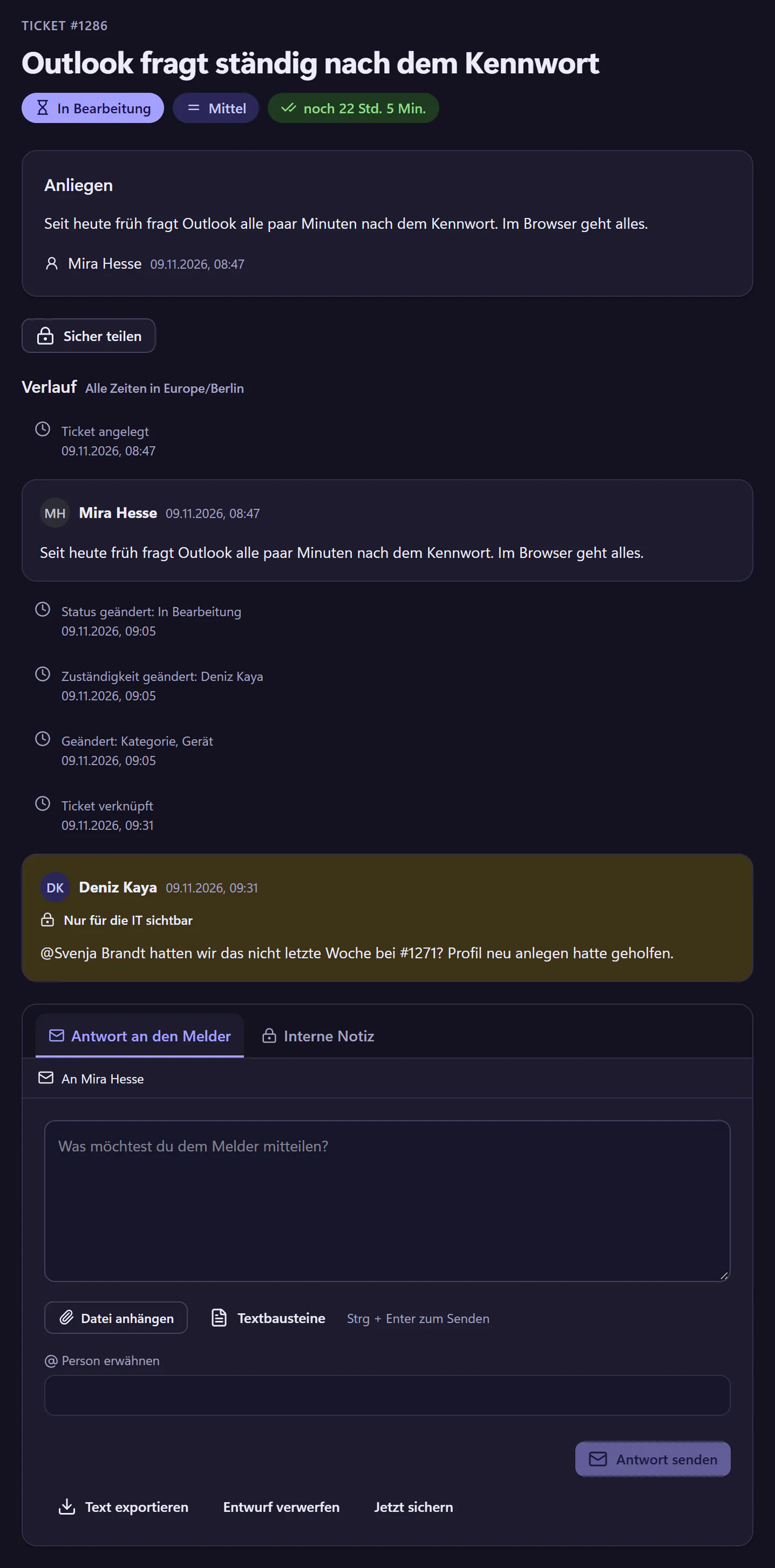
How to work through a ticket in the console
Open a view
The tiles above the list show how many tickets are open, new, assigned to you and still without an assignee. You save your own filters as a personal view.
Move with j and k
j and k move through the list, a assigns and ? shows all shortcuts. You select several tickets and change them at once.
Reply or add a note
r opens the reply. Next to it in the ticket view is the internal note, where you can mention colleagues. Snippets insert the first name and ticket number themselves.
Set a status
Waiting for reply, Paused, Scheduled or Resolved. e resolves the ticket after a confirmation. You merge duplicate tickets and link similar ones.
What the console can do
- Ticket list
- Metrics, filters by status, priority, assignee, category and source, personal views, search, bulk actions.
- Keyboard shortcuts
- j k move, e resolves, a assigns, r replies, ? shows help.
- Ticket view
- History, replies and internal notes, mentions, attachments in both directions, linked tickets, merging.
- Statuses
- New, In progress, Waiting for reply, Paused, Scheduled, Resolved, Closed. With Waiting for reply, Paused and Scheduled, the deadline stops. Status labels in the product are German.
- Ticket numbers
- Sequential, in the form #1287.
- Snippets
- With placeholders for first name and ticket number, personal or shared with everyone in IT.
- Notifications
- By email, notification bell and daily overview, with personal switches.
- Not included
- No time tracking per ticket, no remote access, no telephony. The console is built for the desktop, not for phones.
Which IT teams the console is built for
For teams of one to five people who look after servers, networks and licences as well as tickets. The console is meant to get out of your way quickly: read the ticket, reply, move on. A team of three uses assignment, internal notes and mentions instead of calling across the office.
What a working day with several people looks like is described under help desk software for IT teams of two to five people.
Questions about the IT console
Can I turn off the keyboard shortcuts?
You do not need to. The shortcuts apply only in the ticket list, and in input fields the keys stay text. So when you write a reply, you type as normal.
What is the difference between Waiting and Paused?
In both cases the deadline stops. "Wartet" (waiting for reply) means you are waiting for a reply from the requester. "Pausiert" (paused) means you are waiting for something else, such as a spare part. For how deadlines are calculated, see SLAs.
Does each person in IT cost extra?
No, there is no price per IT seat. IT staff are accounts like everyone else. The rates are on the pricing page.
Related features
- AutomationWrite rules in plain language for categories, priorities and assignment. Preview which past tickets a rule would match, and close resolved tickets automatically.
- SLAs and business hoursResponse and resolution targets by priority, counting business hours, regional holidays, absences and pauses. Get warnings before deadlines are missed.
- Email to ticketForward your IT mailbox to create tickets with attachments. Replies stay with the open ticket. Monitoring emails can open and close alert incidents.