

IT incident communication: portal banners and maintenance notices
If the printer on floor 2 fails, you publish a banner: “Printer on floor 2 is down, we are on it.” Anyone affected joins with one click instead of writing a new ticket, and gets an email when it is fixed. You announce planned maintenance the same way, with an email and a reminder the day before.
How an incident with a banner works
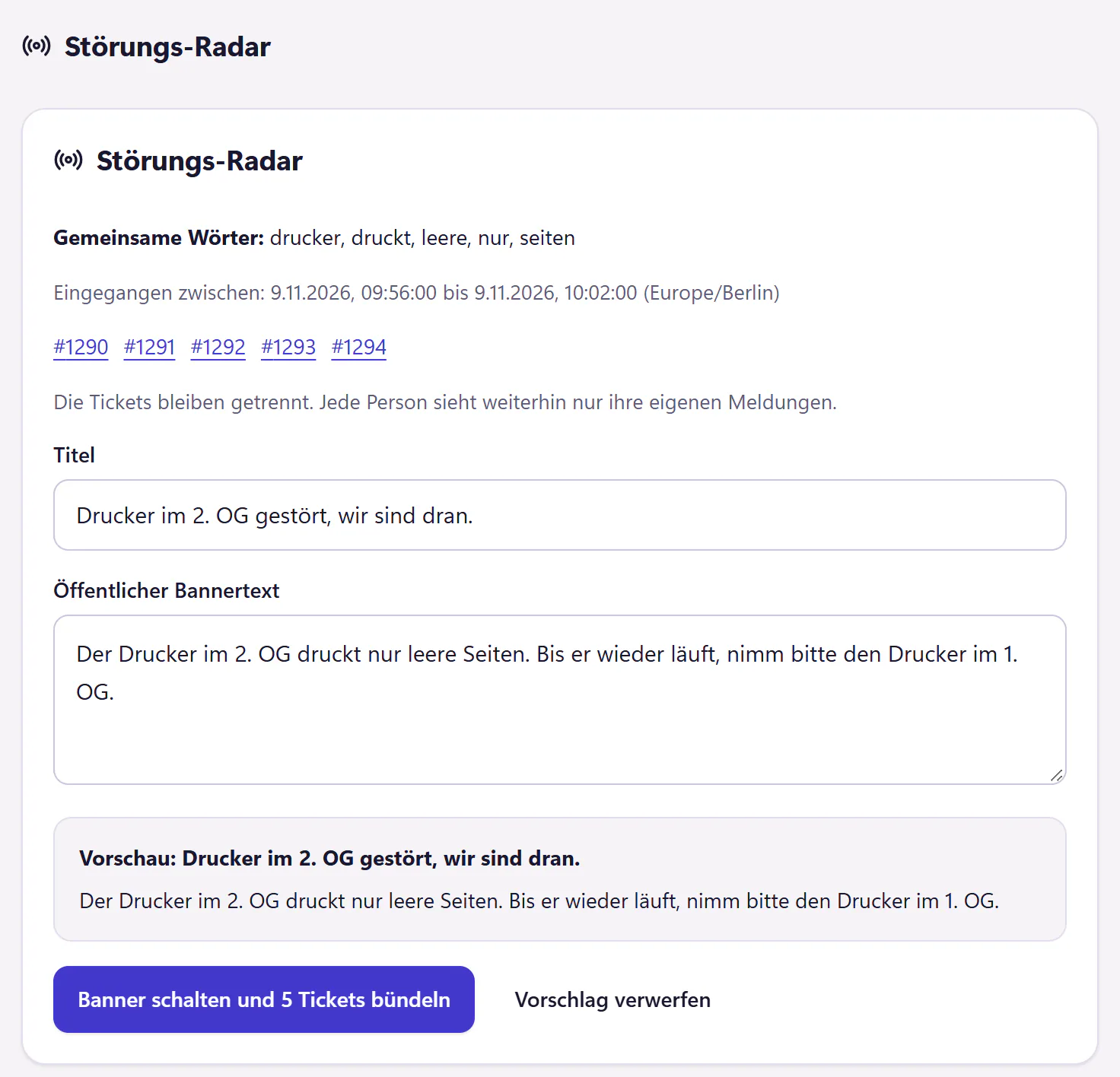
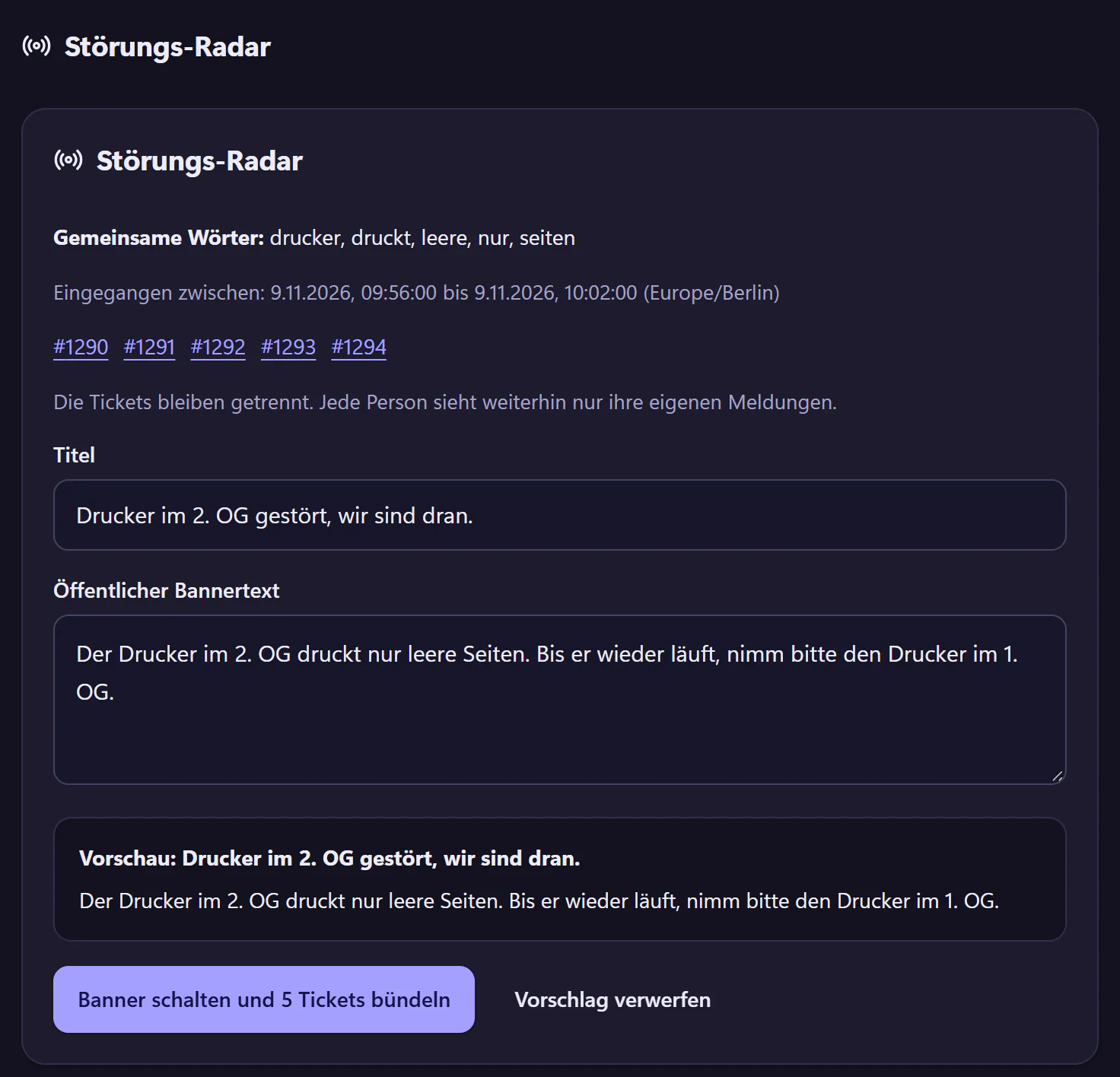
Radar raises the alarm
When several similar tickets arrive within a short time, Radar suggests an incident banner and shows the words they have in common. You can also publish a banner yourself without a suggestion.
One click publishes the banner and groups tickets
The banner appears in the portal, and the existing tickets are attached to the incident. They stay separate tickets, and each person still sees only their own ticket.
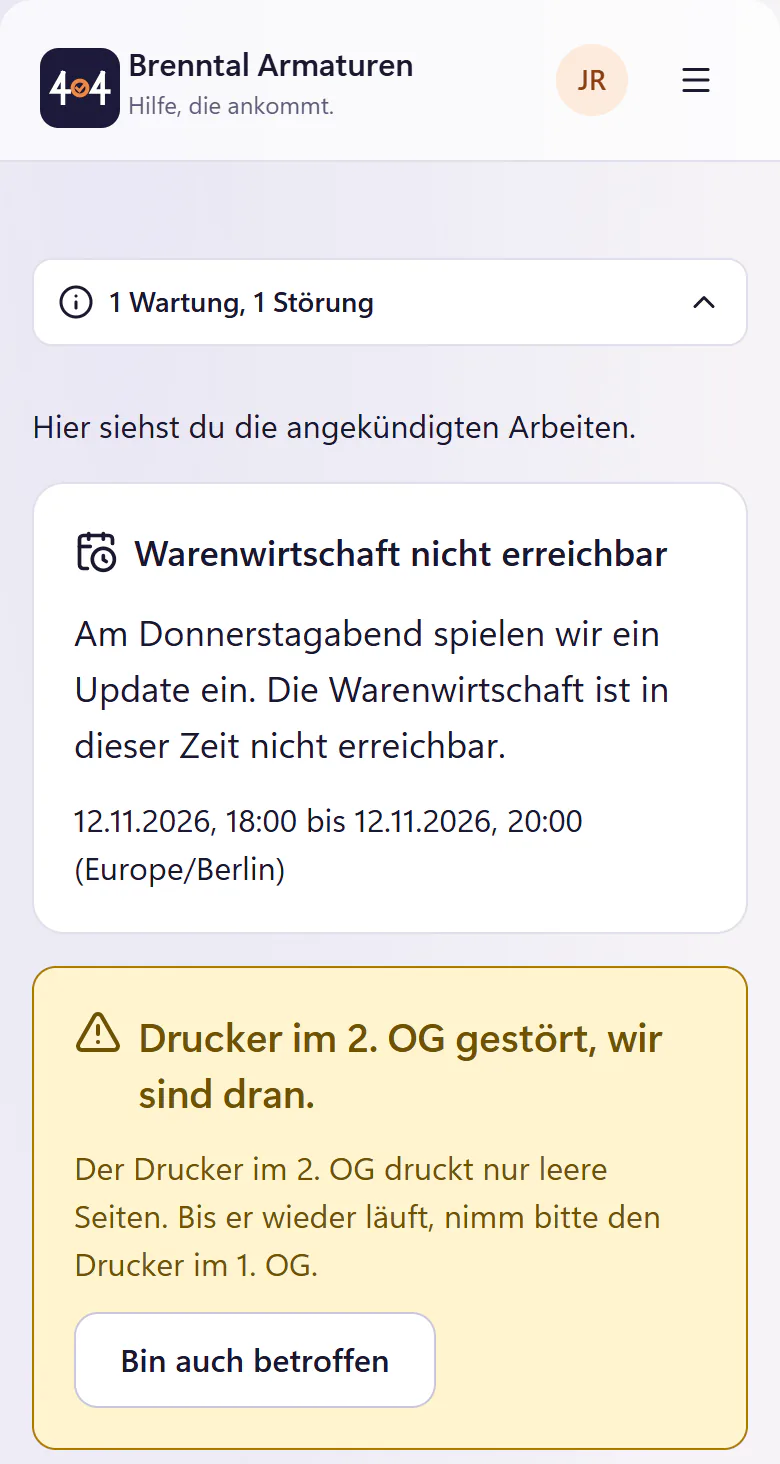
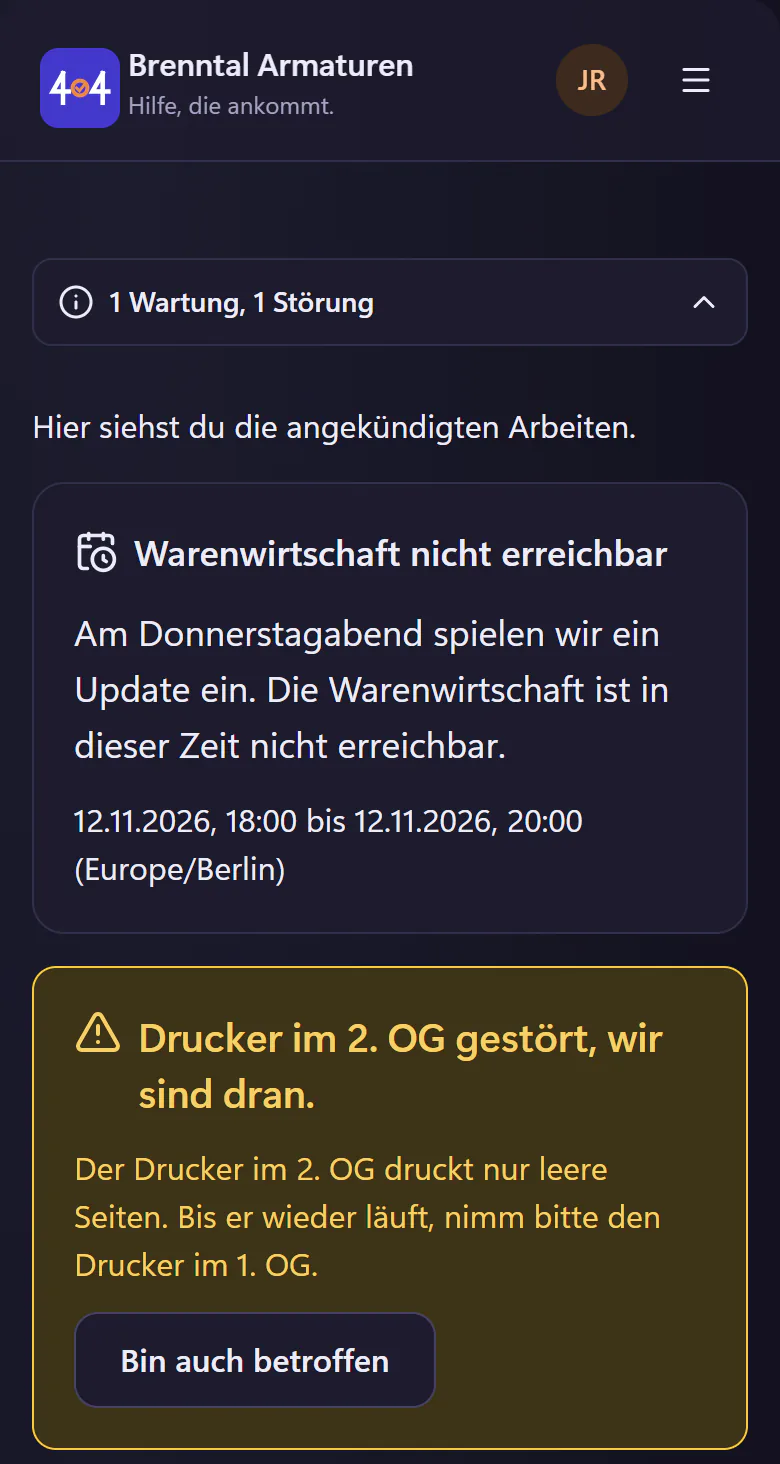
Affected employees join
Anyone who comes later taps "Bin auch betroffen" (I am affected too) instead of writing the twentieth ticket.
Fixed, everyone is told
You mark the incident as fixed, optionally with a closing sentence, and everyone who joined gets an email.
Announce maintenance
For an update of your ERP system on Thursday evening, you create a scheduled maintenance: a title, the text for the banner, start and end, and who needs to know. 404desk shows it in the portal and emails everyone or only selected departments. A reminder goes out at 09:00 the day before, in the company’s timezone. If you change the maintenance or cancel it, the same people are told.
How to word incidents and maintenance so that nobody has to ask is covered in the guide Communicating IT outages.
Details and limits
- Incident Radar
- Spots several similar tickets within a short time. With the AI add-on, it recognises similarity more accurately.
- Joining
- One click in the portal, and an email when it is fixed.
- Maintenance
- Banner and email to everyone or selected departments, a reminder the day before, and an email on changes and cancellation.
- Wallboard
- The number of active incidents and ongoing maintenance also appears on the wallboard in the IT office.
- Not included
- 404desk does not monitor systems itself. It learns about incidents from tickets and from alert emails from your monitoring. There is no public status page for customers.
Who incident banners are worth it for
Any company where a failed printer, a hanging VPN connection or a slow network immediately affects ten people. Without a banner, each of them writes a ticket, calls or drops by, and you explain the same thing ten times. With a banner, everyone sees in the portal that you are on it, and anyone who still wants to report joins the incident.
The saving is greatest when only a few people work in IT and nobody has time for questions during an incident.
Questions about incidents and maintenance
Does Radar publish banners by itself?
No. It makes a suggestion and you decide with one click, so no false alarm ends up in the portal.
Does everyone see every banner?
Everyone in the portal sees incident banners. Maintenance notices go to all active employees or to the departments you choose.
Do I need AI for this?
No. Radar works without AI and is included in the core plan. With the AI add-on, it recognises similar tickets more accurately.
Related features
- Employee portalReport IT issues, track progress and find help articles on a phone or desktop. No installation. Email reporters can use a personal link without an account.
- WallboardDisplay open tickets, approaching deadlines and incidents as large numbers. A wallboard link works without sign-in. Includes a JSON endpoint for LED displays.
- Email to ticketForward your IT mailbox to create tickets with attachments. Replies stay with the open ticket. Monitoring emails can open and close alert incidents.