

IT holiday cover, including external partners
When you go on holiday, you record your absence and choose someone to cover. Your open tickets then pass to them, and in the portal, anyone reporting an issue sees who is covering at the moment. That can also be an external IT partner, with guest access that expires by itself.
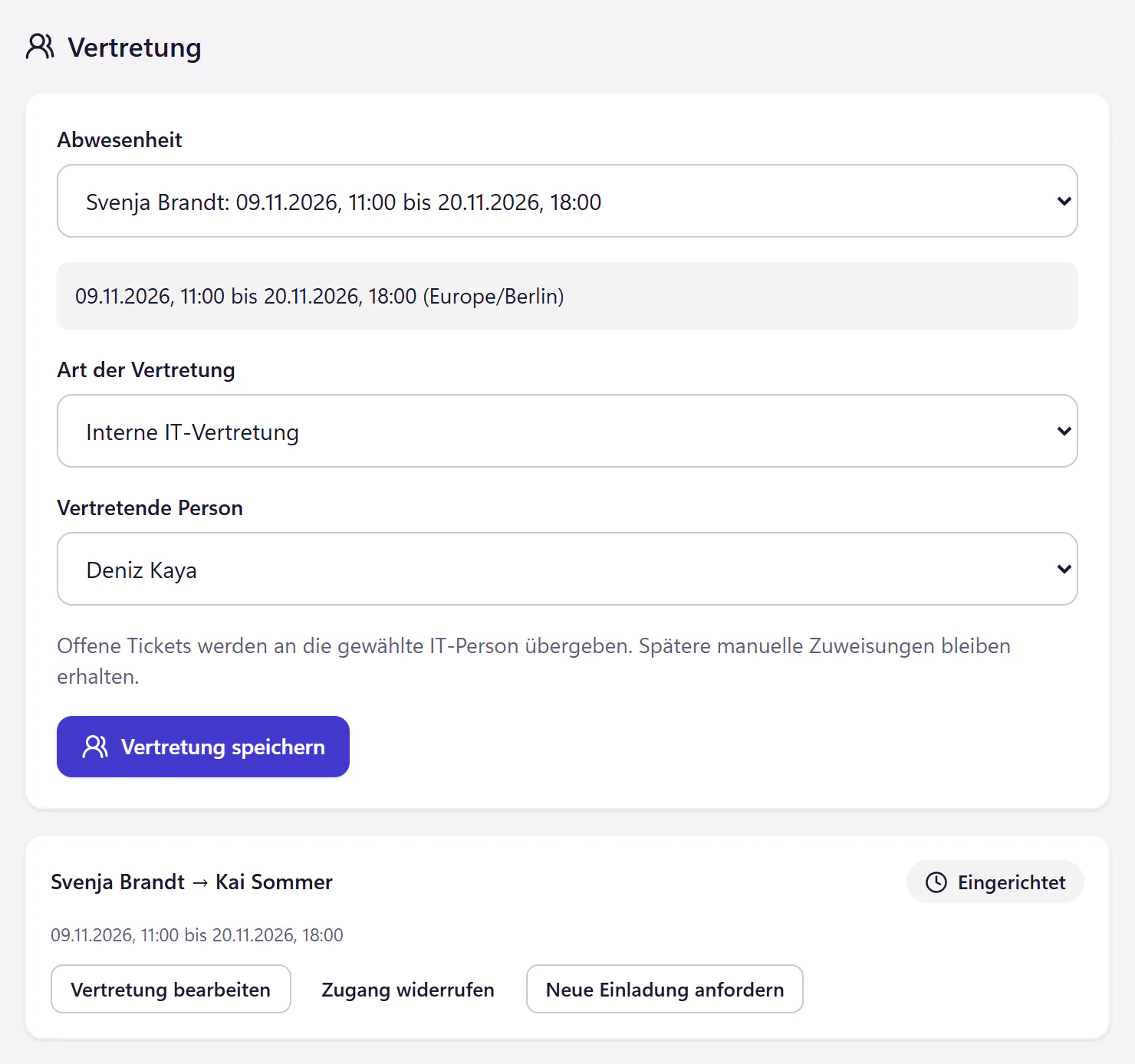
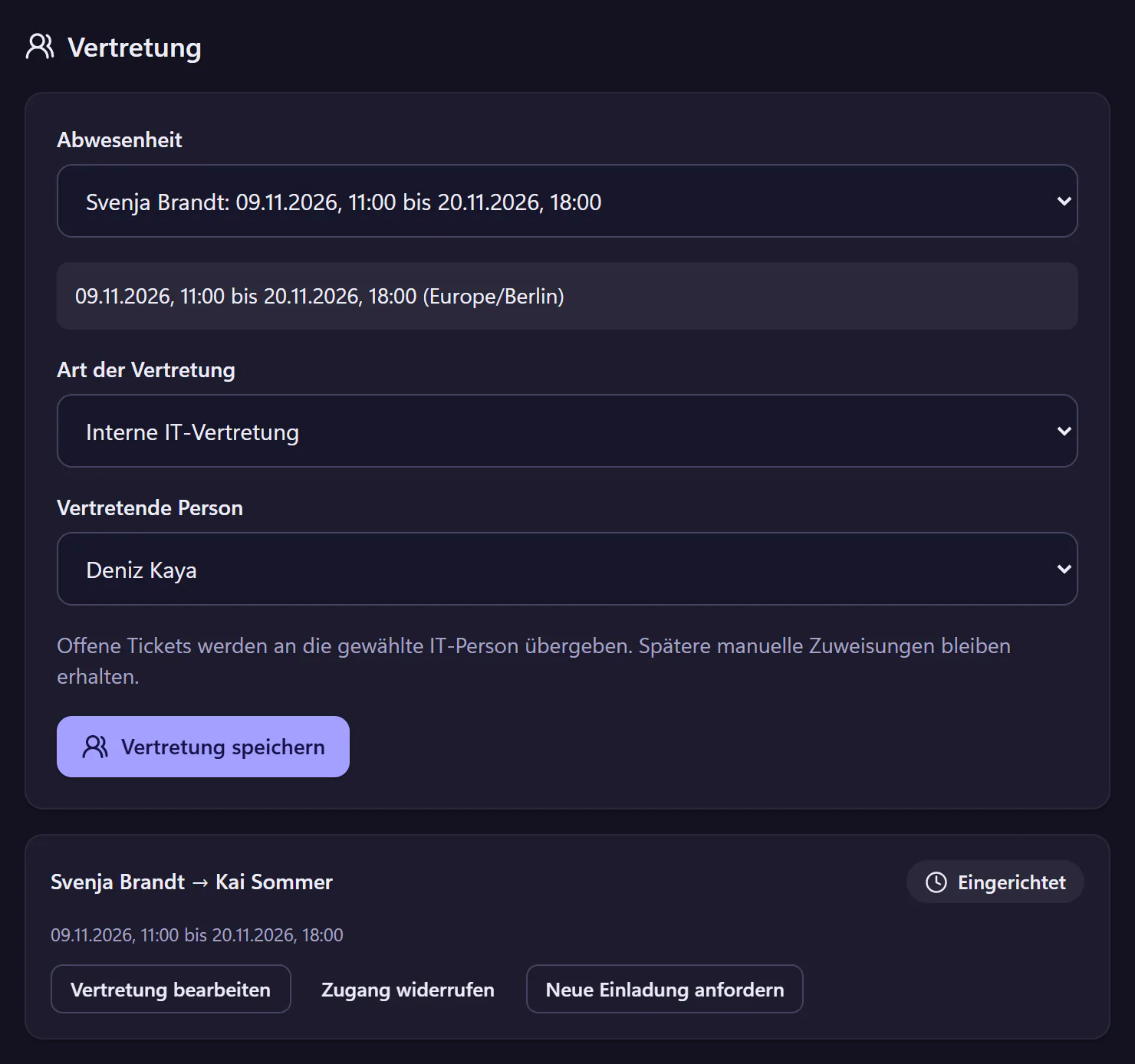
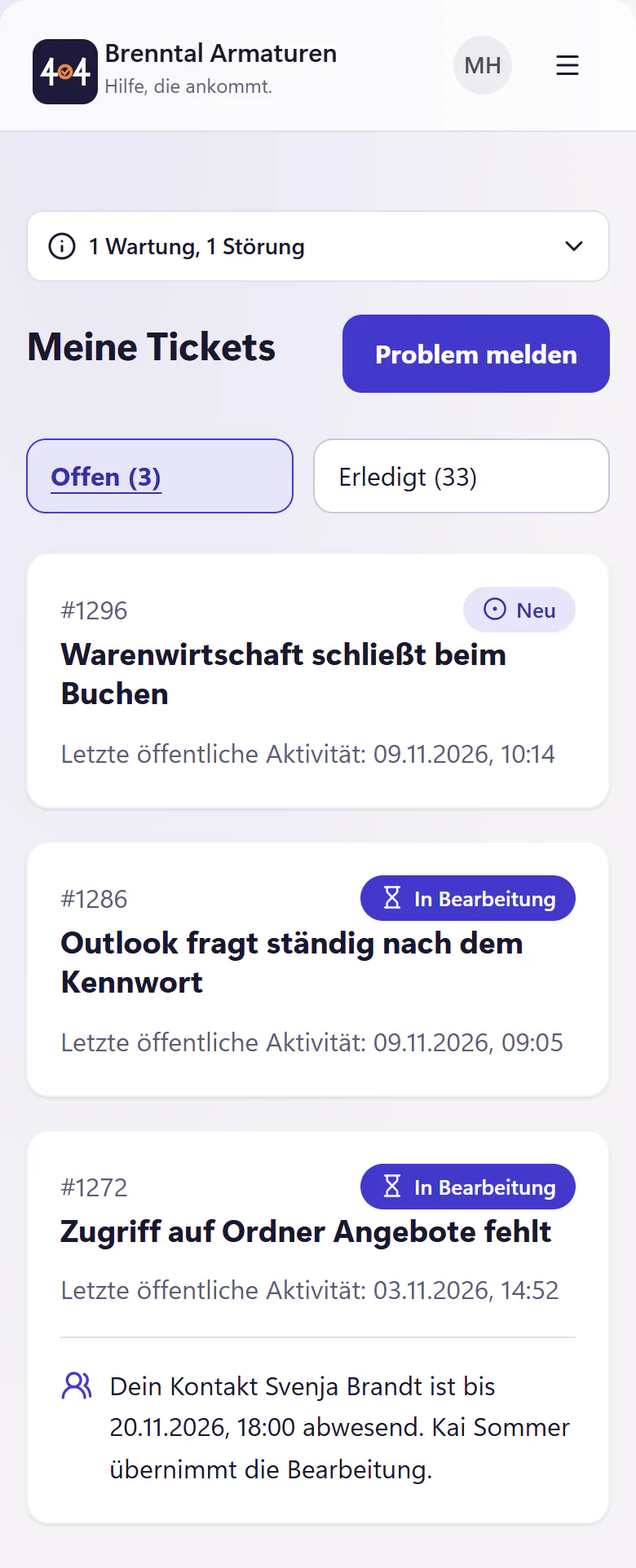
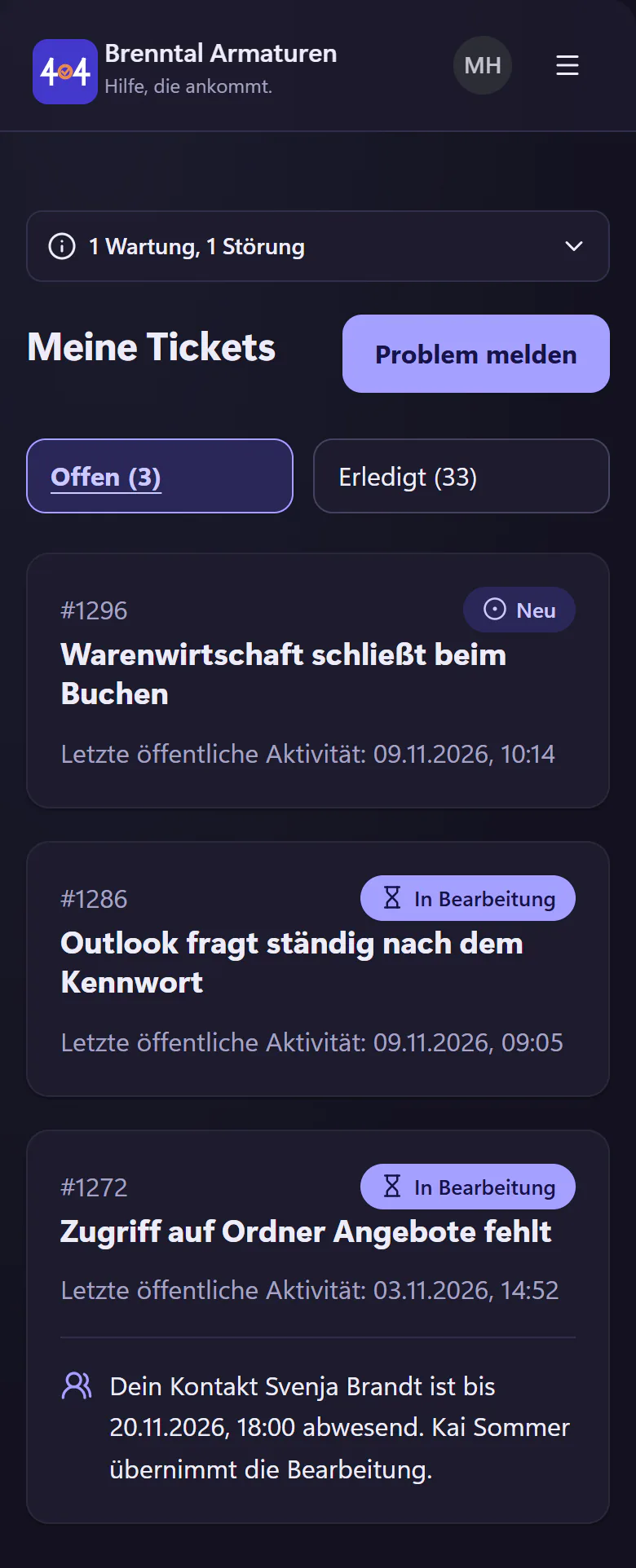
How to set up holiday cover
Record the absence
In the company calendar under SLA settings, choose the person and the period, either whole days or specific times in the company timezone.
Assign cover
Someone from IT, or an external guest for a limited time. A guest gets an invitation by email and signs in through a sign-in link, without an account.
Hand over tickets
The absent person’s open tickets are handed to whoever is covering. In "Meine Tickets" (my tickets) and on the open ticket, requesters see who is covering and until when.
Return
Guest access expires by itself at the end of the absence. What the guest replied and changed stays in the ticket history.
What guest access allows and what it does not
- Time limit
- A fixed end, 31 days at most, after which the access is blocked without you having to remember. You can revoke it earlier at any time.
- Narrow scope
- Only explicitly handed-over tickets, public replies and permitted status changes. No internal notes or administration.
- Traceability
- The invitation and the guest’s sign-ins are recorded in the company audit log, and their replies and status changes in the ticket history.
- No account
- Guest access is not an account and does not count towards the price.
- Deadlines
- Deadlines stop when the whole of IT is absent. See business-hour SLAs.
- No provider mode
- Guest access is for one company. A provider that wants to look after many customer companies in a single interface will not find that here.
Who this is built for
It is built mainly for one-person IT. If you run IT alone, a holiday is often just a note with the phone number of your IT service provider. With guest access, your partner works on the same tickets and sees the history, and after your holiday you can trace what happened.
In IT teams with several people, the cover is usually a colleague. Then the cover makes sure tickets do not sit with someone who is on a beach.
More about working alone in IT is under ticketing system for one-person IT.
Questions about cover
Can a guest see every ticket?
No. A guest sees only the tickets that have been explicitly handed to them. In those, they can read public messages, reply and make permitted status changes. They cannot see internal notes or administration.
What happens to tickets that are already open?
Open tickets of the absent person are handed to the person covering for the duration of the absence. If you later assign a ticket to someone else by hand, that stays as it is.
Do we need an agreement with the partner?
An external partner sees your employees’ personal data in the tickets handed to them. Which agreement you need with them is for your data protection adviser to decide, not the software provider.
Related features
- One-time linksShare a password through a link that reveals it once and expires within 24 hours. Keep secrets out of ticket histories and email bodies.
- SecurityTwo-factor authentication, audit log, controlled support access, export and deletion. Review hosting, service providers and the German DPA.
- IT consoleA compact IT ticket console with filters, saved views, bulk actions, keyboard shortcuts, internal notes, mentions and snippets.