

Schedule recurring IT tasks as tickets
Enter "check backups on the first Monday of every month" once. From then on, 404desk creates a ticket with a checklist every first Monday, and it appears in the IT console like any other ticket. You see on the ticket what is done, and in the list what has been left undone.
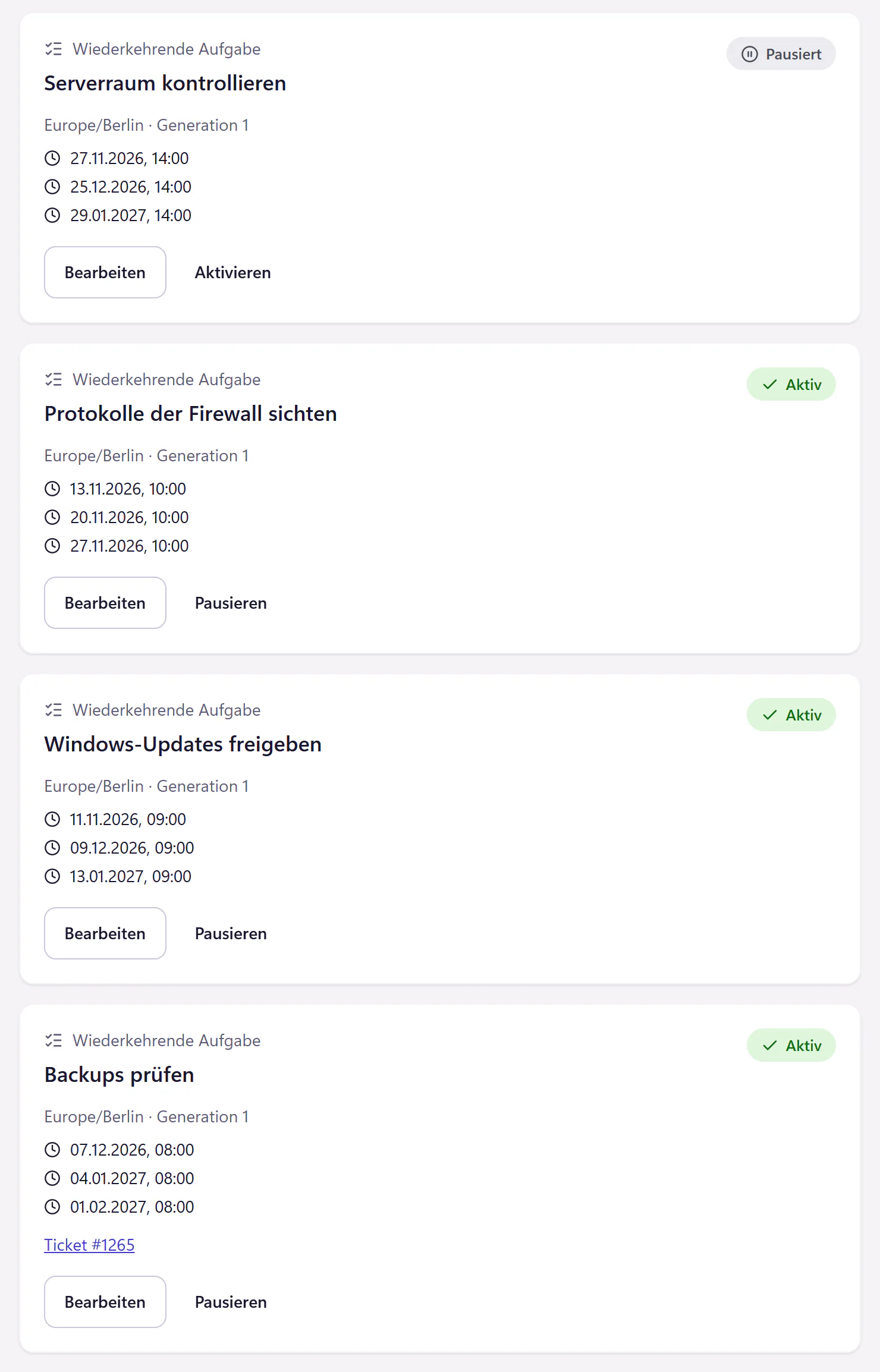
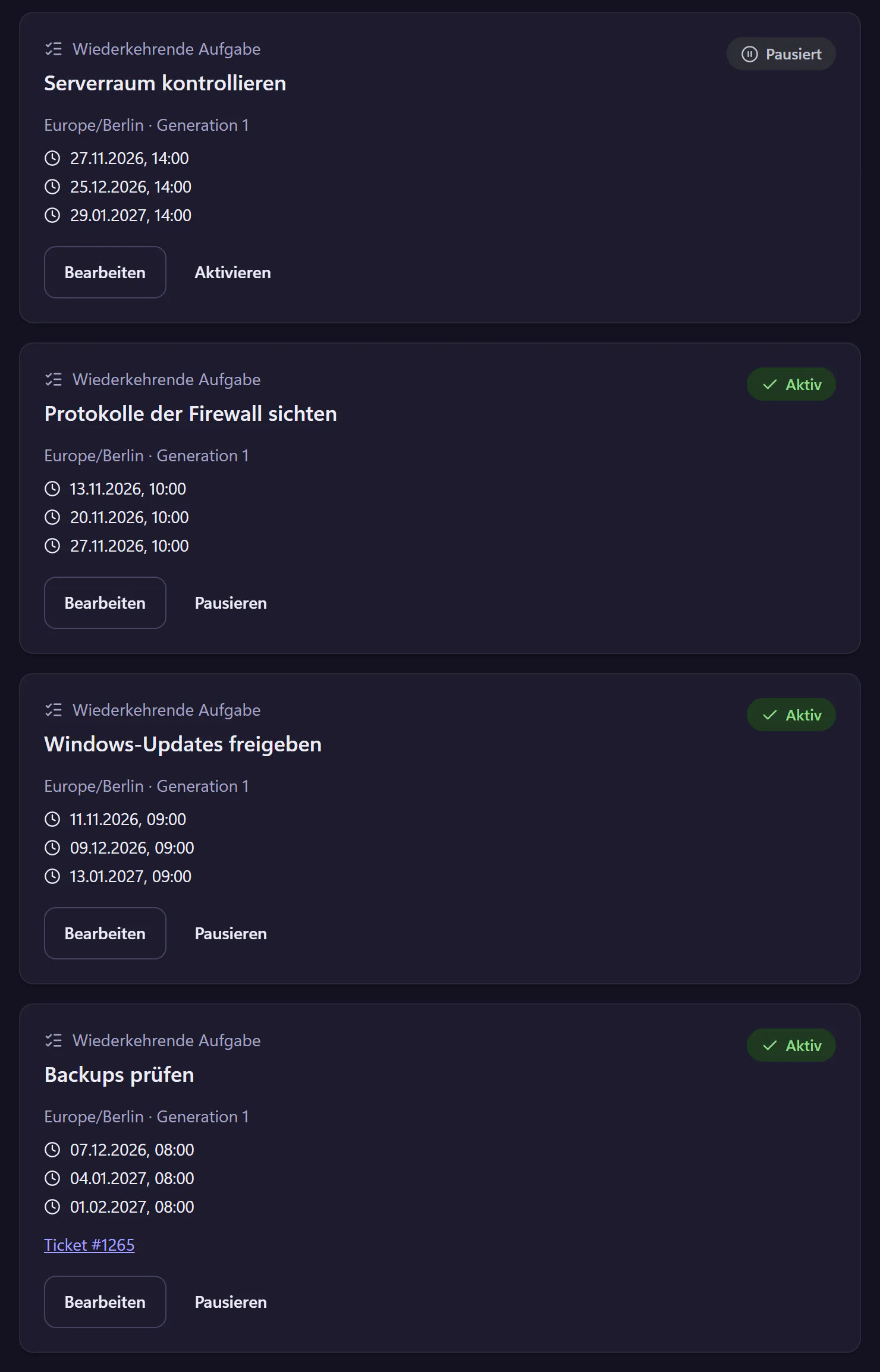
How to set up a recurring task
Choose a schedule
Daily, weekly on a weekday, or monthly on a weekday such as "every first Monday" or "every last Friday". Set the time and timezone. A preview shows the next dates.
Write a checklist
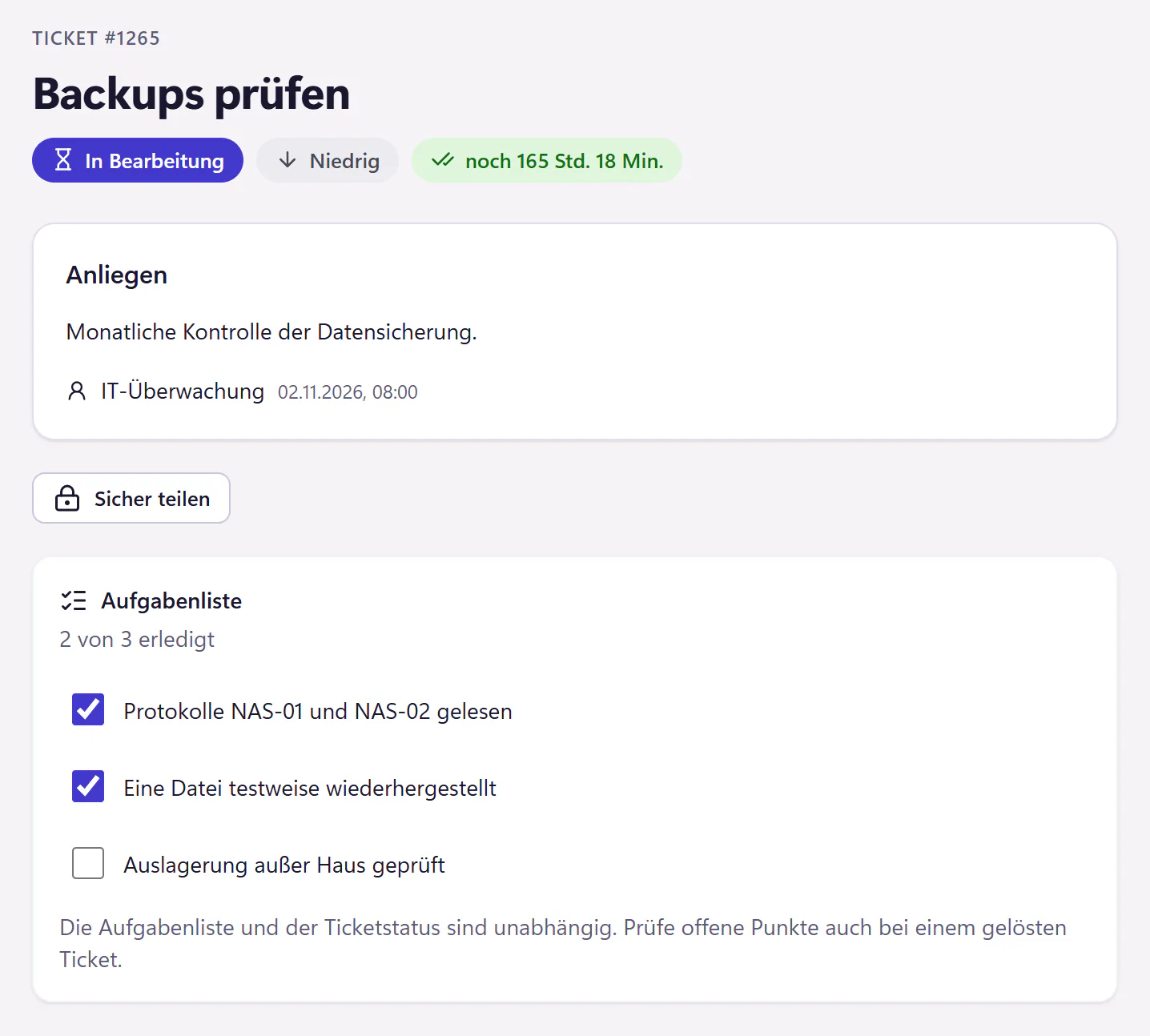
The steps that belong to every run, up to 25 items. For a backup check, a test restore belongs on the list as well as reading the logs.
Assign responsibility
The ticket goes to one person or stays unassigned for the team. If that person is absent and cover is set up, the ticket goes to the cover.
Tick items off
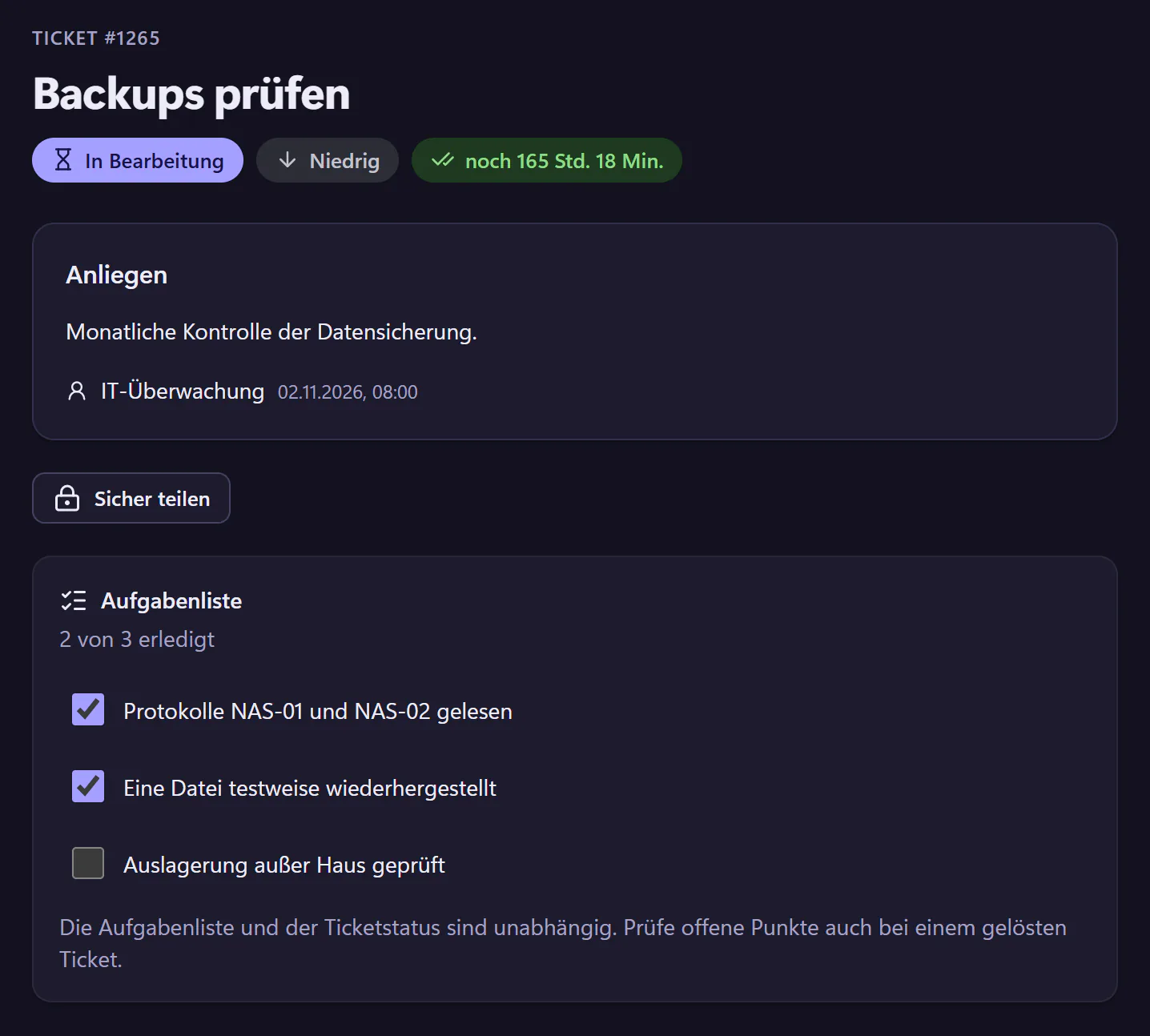
On the due date the ticket appears in the list. The checklist shows progress, such as "2 of 3 done", and stays on record for the next check.
Typical tasks and where they stop
Typical tasks are checking backups, approving updates, reviewing access rights, checking the UPS and air conditioning in the server room, reviewing firewall rules and cleaning up old accounts. These are the things nobody asks about for a year, and everyone asks about in an emergency.
Use expiry reminders for things with a fixed end date, such as licences, certificates or warranties. Use automations for rules that react to incoming tickets. Recurring tasks do not start anything in your systems. They only remind you, and on time.
Schedules longer than a month, such as quarterly or yearly, are not available yet. You can pause a schedule at any time and resume it later.
Who benefits most from recurring tasks
One-person IT teams, where everything routine lives in a single person’s head. If that person is out, nobody knows that the backups are checked on the first Monday. As a ticket with a checklist, it appears in the list for the cover just the same.
In larger teams, recurring tasks spread routine work fairly, because every task has a named owner. And when management asks whether the backups are checked, you show the completed tickets, going back as far as your retention period reaches.
Five tasks almost every IT team needs
- Weekly: read the backup logs.
- Monthly: check backups and restore a file as a test.
- Monthly: approve updates and review exceptions.
- Monthly: review access rights to a sensitive folder, a different one each month.
- Monthly: check the server room, including the UPS display and temperature.
Frequently asked questions
What if last month’s ticket is still open?
A new ticket is still created, and the old one stays visibly open. That way you notice when a check has been missed twice.
Do these tickets help with an audit?
They show when each check was created as a ticket and which items were ticked off. Whether that is enough for a particular audit is for the auditor to decide.
Does this cost extra?
No. Recurring tasks are included in the core plan, from €29 per month.
Related features
- Expiry remindersTrack expiry dates for licences, certificates, domains, warranties and contracts. Create a ticket in advance with an assignee and a deadline.
- Email to ticketForward your IT mailbox to create tickets with attachments. Replies stay with the open ticket. Monitoring emails can open and resolve alert incidents.
- IT service reportAn automatic PDF with ticket volume, response and resolution times, satisfaction, employee thanks, leading topics and SLA performance.