

GDPR ticketing system: export, retention and a DPA
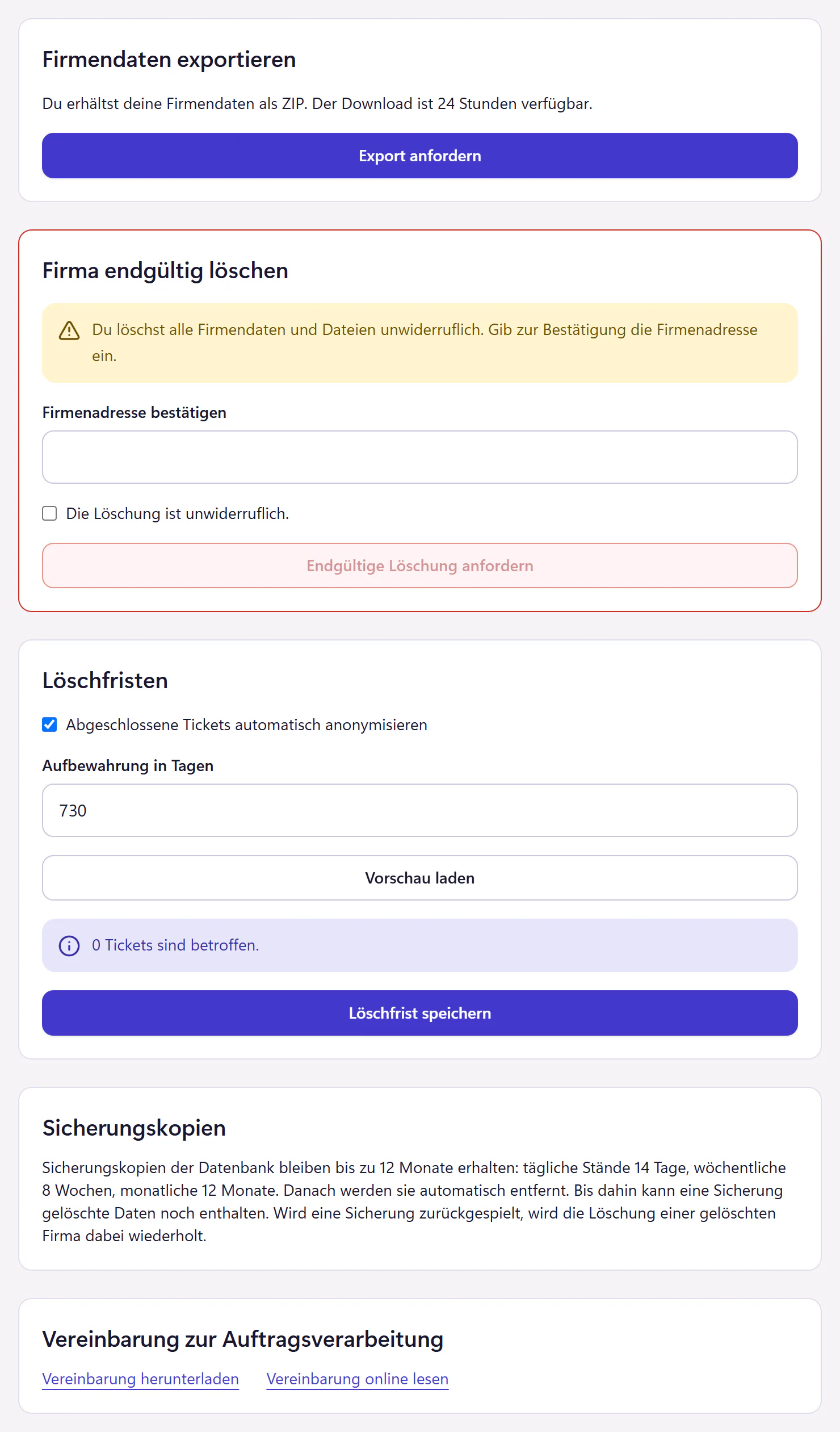
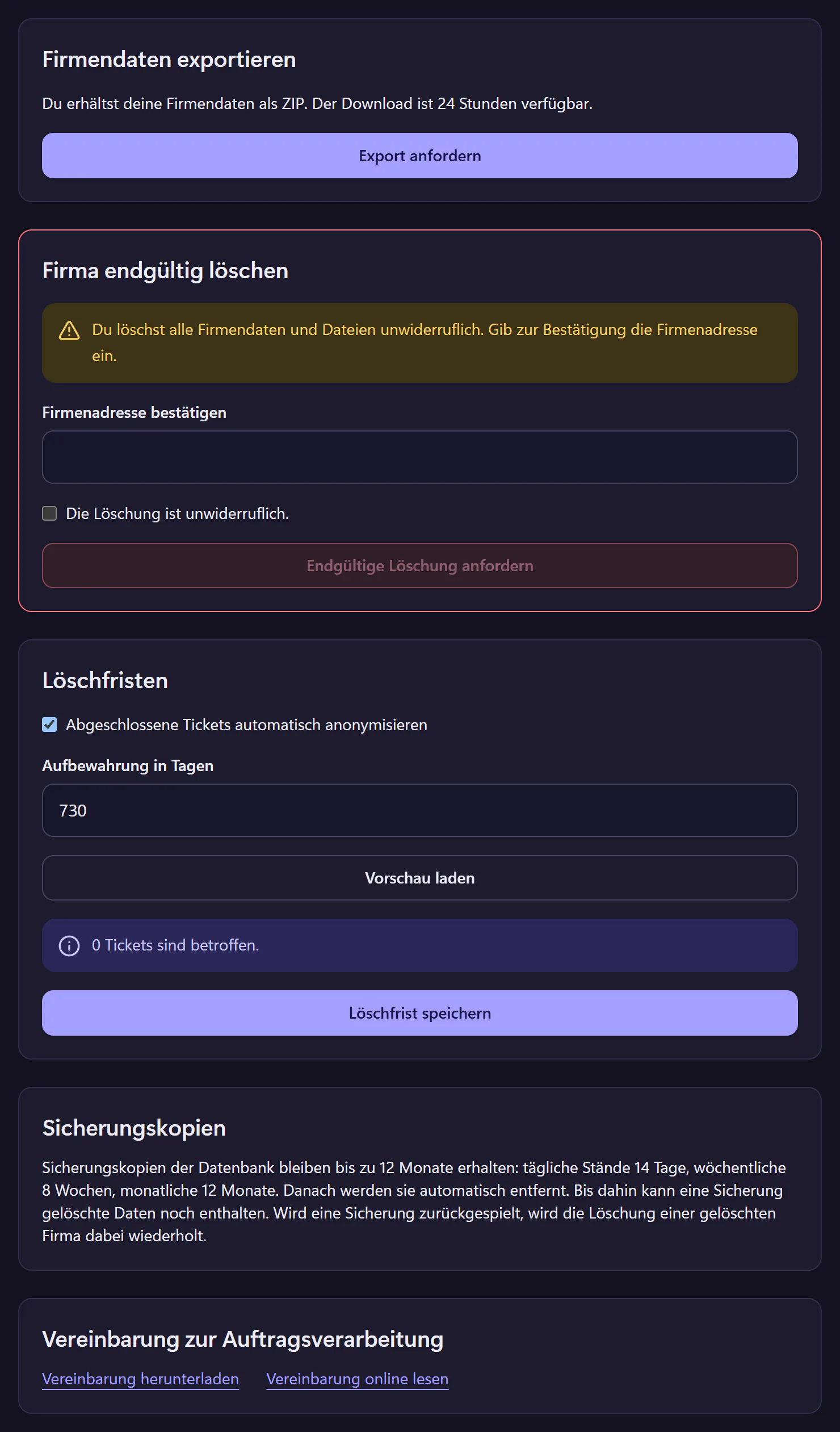
Privacy is built into 404desk: export your company data as a ZIP, handle access and deletion requests for individual people, request deletion of the company workspace, set a retention period that anonymises closed tickets, and download a data processing agreement. You do not need to email anyone for any of it.
How to set up privacy controls
Download the DPA
In the privacy settings. Keep it with your records and your record of processing activities.
Set the retention period
Between 30 days and ten years. A preview shows how many tickets are affected. Agree the period with your data protection officer and, if you have one, your works council.
Assign roles
Employee, IT and admin. Require two-factor authentication for all admins.
Export and deletion
For the end of the contract, request a company export and deletion of the company workspace in the settings.
What is built in for privacy
- Hosting
- Servers in Germany, provided by Hetzner.
- Export
- Your company’s business data as a ZIP with JSON files and attachments. Access keys and technical operating data are left out, and so are other people’s personal AI histories. The download stays available for 24 hours.
- Deletion
- The whole company workspace with its data and files, irreversibly and only after confirmation with the company address. Invoice records stay in a separate archive for the retention period that applies. Backups are not deleted straight away: they expire after their own retention periods. When the subscription ends, the workspace first becomes read-only, and deletion is announced by email beforehand.
- Retention period
- Closed tickets are anonymised after the time you set, and their attachments are deleted.
- DPA
- Available to download in German.
- Support
- Support sees no ticket contents unless an admin grants read access to tickets, notes and attachments. The grant lasts for a period you set and can be revoked at any time.
- Tracking
- No tracking cookies on the website.
Access and deletion requests for individual people
If someone wants to know what data is stored about them, or asks you to delete it, you handle this as an admin in the privacy settings under “Requests about individual people”. You search for the person by name or email address and first see a preview of which data is affected.
Access report: You download the data assigned to the person as a ZIP file. It includes profile details, their own messages, tickets, devices, requests, appointments and their own attachments. You review internal notes one by one and decide for each whether it belongs in the report. Contributions from other people are left out, and known names and email addresses of other people are redacted. Before you pass the report on, still check it yourself for details about other people, especially in free text and attachments.
Deletion: After the preview and your confirmation, 404desk removes the person’s account, sessions, personal settings, drafts and own files. References in tickets, messages and the audit log then show “Deleted person”, so the history stays readable. Company invoices are kept. Deletion cannot be undone.
You review free text by hand: Names and email addresses that someone typed into free text are not cleaned up automatically. The preview shows exact matches for manual review. No matches does not mean nothing is left, because the preview does not recognise other spellings or image content. 404desk cannot recall emails that were already sent or files that were already downloaded.
Backups: Database backups are kept for up to 12 months. If a backup is restored, 404desk repeats the deletion of the person using a separate deletion journal.
The retention period is a separate feature. It anonymises closed tickets after the time you set, regardless of individual people, and it does not delete a user account.
When someone leaves, the block from Microsoft 365 is applied at the next sync, which runs every 15 minutes. It takes effect immediately if you deactivate the account directly in 404desk.
For your record of processing activities
For the record of processing activities you need the purpose, types of data, recipients and retention periods. Our documents for this are the German DPA and the Security page with the service providers. You set the retention period yourself.
Questions from your data protection officer
Send them this page, the Security page and the DPA. That answers most questions before the trial.
Who this matters to
IT tickets usually contain personal data: names, devices and sometimes a mention of sick leave in passing. These controls matter for organisations in Germany and elsewhere in Europe. Subscriptions are initially offered to companies based in Germany. They matter most where the data protection officer wants to see the DPA before the trial or a works council has a say.
See Security for the technical measures.
Frequently asked questions
Where are the servers?
In Germany, provided by Hetzner.
How long are tickets stored?
As long as you set. With a retention period, closed tickets are anonymised after the time you choose and their attachments are deleted. Without one, they stay until you delete the company workspace.
Is there a DPA?
Yes. Admins download it in the privacy settings. The text is available in advance on the German DPA page.
Can we self-host 404desk?
No. It is available as a hosted service only.
Related features
- SecurityTwo-factor authentication, audit log, controlled support access, export and deletion. Review hosting, service providers and the German DPA.
- IT ticketing and the German works council: what to discussPrepare a works council discussion before introducing help desk software in Germany: reporting, access, retention, AI and a practical data overview.
- AI add-onAI triage, reply drafts, ticket summaries and employee help chat. Individual controls, redaction and prepaid credit. Ticket changes need human confirmation.