

IT service requests and approvals, without email chains
In 404desk, employees submit IT requests using templates for a new starter, a leaver, hardware and access. When approval is needed, an email goes to the person you set for the template. They approve or reject through the link in the email, with no account and no sign-in. IT gets a checklist so that nothing is missing for the new colleague.
How an IT request with approval works
Choose a template
In the portal under "Anträge" (requests): new starter, leaver, hardware request or access request. The template asks only for what IT really needs, such as name, date, department and equipment.
Decide by email
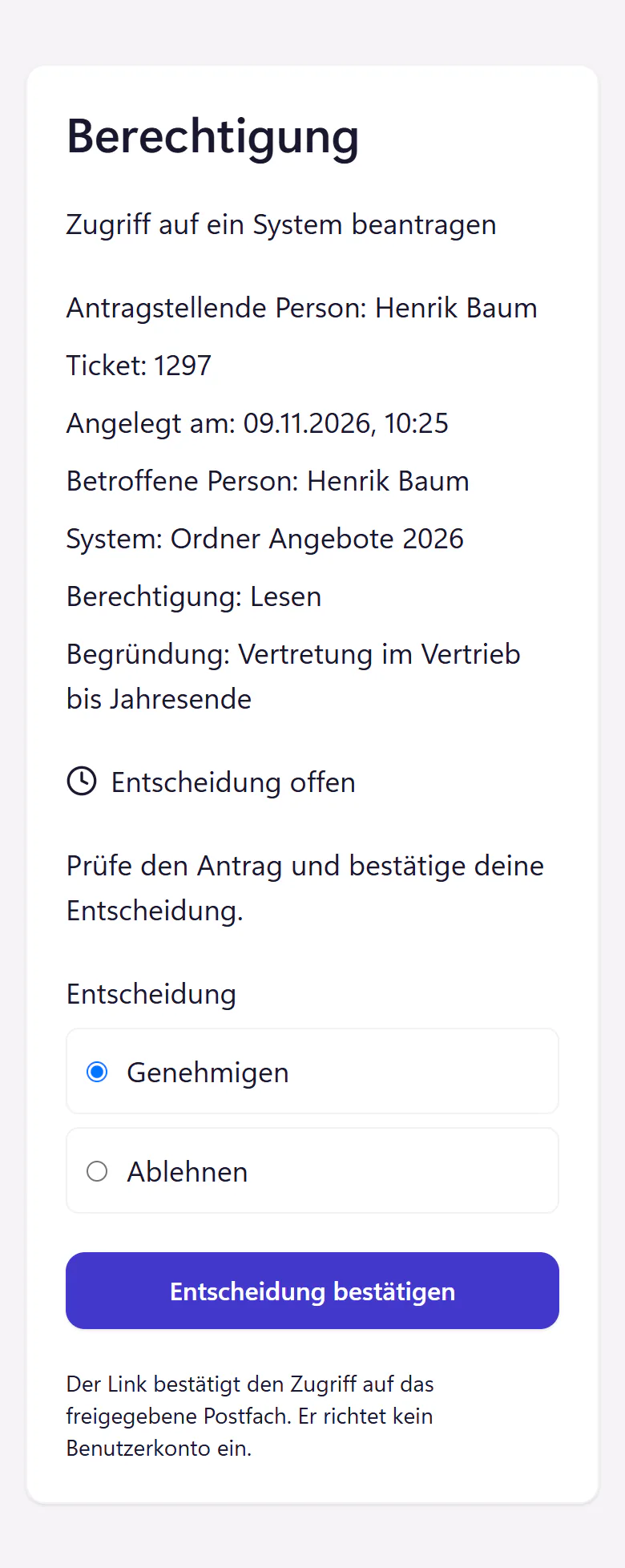
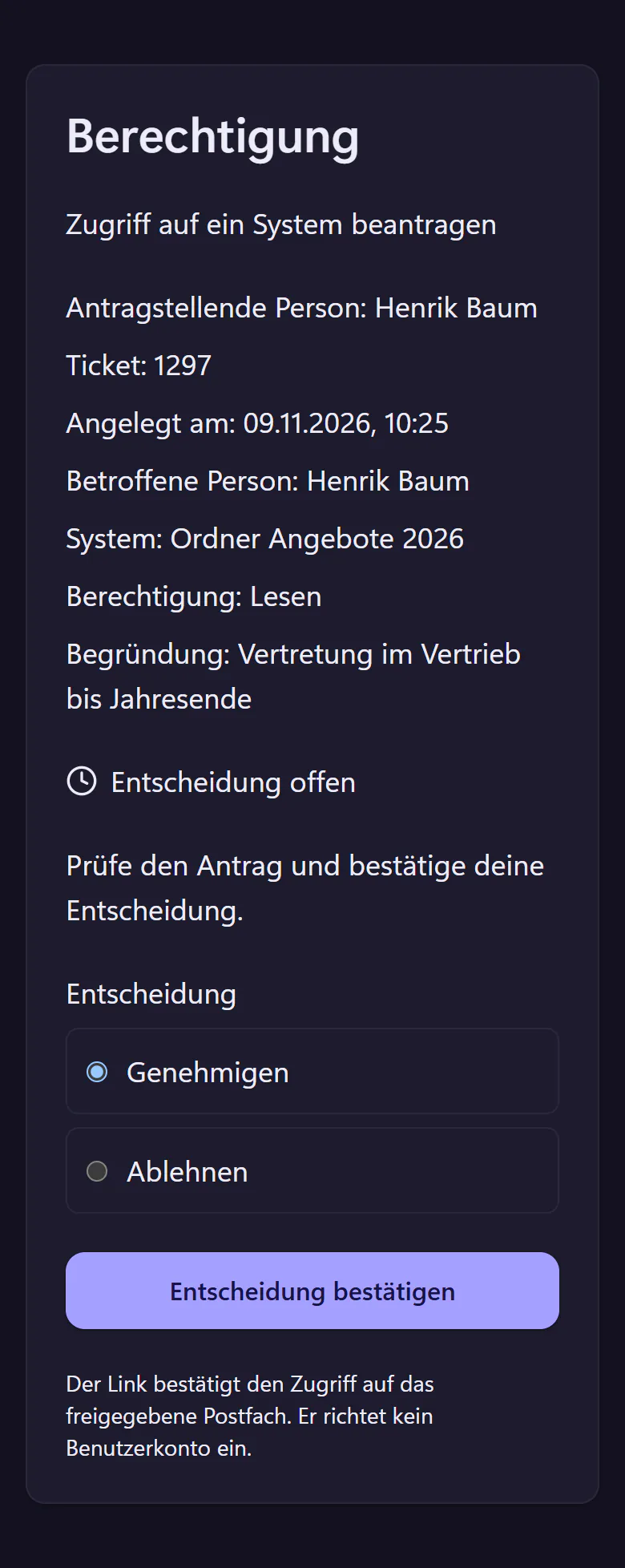
The approver gets an email with a link. The page behind it shows the details of the request. They choose "Genehmigen" (approve) or "Ablehnen" (reject) and confirm, with no account and no sign-in. The link is valid for seven days.
Ticket with checklist
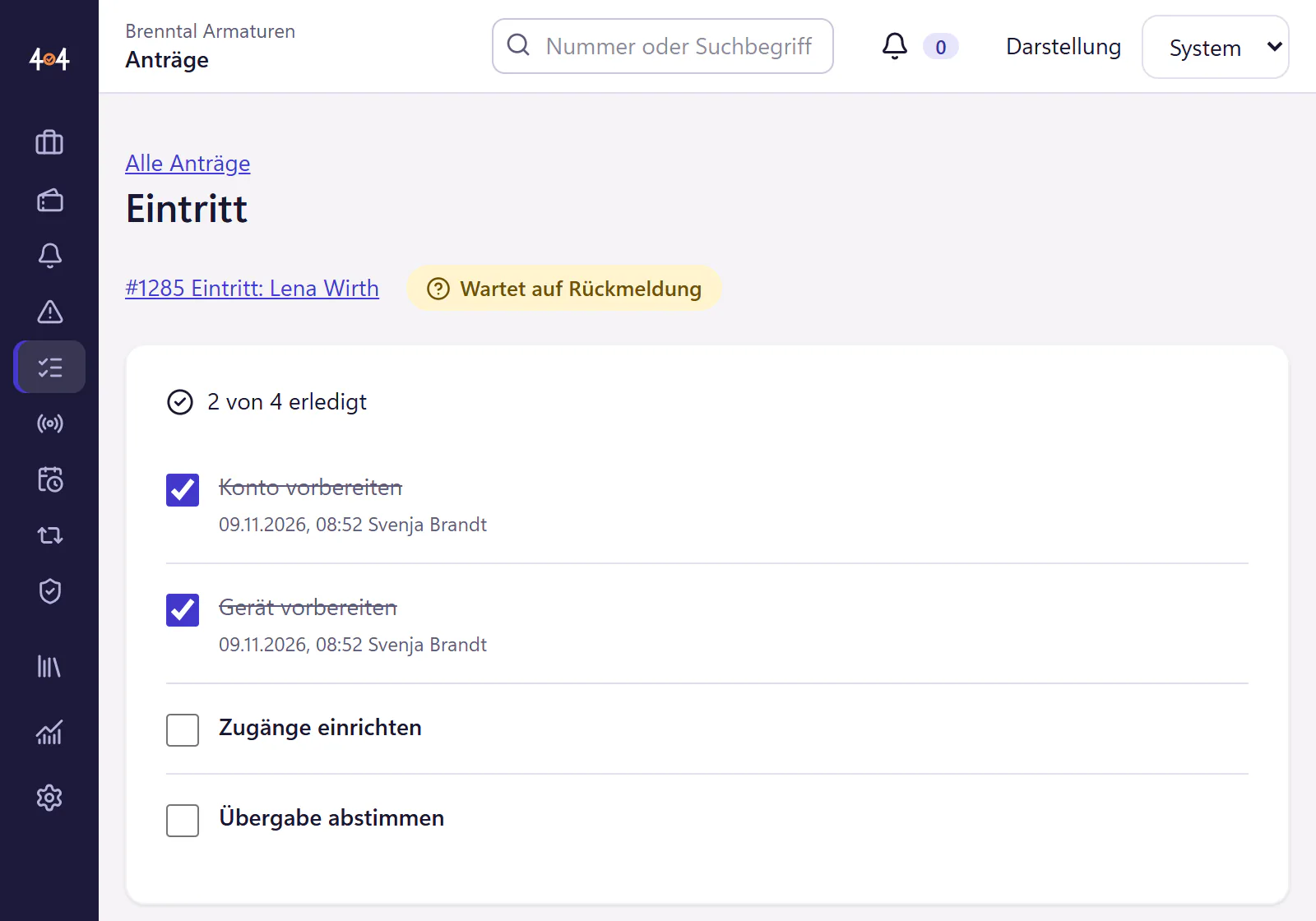
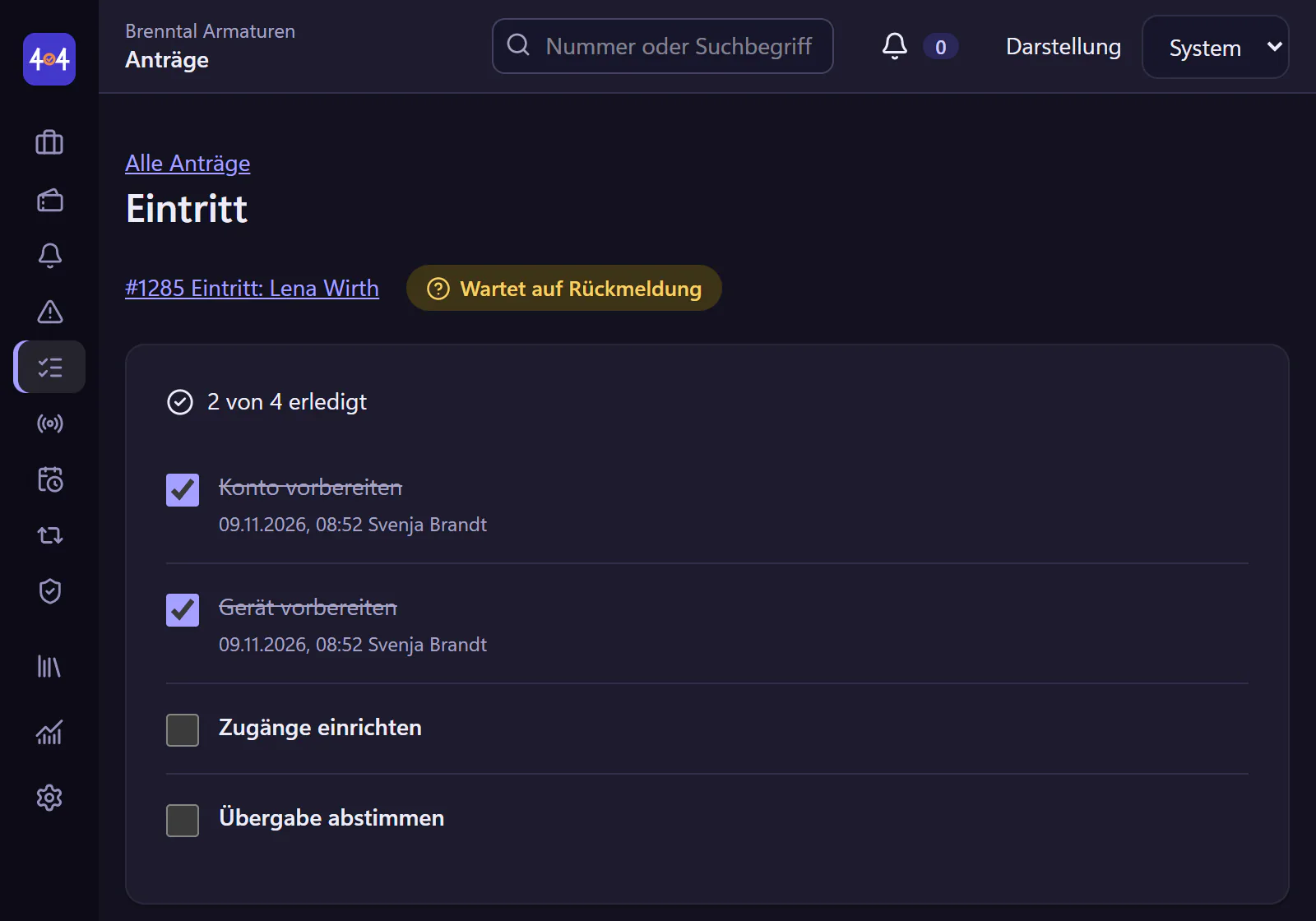
Each request comes with a ticket and the checklist from the template. The checklist stays locked until approval, and after that IT ticks items off. After a rejection it stays locked. The progress is shown on the request, for example "2 of 4 done".
Done and documented
The request, decision and checklist are kept in case someone later asks who approved the access. If the ticket is resolved while an item is still open, 404desk points it out.
Templates, settings, limits
- Four templates built in
- New starter, leaver, hardware request and access request. You adapt each template’s checklist to your own workflows, with up to 25 items. The questions in the templates are fixed.
- Who can request
- Per template, all employees, or only IT and selected people.
- Approval
- For each template you set whether new requests need approval and who decides. The approver decides through the link in the email, without an account in the product.
- Checklist
- For IT, attached to the request. Changes to a template apply only to future requests, and existing checklists stay as they are.
- Not automatic
- 404desk does not create Microsoft 365 accounts and does not grant permissions. The checklist says what needs doing, and the work happens in your own systems.
Who gets the most out of it
Companies where new starters have so far been announced by HR in passing, three days before the first working day. With a request, the information arrives earlier and complete, and the checklist makes sure the Teams group is not missing on day one. For leavers, the list is at least as important, because forgotten access stays open.
Ready-made lists you can adopt are in the guides IT onboarding checklist and IT offboarding checklist.
Frequently asked questions
Does the approver need an account?
No. They open the link from the email, see the details of the request and confirm their decision, with no account and no sign-in. That is also why they do not count as an account for the price.
Does 404desk create Microsoft 365 accounts automatically?
No. The checklist reminds IT to do it, and the account is still created in Microsoft 365. Through the user sync it then shows up in 404desk.
Can we build our own request templates?
Not yet. There are the four templates. You adapt their checklists, decide who may use them, and switch individual ones off if you do not need them.
Related features
- Asset managementTrack devices, asset tags and employee assignments. Import CSV or Excel and print equipment handover forms with signature fields.
- Appointment bookingEmployees choose an available IT appointment in the portal. A calendar invitation arrives by email and the ticket moves to scheduled status.
- Microsoft 365Microsoft 365 sign-in and Entra ID user sync, including account status. Forward your IT mailbox for email ticketing. No Google sign-in.