

One-time links for sharing passwords, straight from the ticket
An initial password for a new colleague, the Wi-Fi key for the meeting room: you share secrets like these as a one-time link. In the program it is called "Sicher teilen" (share securely). The link works exactly once and for 24 hours at most. After it is opened, the content is removed. The password never appears in the ticket history and never as plain text in an email.
How to share a password with a one-time link
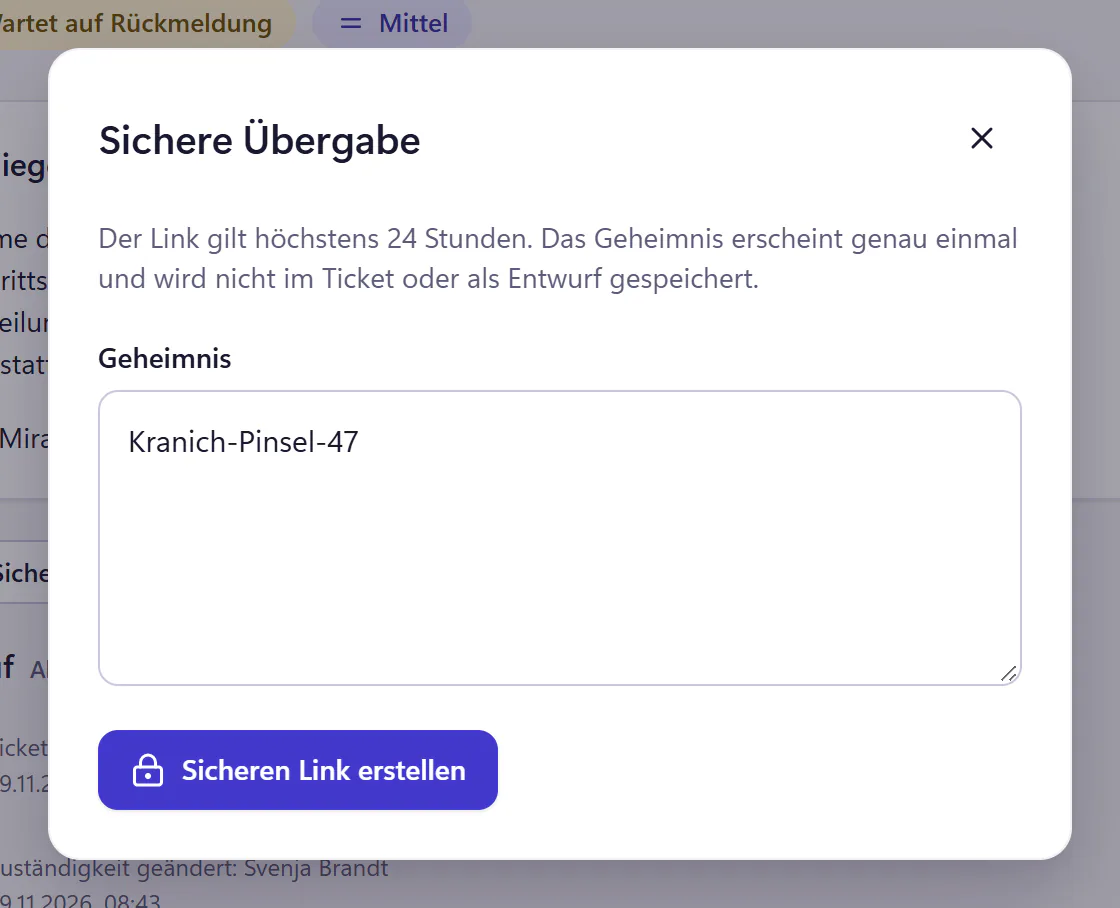
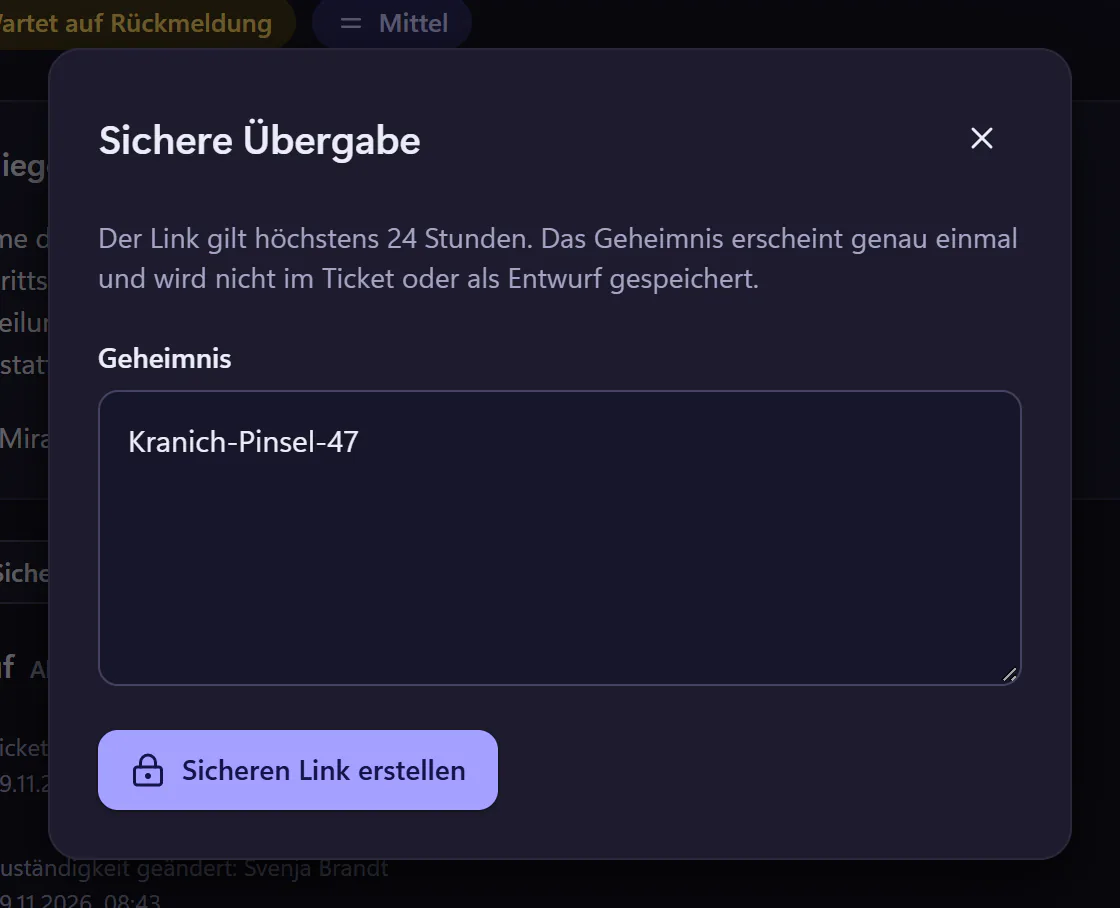
Choose "Sicher teilen" in the ticket
Paste the password or key into the field. It is not saved in the ticket or as a draft.
Create the link and pass it on
The link is generated. Copy it and send it to the person, for example in a ticket reply. The message contains only the link, no password.
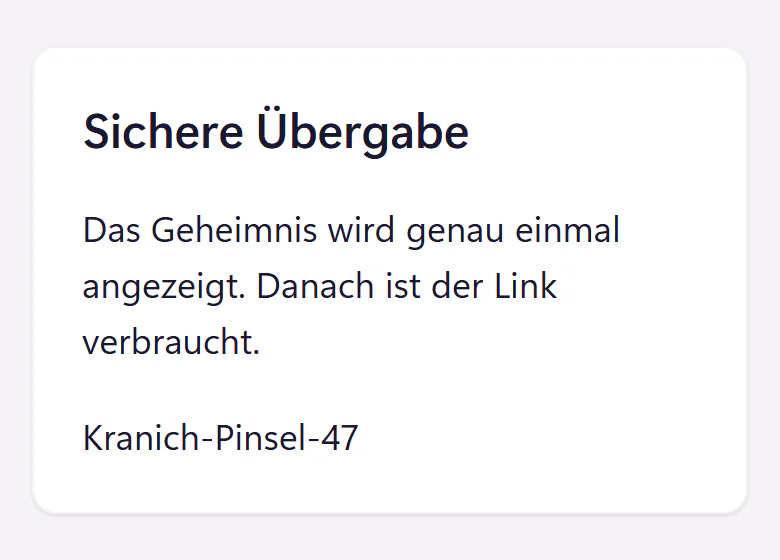
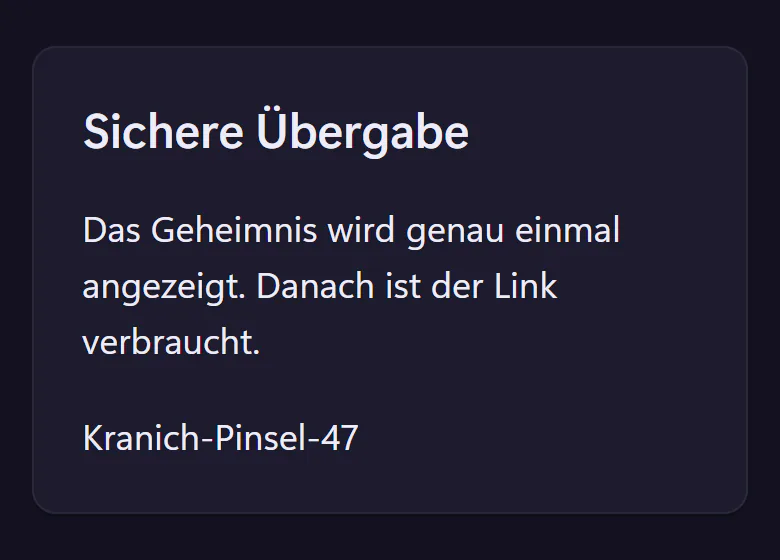
Open it once
The person opens the link, confirms the reveal and sees the password. After that the content is gone.
Expiry after 24 hours
If nobody opens the link, it stops working after 24 hours at most. You can revoke it at any time before that.
What a one-time link protects and what it does not
- Protects
- Passwords stay out of the ticket history, mailboxes and forwarded emails. Backups hold the content only in encrypted form, until they expire after their own retention periods.
- Does not protect
- Whoever opens the link before the right person sees the password. So always have an initial password changed at first sign-in.
- Traceable
- The audit log shows when a link was created, opened or revoked. The content is not recorded there.
- Validity
- Until the first reveal, 24 hours at most.
The guide Share passwords securely explains why passwords do not belong in emails and tickets, and which other routes exist.
When you need a one-time link
Every time a secret changes hands: initial passwords for new starters, guest Wi-Fi access for a contractor, the PIN for a work phone, a recovery key after a disk replacement. Until now, this kind of thing ends up in an email that sits in three mailboxes and a backup, or in a ticket that someone is still reading years later.
The one-time link helps most with new starters, because that is when many credentials go out at once. Together with the new starter request, the initial password can be an item on the checklist.
Frequently asked questions
Can IT view the password again later?
No. Once the link has been opened, the content is removed, for IT too. After 24 hours the link can no longer be opened, and a background job removes the content. Anyone who needs the password again gets a new link.
Can people without an account use it?
Yes. You copy the link and pass it on yourself, for example to a new starter’s private address before their first day. No account is needed to open it.
Does this replace a password manager?
No. The one-time link is for handing a password over. Long-term credentials belong in a password manager.
Related features
- Requests and approvalsOnboarding, offboarding, hardware and access request templates with IT checklists. Managers approve through an email link without an account.
- SecurityTwo-factor authentication, audit log, controlled support access, export and deletion. Review hosting, service providers and the German DPA.
- Cover and guest accessRecord absences and hand tickets to a colleague or external IT partner. Employees see who is covering. Guest access expires automatically.